
Clipstudio
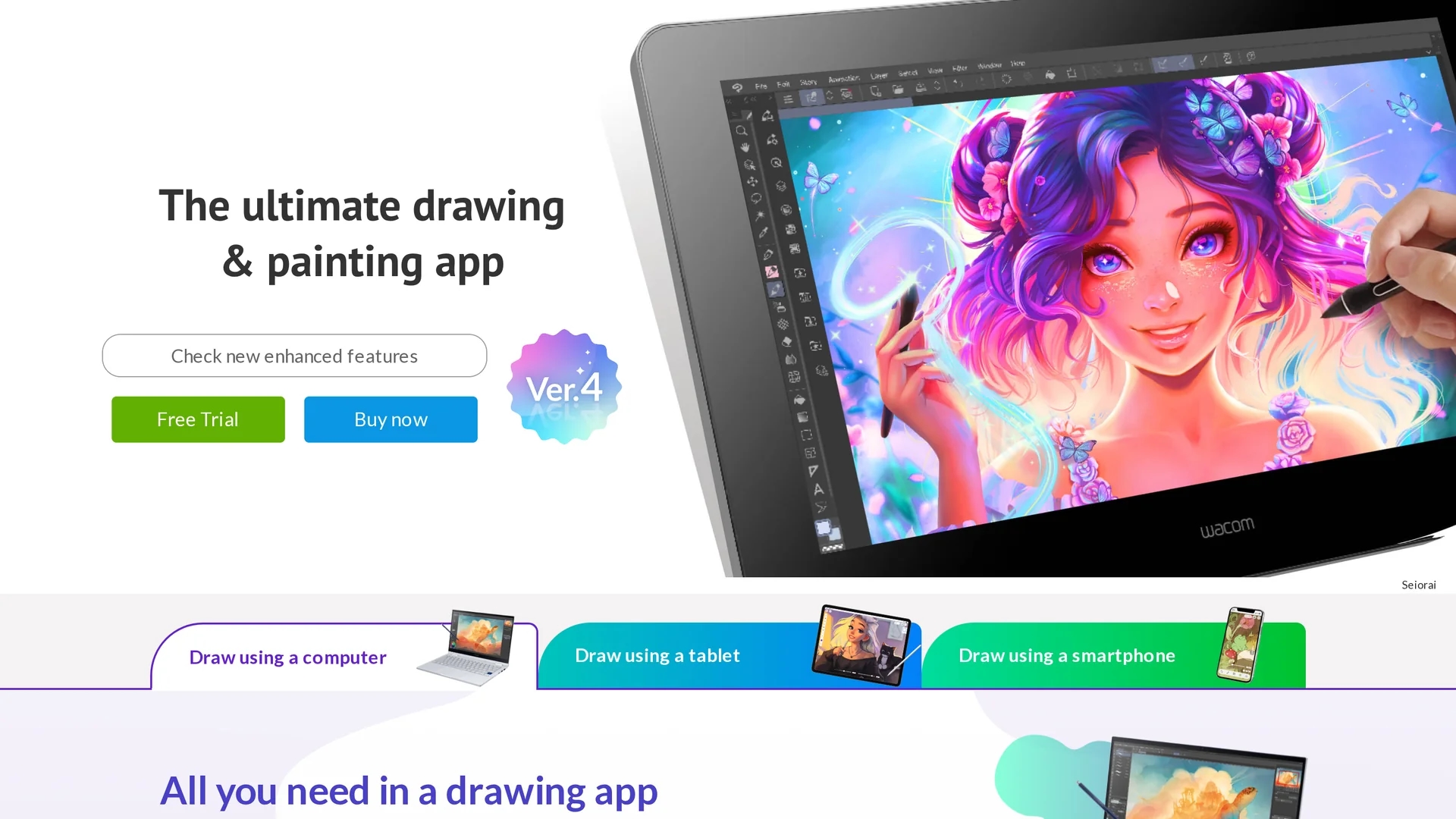
Clip Studio Paint is a versatile digital art app with over 120,000 brushes, customizable 3D models, and a global community, ideal for creating illustrations, comics, manga, and animations.
Disclaimer: Visionary Hub is not affiliated with, endorsed by, or the operator of this tool. All trademarks, logos, and content are the property of their respective owners. Full disclaimer available here
Key Features
Natural Brushes
Simulate real pencil and paintbrush strokes with adjustable pen pressure sensitivity.
Vector Layers
Edit line thickness and position after drawing for clean, scalable artwork.
Animation Tools
Create frame-by-frame animations with onion-skin and light table features.
Cloud Storage
Store up to 10GB of projects for easy access across devices.
Get Started
Share & Save
Share on Social Media
Why Choose Clipstudio
Extensive Brushes:
Access over 120,000 brushes and customizable brush tips for diverse art styles.3D Models:
Use fully customizable 3D reference models to improve pose and proportion accuracy.Multi-Platform:
Available on Windows, macOS, iPad, iPhone, Android, and Chromebook for flexible use.
Pricing
Clip Studio Paint offers a free trial and flexible pricing: monthly plans starting at US$0.99/month, annual plans with discounts, and one-time purchases from US$58.50 for Windows/macOS. Mobile versions support subscription plans.
About Clipstudio
Clip Studio Paint is a versatile digital art app with over 120,000 brushes, customizable 3D models, and a global community, ideal for creating illustrations, comics, manga, and animations.
What Clipstudio Does
Clip Studio Paint enables users to create detailed digital artwork including concept art, character designs, comics, manga, and animations. It enhances artistic productivity with natural brush strokes and advanced painting tools.
The software includes over 120,000 brushes and patterns, customizable 3D models for pose referencing, vector layers for precise linework, and animation features like onion-skin and light table. It supports multi-page comic projects and offers cloud storage for seamless workflow across devices.
Artists, illustrators, comic creators, and animators across industries such as entertainment, education, and game development use Clip Studio Paint for professional digital art creation and animation production.
Pros & Cons
Versatile Toolset
Combines illustration, comic, and animation features in one application.
Community Support
Access tutorials, asset libraries, and a global user community for learning.
Complex Interface
Feature-rich UI may have a learning curve for beginners despite simplified modes.
Platform Limitations
One-time purchase available only for Windows and macOS; mobile requires subscription.
Frequently Asked Questions
It supports Windows, macOS, iPad, iPhone, Android, and Chromebook devices.
Yes, a free trial is available for up to six months on supported devices.
Monthly plans start at US$0.99, annual plans offer discounts, and one-time licenses are available for desktop.
Yes, it offers simplified UI modes and extensive tutorials to support beginners.
Yes, it includes tools for frame-by-frame animation, onion-skin, and light table features.
Similar Tools You Might Like
Discover more AI-powered tools that complement your workflow
List Your AI Tool & Reach Thousands of Users
Join 500+ AI innovators already thriving on our platform. Get visibility, feedback, and boost your conversions.
Expand Your Audience
Connect with over 50,000 AI enthusiasts actively looking for tools like yours.
Boost Your Authority
Get verified reviews and ratings to build credibility in the AI marketplace.
Drive Conversions
Our premium placements and targeted audience deliver quality leads and sign-ups.