clayai
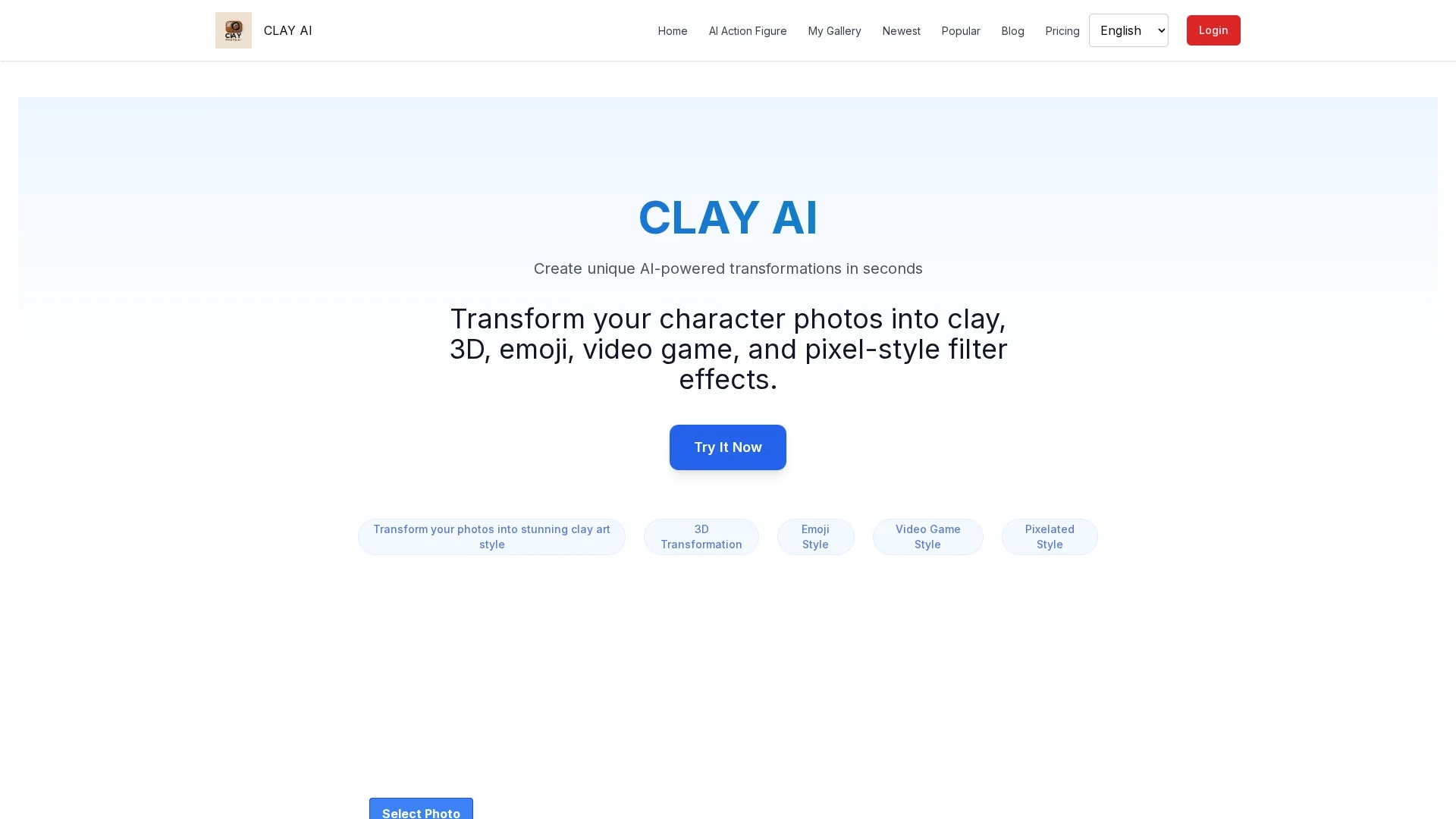
Clay AI transforms photos into artistic styles like clay, 3D, emoji, video game, and pixel art with fast processing and an intuitive interface.
Disclaimer: Visionary Hub is not affiliated with, endorsed by, or the operator of this tool. All trademarks, logos, and content are the property of their respective owners. Full disclaimer available here
Key Features
Photo Transformation
Converts photos into various artistic styles using AI.
Artistic Filters
Offers unique filters like clay, 3D, and pixel art.
Quick Results
Processes images rapidly, typically in under 20 seconds.
Easy Customization
Intuitive interface simplifies style selection and submission.
Get Started
Share & Save
Share on Social Media
Why Choose clayai
Fast Processing:
Transforms images within 10 to 20 seconds for quick results.Multiple Styles:
Supports clay, 3D, emoji, video game, and pixel art filters.User-Friendly:
Simple interface guides users through easy customization.
Pricing
Clay AI offers a Free plan allowing 3 AI image generations per week. The Trial plan costs ¥16.88 (one-time) for 25 images monthly. The Enjoyment Edition is ¥28.88 (one-time) for 50 images monthly, with higher image quality and faster processing.
About clayai
Clay AI transforms photos into artistic styles like clay, 3D, emoji, video game, and pixel art with fast processing and an intuitive interface.
What clayai Does
Clay AI converts user-uploaded photos into distinctive artistic styles including clay, 3D, emoji, video game, and pixel art, enhancing images for social media, design, and gaming projects.
The tool uses AI-powered filters to analyze and transform character photos, delivering results within 10 to 20 seconds through an intuitive interface that guides users step-by-step.
It is ideal for digital photographers, graphic designers, social media content creators, and game developers who want to produce unique visual assets efficiently.
Pros & Cons
Versatile Styles
Wide range of artistic filters for diverse creative needs.
Efficient Workflow
Fast processing enhances productivity for creators.
Limited Free Usage
Free plan restricts users to 3 image generations per week.
One-Time Payments
Paid plans require one-time fees rather than subscriptions.
Frequently Asked Questions
Clay AI supports clay, 3D, emoji, video game, and pixel art styles.
Image transformations typically complete within 10 to 20 seconds.
Free plan with limited usage, plus Trial and Enjoyment editions with one-time payments.
Yes, it features a simple interface guiding users through photo uploads and style selection.
Yes, it is suitable for photographers, designers, and developers creating visual content.
Similar Tools You Might Like
Discover more AI-powered tools that complement your workflow
List Your AI Tool & Reach Thousands of Users
Join 500+ AI innovators already thriving on our platform. Get visibility, feedback, and boost your conversions.
Expand Your Audience
Connect with over 50,000 AI enthusiasts actively looking for tools like yours.
Boost Your Authority
Get verified reviews and ratings to build credibility in the AI marketplace.
Drive Conversions
Our premium placements and targeted audience deliver quality leads and sign-ups.