
Chrome Sidekick
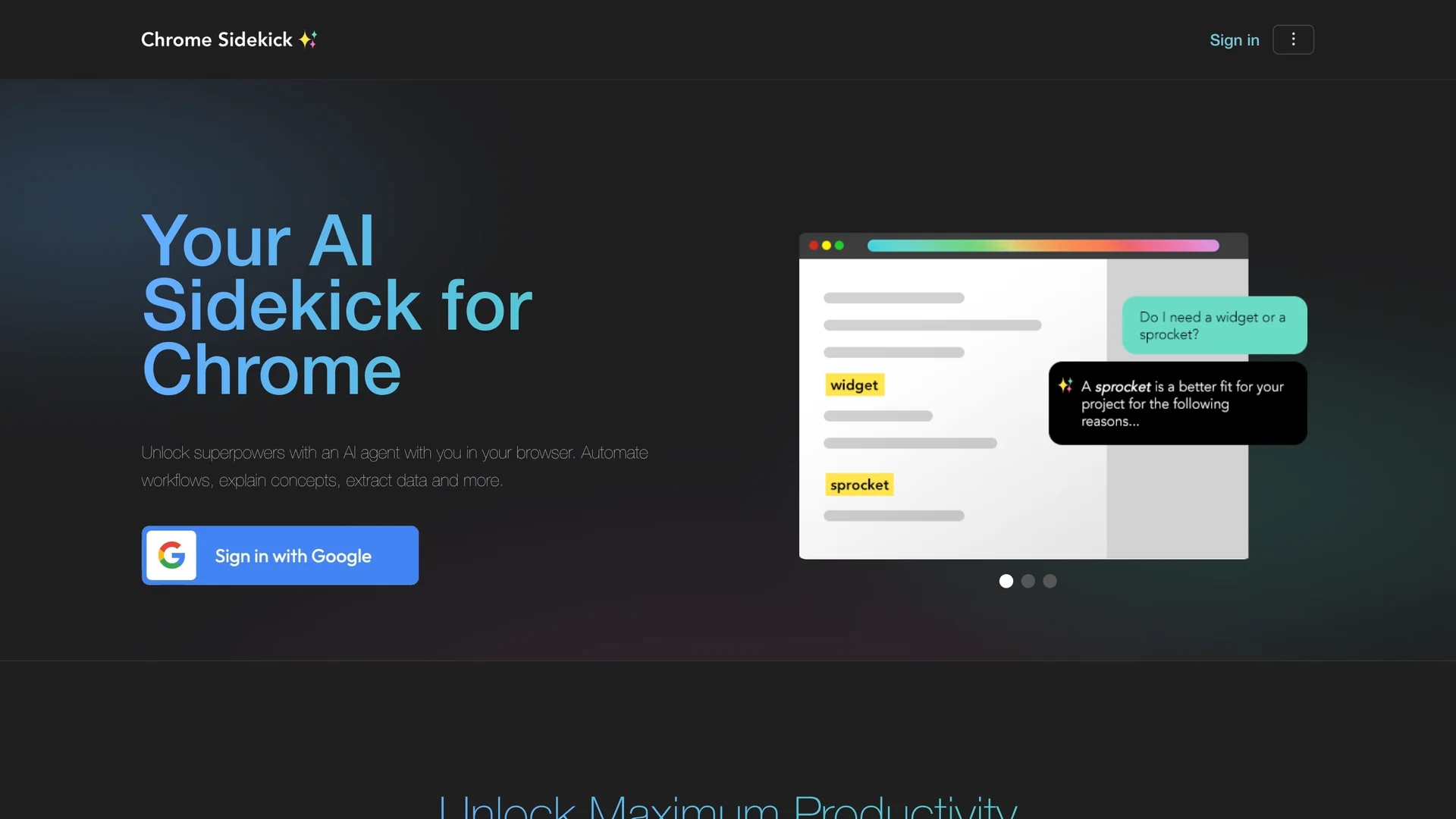
Chrome Sidekick is an AI-powered Chrome extension that explains web pages, automates repetitive browser tasks, and integrates with other apps to enhance productivity and collaboration.
Disclaimer: Visionary Hub is not affiliated with, endorsed by, or the operator of this tool. All trademarks, logos, and content are the property of their respective owners. Full disclaimer available here
Key Features
AI-powered automation
Automates clicks and typing to handle repetitive browser tasks efficiently.
Page explanations
Explains any web page content without needing user context.
Memory capabilities
Remembers workflows and facts to streamline repeated tasks.
MCP integration
Links Chrome with tools like Notion and Salesforce for cross-app actions.
Get Started
Share & Save
Share on Social Media
Why Choose Chrome Sidekick
AI Automation:
Automates repetitive browser tasks to save time and reduce manual effort.Page Explanation:
Provides plain language explanations of complex web pages instantly.Team Integration:
Connects with other apps via MCP to support collaborative workflows.
Pricing
Chrome Sidekick offers Basic, Pro, and Enterprise plans with monthly and yearly billing options. For detailed pricing, visit the official pricing section on their website.
About Chrome Sidekick
Chrome Sidekick is an AI-powered Chrome extension that explains web pages, automates repetitive browser tasks, and integrates with other apps to enhance productivity and collaboration.
What Chrome Sidekick Does
Chrome Sidekick automates repetitive browser tasks such as form filling and data entry, saving users time and effort. It also explains complex web pages in plain language, helping users understand content without leaving the page.
The extension uses AI-powered memory to recall past interactions and workflows, enabling smoother task repetition. It integrates with other applications via MCP links, allowing agents to perform actions across multiple tools and facilitating team collaboration.
Use cases include web automation for professionals, simplifying research by explaining pages, and streamlining workflows in teams across industries like finance, technology, and customer support.
Pros & Cons
Workflow efficiency
Reduces manual data entry and repetitive tasks significantly.
Collaboration support
Enables sharing automations across teams for consistent productivity.
Browser limited
Functionality is restricted to the Chrome browser environment.
JavaScript required
Requires JavaScript enabled to operate, limiting some user environments.
Frequently Asked Questions
It is a Chrome extension that automates tasks and explains web pages using AI.
Yes, it remembers tasks you teach it and automates them next time.
Yes, it works on any website accessible through Chrome.
Yes, conversations are private and only shared with AI model providers.
No, you can interact with Chrome Sidekick using plain English commands.
Similar Tools You Might Like
Discover more AI-powered tools that complement your workflow
List Your AI Tool & Reach Thousands of Users
Join 500+ AI innovators already thriving on our platform. Get visibility, feedback, and boost your conversions.
Expand Your Audience
Connect with over 50,000 AI enthusiasts actively looking for tools like yours.
Boost Your Authority
Get verified reviews and ratings to build credibility in the AI marketplace.
Drive Conversions
Our premium placements and targeted audience deliver quality leads and sign-ups.