Cherry Studio
Cherry Studio is a cross-platform desktop app for Windows, macOS, and Linux that enables seamless switching between multiple AI language models with easy installation and rapid conversation completion.
Disclaimer: Visionary Hub is not affiliated with, endorsed by, or the operator of this tool. All trademarks, logos, and content are the property of their respective owners. Full disclaimer available here
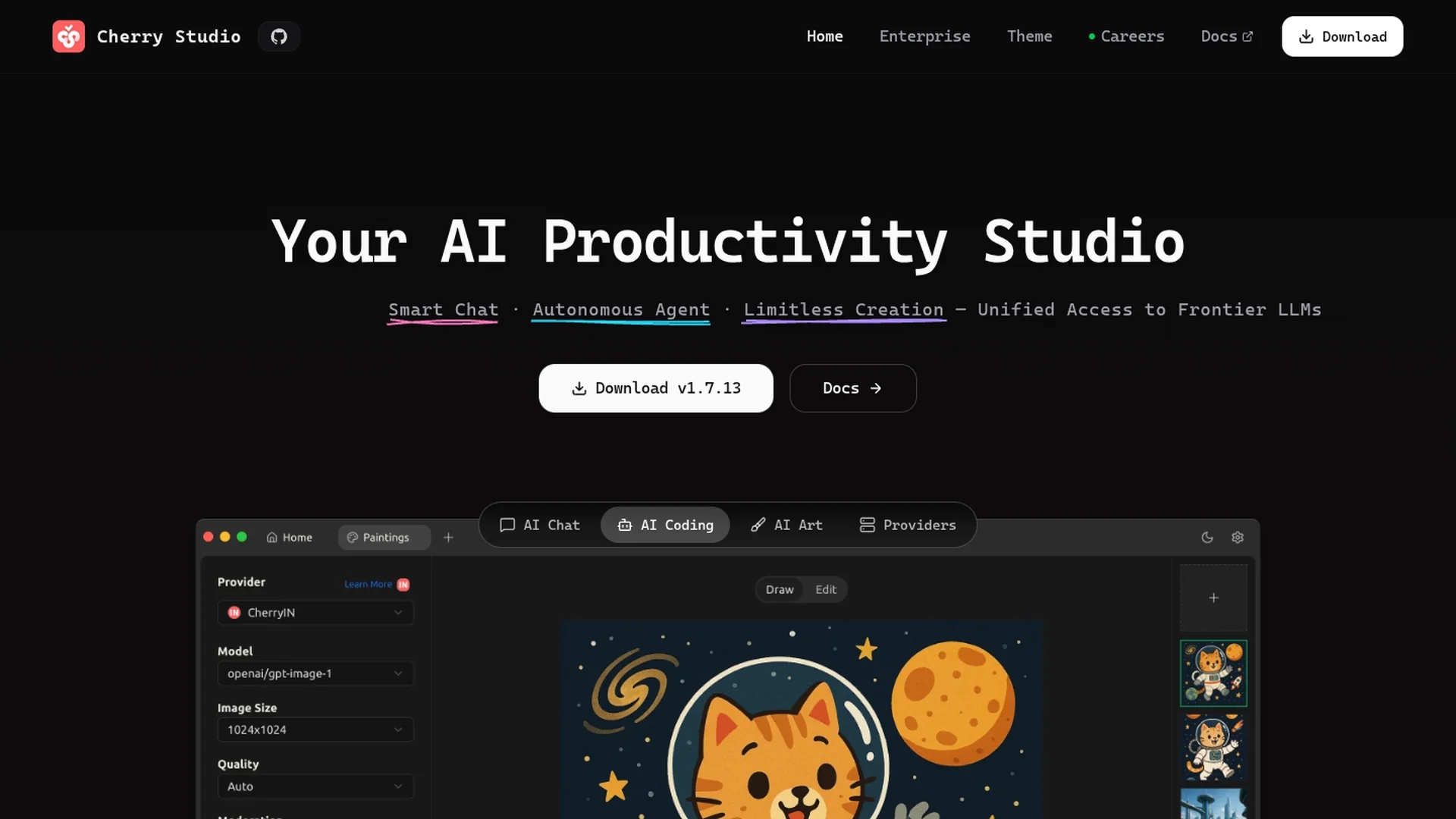
Key Features
Multi-AI Support
Supports multiple AI language models for diverse use cases.
Model Switching
Quickly switch between AI models to optimize workflows.
User-Friendly Setup
Installation without Docker or command-line simplifies onboarding.
Rapid Completion
Enables fast conversation completion for efficient interaction.
Get Started
Share & Save
Share on Social Media
Why Choose Cherry Studio
Multi-Model Support:
Switch effortlessly between various AI language models within one app.Easy Installation:
No Docker or command-line knowledge required for setup.Cross-Platform:
Compatible with Windows, macOS (Apple and Intel), and Linux systems.
Pricing
For current prices, visit the official page.
About Cherry Studio
Cherry Studio is a cross-platform desktop app for Windows, macOS, and Linux that enables seamless switching between multiple AI language models with easy installation and rapid conversation completion.
What Cherry Studio Does
Cherry Studio allows users to interact with multiple AI language models through a single desktop application, enhancing flexibility and productivity in AI-driven tasks. It benefits users by simplifying the management of different models without technical barriers.
The tool features seamless model switching, rapid conversation completion, and cross-platform compatibility. Installation is user-friendly, requiring no Docker or command-line skills, making it accessible to a broad audience. Comprehensive documentation and community support further assist users in maximizing the tool's capabilities.
Cherry Studio is suitable for various industries including content creation, product design, and software development, where efficient AI interaction accelerates workflows and collaboration.
Pros & Cons
Accessibility
Easy installation makes it accessible to users with varied skills.
Versatility
Supports multiple AI models and platforms for broad usability.
Limited Pricing Info
No detailed pricing information publicly available.
No Signup Link
No direct user registration link found on the homepage.
Frequently Asked Questions
It supports Windows, macOS (Apple and Intel chips), and Linux operating systems.
No, installation requires no Docker or command-line knowledge, making it user-friendly.
Yes, Cherry Studio allows quick switching between multiple AI language models.
Yes, comprehensive documentation and community support are available for users.
Pricing information is not detailed; visit the official website for current plans.
Similar Tools You Might Like
Discover more AI-powered tools that complement your workflow
List Your AI Tool & Reach Thousands of Users
Join 500+ AI innovators already thriving on our platform. Get visibility, feedback, and boost your conversions.
Expand Your Audience
Connect with over 50,000 AI enthusiasts actively looking for tools like yours.
Boost Your Authority
Get verified reviews and ratings to build credibility in the AI marketplace.
Drive Conversions
Our premium placements and targeted audience deliver quality leads and sign-ups.