
Cheeta
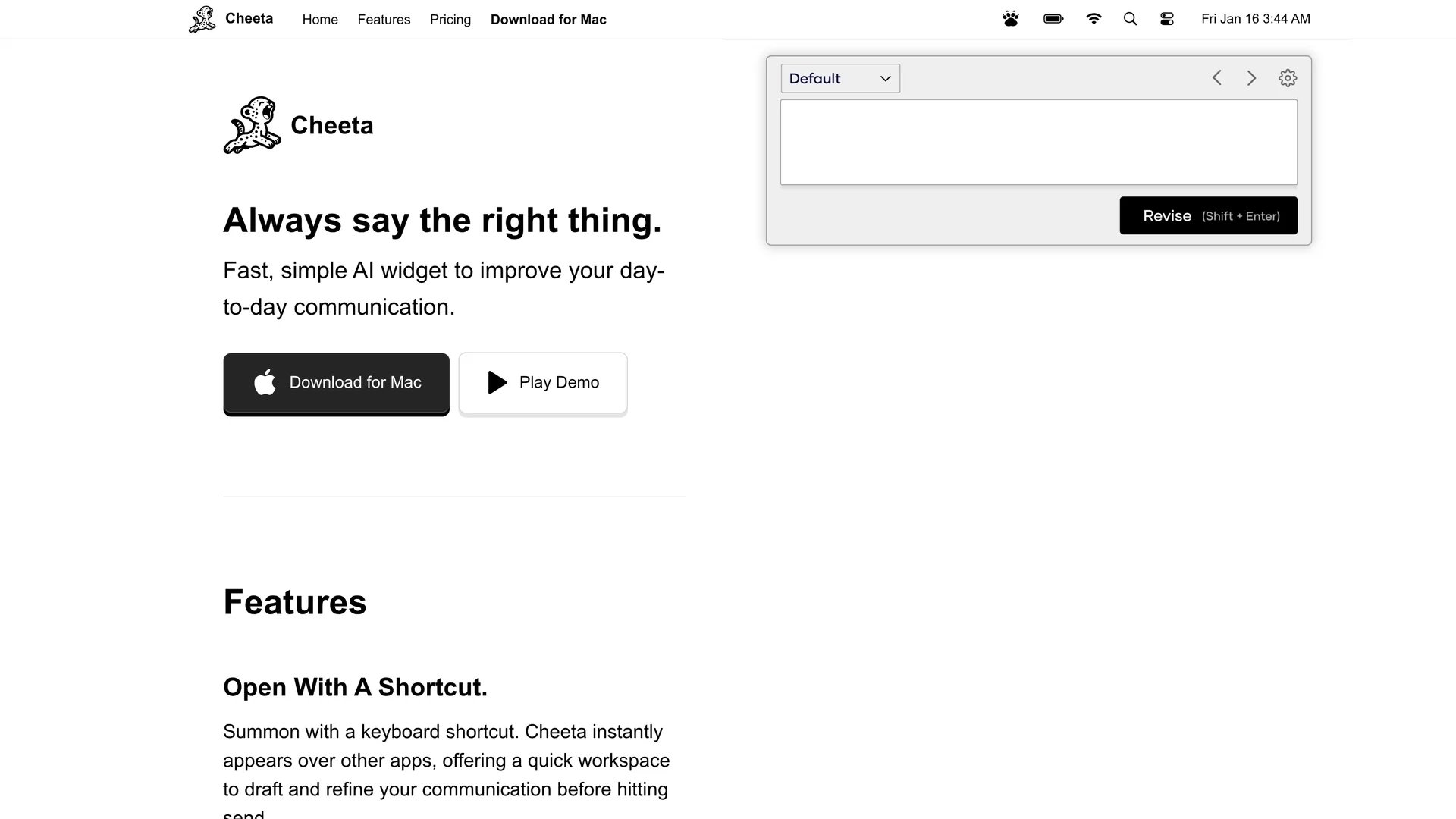
Cheeta is a Mac AI writing assistant that boosts communication efficiency with 50+ pre-defined scenarios and multi-model AI, accessible via a convenient keyboard shortcut.
Disclaimer: Visionary Hub is not affiliated with, endorsed by, or the operator of this tool. All trademarks, logos, and content are the property of their respective owners. Full disclaimer available here
Key Features
Keyboard Shortcut
Quickly access Cheeta from any app with a simple shortcut.
50+ Scenarios
Predefined templates for emails, legal docs, and team messages.
Multi-Model AI
Uses various AI models optimized per scenario for precise output.
Pay-Per-Use
Flexible pricing with 250 revisions per purchase, no subscriptions.
Get Started
Share & Save
Share on Social Media
Why Choose Cheeta
Pay-per-use:
No monthly subscription; pay only for the revisions you use.Multi-model AI:
Automatically selects the best AI model for each communication scenario.Instant access:
Keyboard shortcut summons the assistant across all Mac applications.
Pricing
Cheeta operates on a pay-per-use model with 250 revisions available for $9. Users can refill revisions anytime without monthly fees or subscriptions.
About Cheeta
Cheeta is a Mac AI writing assistant that boosts communication efficiency with 50+ pre-defined scenarios and multi-model AI, accessible via a convenient keyboard shortcut.
What Cheeta Does
Cheeta helps Mac users draft and refine written communication instantly across multiple applications using a keyboard shortcut. It enhances clarity and professionalism in emails, legal documents, and team collaboration messages.
The tool features over 50 pre-defined scenarios and leverages multiple AI models optimized for different communication contexts. Users simply select a scenario or start typing to generate precise, context-appropriate text revisions.
Cheeta is ideal for communication professionals, legal experts, and teams aiming to streamline messaging and maintain consistent, effective communication in business environments.
Pros & Cons
Flexible Pricing
Pay only for what you use without monthly fees.
Efficient Workflow
Keyboard shortcut enables fast drafting across apps.
Mac Only
Available exclusively for Mac users, limiting platform accessibility.
Revision Limit
Users must purchase additional revisions after 250 uses.
Frequently Asked Questions
Cheeta is designed exclusively for Mac users and integrates across Mac applications.
Cheeta uses a pay-per-use model with 250 revisions available for $9, no monthly fees.
Yes, Cheeta includes specialized prompts for creating precise legal documents.
Use a convenient keyboard shortcut to summon Cheeta instantly over any app.
Yes, it selects the best AI model based on the communication scenario for optimal results.
Similar Tools You Might Like
Discover more AI-powered tools that complement your workflow
List Your AI Tool & Reach Thousands of Users
Join 500+ AI innovators already thriving on our platform. Get visibility, feedback, and boost your conversions.
Expand Your Audience
Connect with over 50,000 AI enthusiasts actively looking for tools like yours.
Boost Your Authority
Get verified reviews and ratings to build credibility in the AI marketplace.
Drive Conversions
Our premium placements and targeted audience deliver quality leads and sign-ups.