Checkget AI
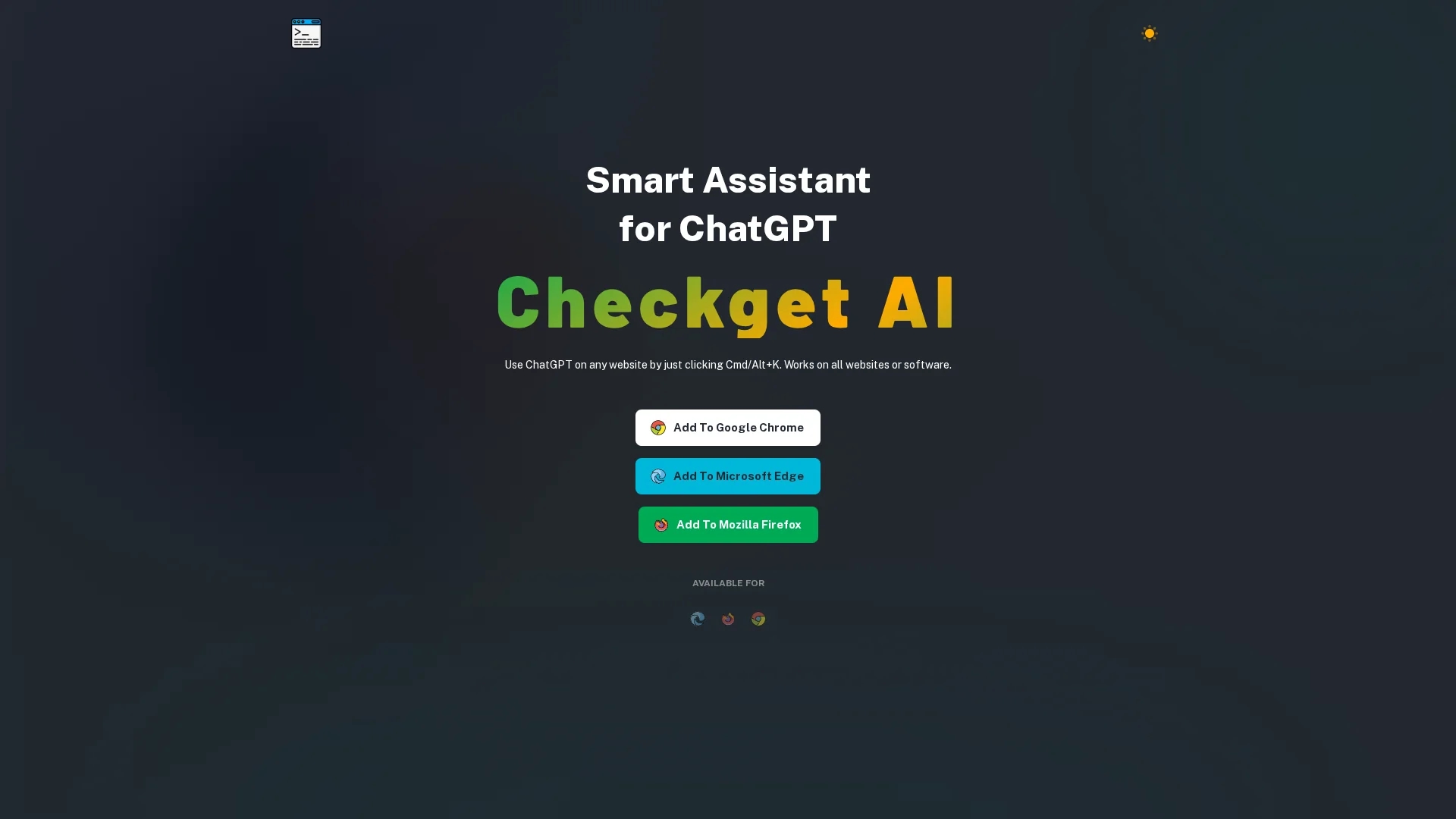
Checkget is an intelligent browser assistant powered by ChatGPT that helps users efficiently compose emails, create documents, chat, write code, and edit text on any website using a simple shortcut.
Disclaimer: Visionary Hub is not affiliated with, endorsed by, or the operator of this tool. All trademarks, logos, and content are the property of their respective owners. Full disclaimer available here
Key Features
ChatGPT Integration
Leverages GPT-3.5 and GPT-4 for diverse AI assistance.
Automatic Recognition
Detects user context to provide relevant help instantly.
Text Editing Tools
Includes summarization, translation, grammar correction, and tone adjustment.
Dark Mode
Provides a comfortable reading experience with a dark theme.
Get Started
Share & Save
Share on Social Media
Why Choose Checkget AI
Universal Access:
Works on any website with a simple keyboard shortcut.Scenario Recognition:
Automatically adapts to different tasks like emails or coding.Privacy Options:
Offers encrypted communication and a local mode for security.
Pricing
Checkget offers a freemium pricing model with four plans: Personal (free, 30 requests/day), Pro ($4.99/month, 200 requests/day, GPT-4 access), Premium ($9.98/month, 500 requests/day), and Ultimate ($29.98/month, 1500 requests/day). Annual billing discounts are available.
About Checkget AI
Checkget is an intelligent browser assistant powered by ChatGPT that helps users efficiently compose emails, create documents, chat, write code, and edit text on any website using a simple shortcut.
What Checkget AI Does
Checkget functions as a smart AI assistant integrated with ChatGPT, allowing users to perform a variety of tasks such as composing emails, chatting, writing code, and editing text efficiently on any website. This reduces the need for multiple tools and streamlines workflows.
Key features include automatic scenario recognition, text summarization, translation, grammar and spelling correction, tone of voice adjustment, and a dark mode for comfortable use. It operates via a simple keyboard shortcut (Cmd/Alt+K) and supports GPT-3.5 and GPT-4 models.
Industries such as content creation, software development, customer support, and education benefit from Checkget's capabilities by improving communication, coding accuracy, and multilingual support.
Pros & Cons
Ease of Use
Accessible via a simple shortcut on any website.
Comprehensive Features
Supports a wide range of text editing and coding tasks.
Request Limits
Free and paid plans have daily request caps.
Dependent on API
Requires OpenAI API key for local mode and GPT-4 access.
Frequently Asked Questions
All data is encrypted, and local mode allows direct communication with ChatGPT using your API key.
It can summarize, translate, correct grammar, rephrase text, change tone, answer questions, and assist with coding.
Press ⌘+K (Mac) or Alt+K (Windows) on any website to open Checkget instantly.
Plans range from a free Personal tier to paid Pro, Premium, and Ultimate plans with increasing request limits and GPT-4 access.
Yes, local mode lets you use Checkget with your own OpenAI API key for enhanced privacy.
Similar Tools You Might Like
Discover more AI-powered tools that complement your workflow



List Your AI Tool & Reach Thousands of Users
Join 500+ AI innovators already thriving on our platform. Get visibility, feedback, and boost your conversions.
Expand Your Audience
Connect with over 50,000 AI enthusiasts actively looking for tools like yours.
Boost Your Authority
Get verified reviews and ratings to build credibility in the AI marketplace.
Drive Conversions
Our premium placements and targeted audience deliver quality leads and sign-ups.