
ChatWithPDF
Chatwithpdf is a ChatGPT plugin that enables users to load, search, and query PDF documents using natural language within ChatGPT.
Disclaimer: Visionary Hub is not affiliated with, endorsed by, or the operator of this tool. All trademarks, logos, and content are the property of their respective owners. Full disclaimer available here
Key Features
PDF Loading
Loads publicly accessible or Google Drive PDF documents via URL.
Natural Queries
Supports querying PDFs using natural language within ChatGPT.
Semantic Search
Performs semantic search to extract relevant information from PDFs.
Temporary Storage
Processes PDFs temporarily and deletes data after use.
Get Started
Share & Save
Share on Social Media
Why Choose ChatWithPDF
Semantic Search:
Enables natural language queries to find relevant PDF content quickly.Privacy Focused:
Deletes PDFs and embeddings after one hour or on user request.Easy Integration:
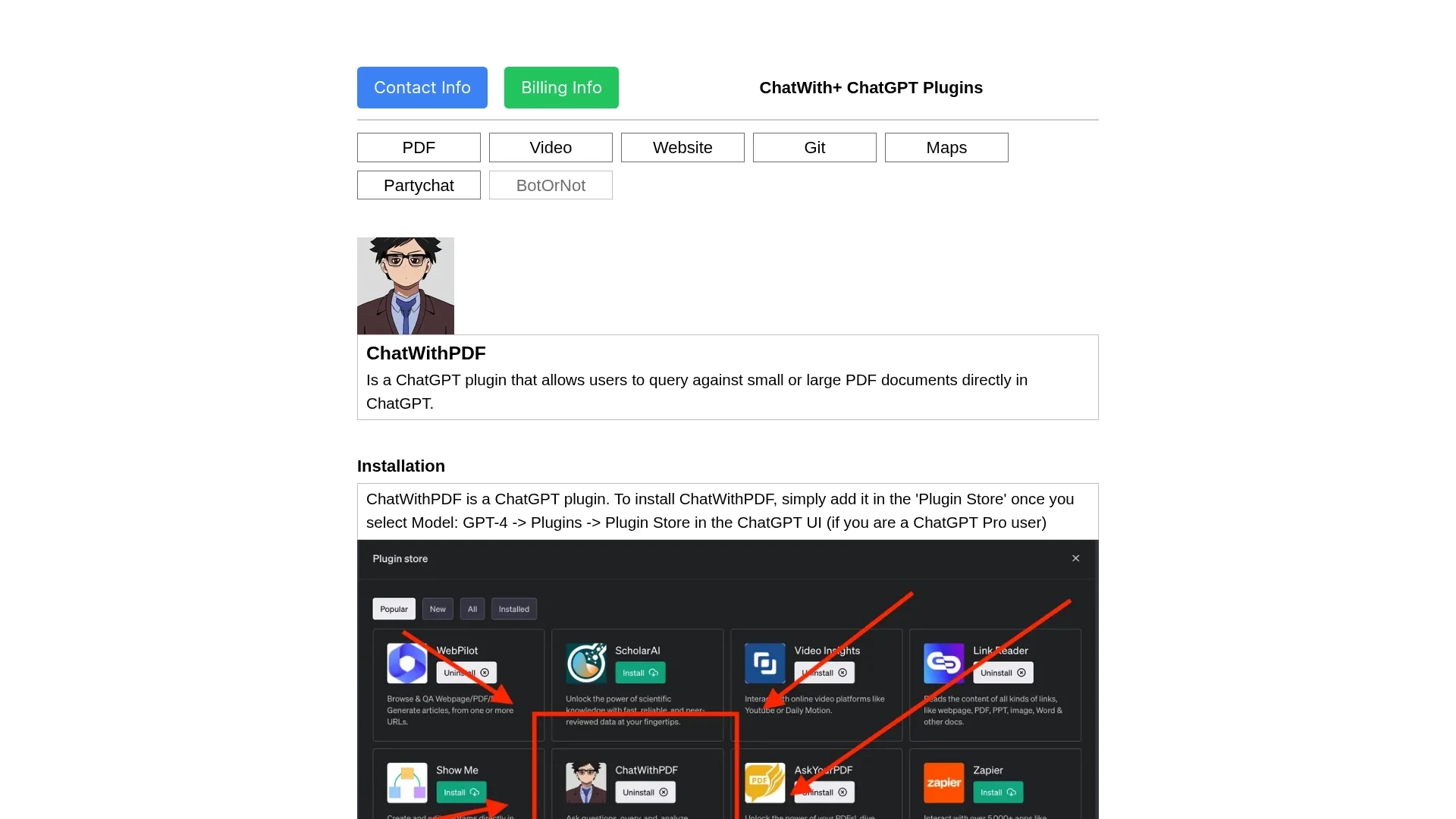
Installs directly from ChatGPT Plugin Store for seamless use.
Pricing
For current prices, visit the official page.
About ChatWithPDF
Chatwithpdf is a ChatGPT plugin that enables users to load, search, and query PDF documents using natural language within ChatGPT.
What ChatWithPDF Does
Chatwithpdf allows users to load PDF documents via a public URL and query their content using natural language within ChatGPT. This facilitates quick access to specific information without manual searching.
The plugin processes PDFs by downloading and embedding their content, enabling semantic search and relevant information extraction based on user queries. It supports PDFs of any size, language, and topic, and ensures privacy by deleting data after use.
It is useful for students, researchers, and professionals who need to analyze lecture notes, reports, or any PDF documents efficiently through conversational queries.
Pros & Cons
User-Friendly
Simple installation and use through ChatGPT Plugin Store.
Supports Large PDFs
Can handle PDFs of any size and language efficiently.
No Direct Upload
Requires publicly accessible URL; no direct file uploads.
Limited Data Retention
PDF data is deleted after one hour, limiting long-term access.
Frequently Asked Questions
Provide a publicly accessible URL or Google Drive link to the PDF within ChatGPT.
No, PDFs and embeddings are deleted after one hour or upon user request.
Yes, it supports PDFs of any size, language, and topic.
Pricing details are not specified; check the official page for current information.
Chatwithpdf was developed by Surya Dantuluri.
Similar Tools You Might Like
Discover more AI-powered tools that complement your workflow
List Your AI Tool & Reach Thousands of Users
Join 500+ AI innovators already thriving on our platform. Get visibility, feedback, and boost your conversions.
Expand Your Audience
Connect with over 50,000 AI enthusiasts actively looking for tools like yours.
Boost Your Authority
Get verified reviews and ratings to build credibility in the AI marketplace.
Drive Conversions
Our premium placements and targeted audience deliver quality leads and sign-ups.