
ChatGPTable
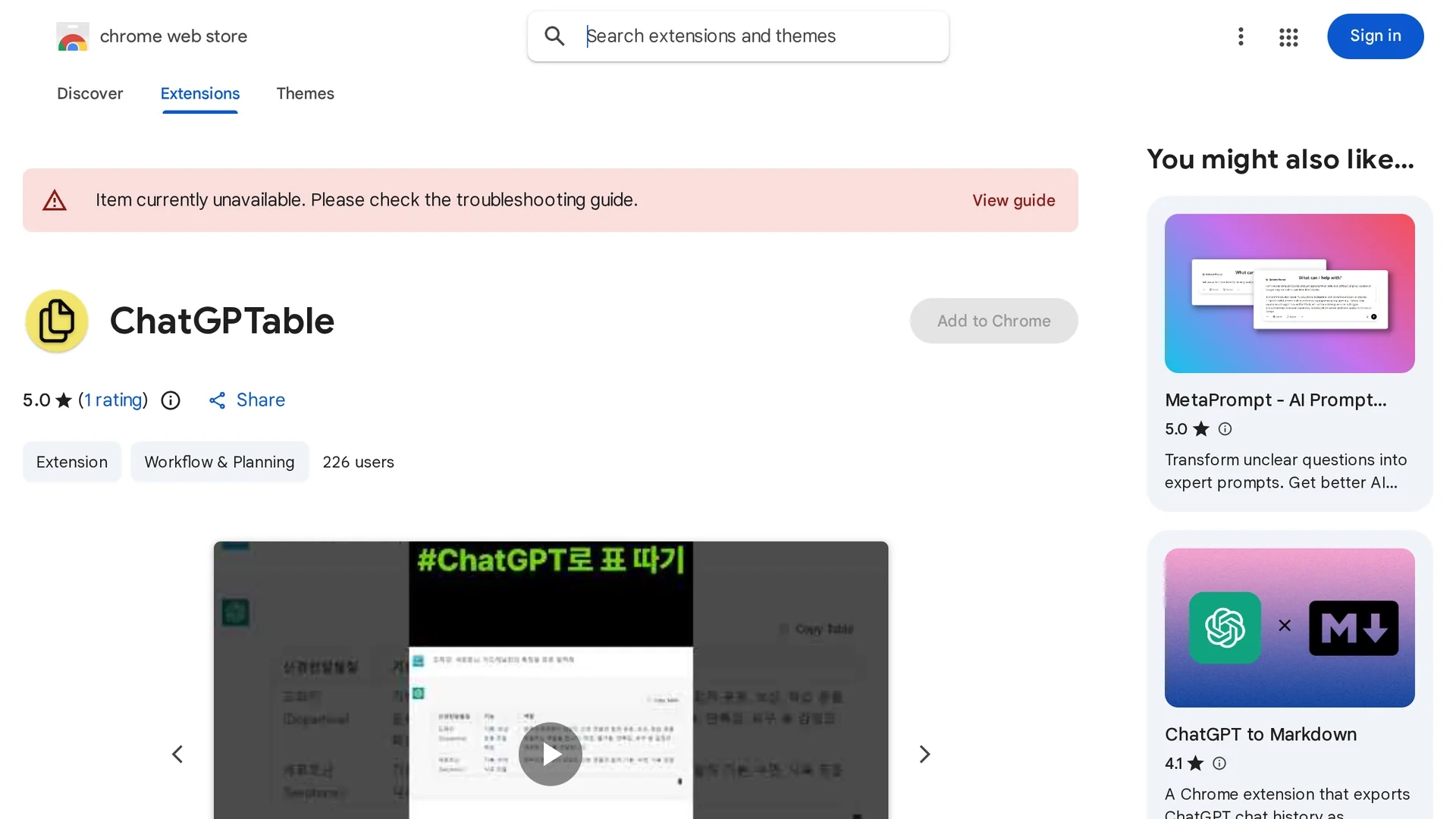
Chrome extension that converts ChatGPT HTML tables into markdown syntax for easy copying and pasting.
Disclaimer: Visionary Hub is not affiliated with, endorsed by, or the operator of this tool. All trademarks, logos, and content are the property of their respective owners. Full disclaimer available here
Key Features
Markdown Conversion
Transforms HTML tables from ChatGPT into markdown syntax.
Table Copy Button
Adds a button for easy copying of tables in markdown format.
Chrome Extension
Operates as a lightweight browser extension for Chrome.
No Data Collection
Developer does not collect or use user data.
Get Started
Share & Save
Share on Social Media
Why Choose ChatGPTable
Easy Conversion:
Converts ChatGPT HTML tables to markdown with a single click.Free Extension:
Available at no cost via the Chrome Web Store.Workflow Integration:
Simplifies incorporating ChatGPT tables into markdown documents.
Pricing
ChatGPTable is available as a free Chrome extension with no paid plans.
About ChatGPTable
Chrome extension that converts ChatGPT HTML tables into markdown syntax for easy copying and pasting.
What ChatGPTable Does
ChatGPTable converts HTML tables from ChatGPT responses into markdown syntax, allowing users to copy and paste tables easily into other applications. This eliminates manual reformatting and speeds up documentation tasks.
The extension adds a "Table copy" button to ChatGPT responses, which when clicked, converts the HTML table into markdown format. Users can then paste the markdown table wherever needed, such as in reports or markdown-supported editors.
This tool is useful for professionals like researchers, developers, and content creators who regularly use ChatGPT and require markdown tables for their workflows.
Pros & Cons
User-Friendly
Simple interface with one-click table conversion.
Free to Use
No charges or subscription required.
Limited Scope
Only converts tables from ChatGPT responses.
Chrome Only
Available exclusively as a Chrome browser extension.
Frequently Asked Questions
It converts HTML tables from ChatGPT responses into markdown syntax for easy copying.
Click the "Table copy" button on a ChatGPT response, then paste the markdown table where needed.
Yes, the extension is free to install and use from the Chrome Web Store.
No, the developer has disclosed that no user data is collected or used.
No, it is currently available only as a Chrome extension.
Similar Tools You Might Like
Discover more AI-powered tools that complement your workflow
List Your AI Tool & Reach Thousands of Users
Join 500+ AI innovators already thriving on our platform. Get visibility, feedback, and boost your conversions.
Expand Your Audience
Connect with over 50,000 AI enthusiasts actively looking for tools like yours.
Boost Your Authority
Get verified reviews and ratings to build credibility in the AI marketplace.
Drive Conversions
Our premium placements and targeted audience deliver quality leads and sign-ups.