ChatGPT Copier
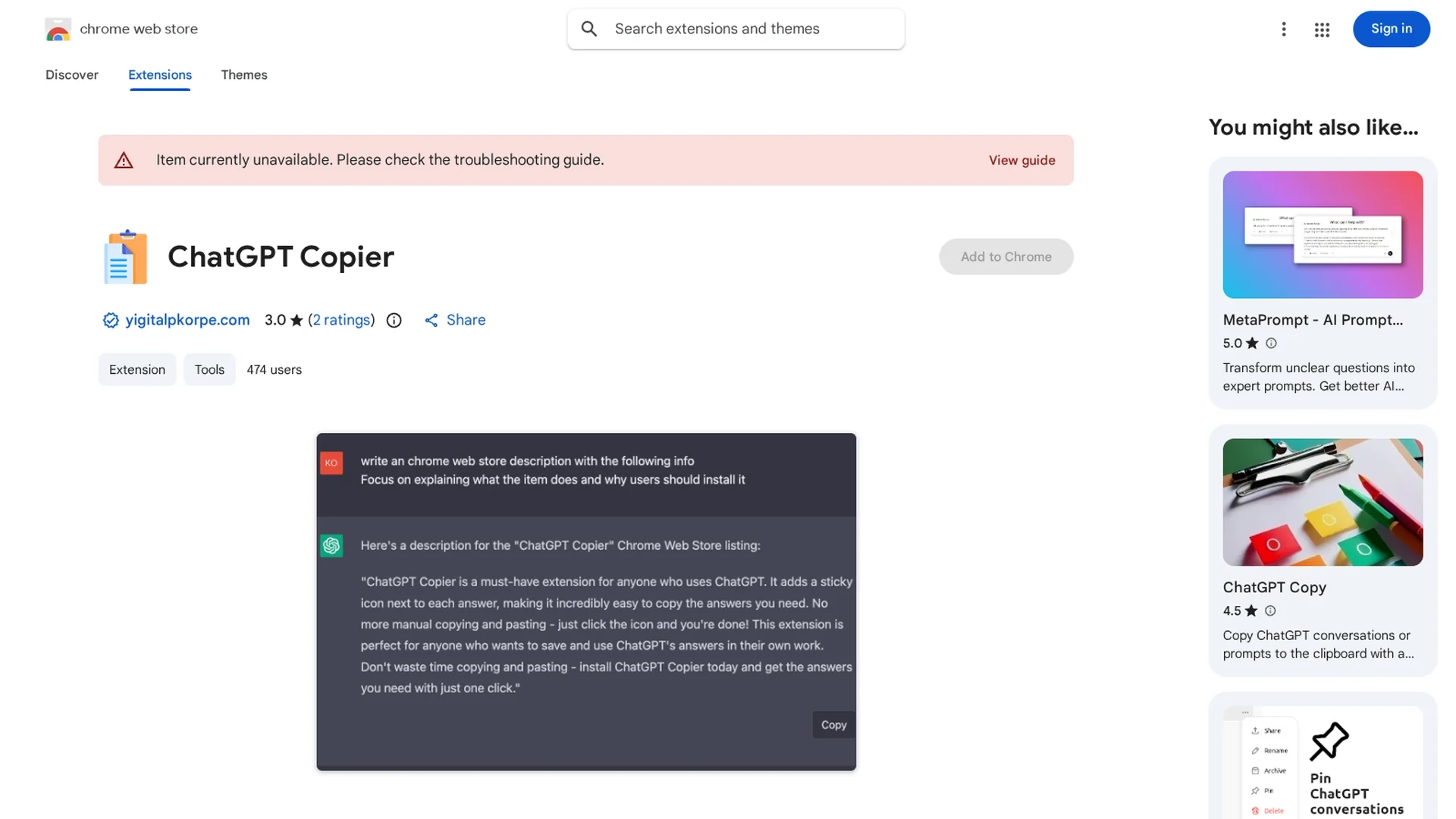
Chrome extension that adds a sticky icon for one-click copying of ChatGPT answers to clipboard, streamlining content capture.
Disclaimer: Visionary Hub is not affiliated with, endorsed by, or the operator of this tool. All trademarks, logos, and content are the property of their respective owners. Full disclaimer available here
Key Features
Sticky Copy Icon
Adds a persistent icon next to each ChatGPT answer for easy copying.
Clipboard Integration
Copies text directly to clipboard without manual selection.
Chrome Extension
Runs natively within the Chrome browser for seamless use.
Plain Text Copying
Copies answers as plain text without markdown formatting.
Get Started
Share & Save
Share on Social Media
Why Choose ChatGPT Copier
One-Click Copy:
Copies ChatGPT answers instantly with a single click.Lightweight:
Minimal browser extension size ensures fast performance.Free to Use:
Available at no cost from the Chrome Web Store.
Pricing
ChatGPT Copier is available for free from the Chrome Web Store.
About ChatGPT Copier
Chrome extension that adds a sticky icon for one-click copying of ChatGPT answers to clipboard, streamlining content capture.
What ChatGPT Copier Does
ChatGPT Copier adds a sticky icon next to every ChatGPT answer, allowing users to copy the entire response to their clipboard with a single click. This eliminates the need for manual text selection and speeds up content reuse.
The extension works as a lightweight Chrome add-on that integrates seamlessly with the ChatGPT interface. It provides a persistent copy icon for each answer, enabling quick and reliable copying of plain text content.
This tool is useful for professionals, researchers, and students who want to efficiently transfer ChatGPT responses into documents, notes, or other applications without formatting complications.
Pros & Cons
Ease of Use
Simplifies copying ChatGPT responses with minimal user effort.
No Data Collection
Developer does not collect or use user data.
No Markdown Support
Does not copy ChatGPT answers with markdown formatting.
Limited Functionality
Focuses solely on copying; lacks additional features.
Frequently Asked Questions
It adds a sticky icon next to each ChatGPT answer to copy text with one click.
Yes, it is available for free from the Chrome Web Store.
No, it copies answers as plain text without markdown.
It is designed specifically as a Chrome browser extension.
Support is available via the developer's support site linked on the Chrome Web Store page.
Similar Tools You Might Like
Discover more AI-powered tools that complement your workflow

List Your AI Tool & Reach Thousands of Users
Join 500+ AI innovators already thriving on our platform. Get visibility, feedback, and boost your conversions.
Expand Your Audience
Connect with over 50,000 AI enthusiasts actively looking for tools like yours.
Boost Your Authority
Get verified reviews and ratings to build credibility in the AI marketplace.
Drive Conversions
Our premium placements and targeted audience deliver quality leads and sign-ups.