
ChartGen.ai
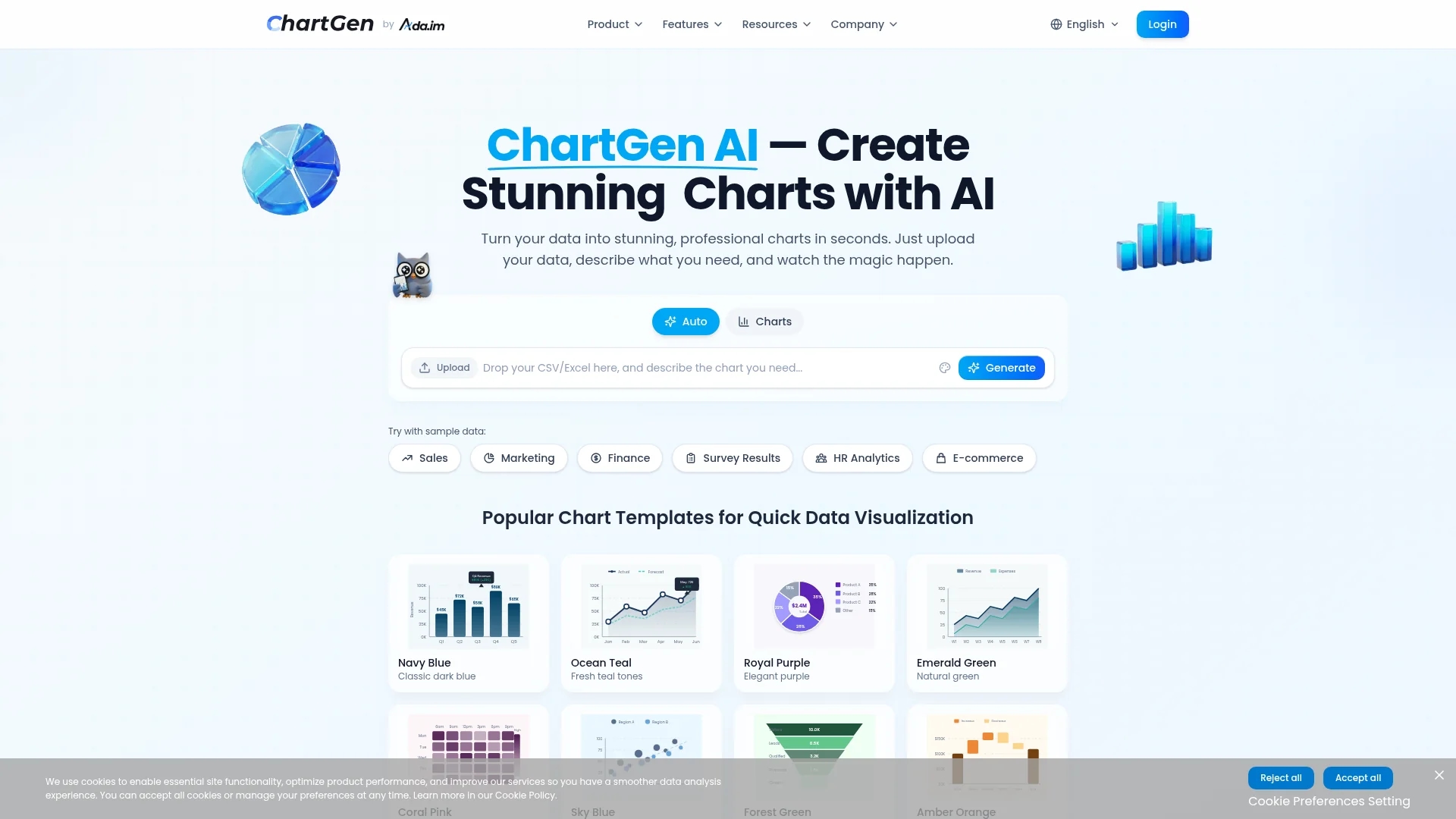
ChartGen.ai is an AI-powered chart generator that transforms CSV and Excel data into professional visualizations using plain-English prompts, supporting multiple chart types and live data synchronization with enterprise-grade security.
Disclaimer: Visionary Hub is not affiliated with, endorsed by, or the operator of this tool. All trademarks, logos, and content are the property of their respective owners. Full disclaimer available here
Key Features
Multiple Chart Types
Supports bar, line, pie, area, scatter, heatmap, combo, waterfall, and funnel charts.
Data Import
Converts CSV, Excel (.xlsx/.xls), or pasted data into visualizations.
Export Options
Exports charts as PNG, SVG, and PDF in multiple sizes.
Templates & Themes
Offers templates and 12 color themes for consistent styling.
Get Started
Share & Save
Share on Social Media
Why Choose ChartGen.ai
Natural Language:
Create charts using plain-English prompts without coding or complex tools.Live Sync:
Automatically update charts with live data from connected sources.Enterprise Security:
SOC 2 compliant with end-to-end encryption for data protection.
Pricing
ChartGen offers a free plan with 50 charts per month and access to all chart types. Premium plans provide unlimited charts, advanced exports, and team collaboration. Visit the official site for detailed pricing.
About ChartGen.ai
ChartGen.ai is an AI-powered chart generator that transforms CSV and Excel data into professional visualizations using plain-English prompts, supporting multiple chart types and live data synchronization with enterprise-grade security.
What ChartGen.ai Does
ChartGen.ai transforms raw CSV, Excel, or pasted data into professional charts using natural language prompts, enabling users to create visualizations quickly without coding or design skills.
It supports bar, line, pie, area, scatter, heatmap, combo, waterfall, and funnel charts, with customizable templates and 12 color themes. Live data synchronization keeps charts updated from connected sources, and exports are available in PNG, SVG, and PDF formats.
Common use cases include business reporting, marketing analytics, academic research, and social media visuals, helping users reduce manual charting effort and improve data communication.
Pros & Cons
Ease of Use
Natural language prompts simplify chart creation without technical skills.
Data Security
Enterprise-grade security ensures data privacy and compliance.
Limited Free Usage
Free plan restricts users to 50 charts per month.
No Mobile App
No dedicated mobile application available for on-the-go use.
Frequently Asked Questions
ChartGen supports CSV and Excel (.xlsx, .xls) files, as well as pasted data input.
Yes, charts can be exported as PNG, SVG, and PDF files in various sizes.
Yes, the free plan includes 50 charts per month and access to all chart types.
ChartGen uses SOC 2 compliance and end-to-end encryption to protect user data.
Yes, it offers live data synchronization with connected data sources for automatic chart updates.
Similar Tools You Might Like
Discover more AI-powered tools that complement your workflow
List Your AI Tool & Reach Thousands of Users
Join 500+ AI innovators already thriving on our platform. Get visibility, feedback, and boost your conversions.
Expand Your Audience
Connect with over 50,000 AI enthusiasts actively looking for tools like yours.
Boost Your Authority
Get verified reviews and ratings to build credibility in the AI marketplace.
Drive Conversions
Our premium placements and targeted audience deliver quality leads and sign-ups.