
CharmShotAI
Charm Shot AI is a photo enhancement tool that adjusts brightness, contrast, and saturation, applies filters, and supports batch processing for efficient image editing.
Disclaimer: Visionary Hub is not affiliated with, endorsed by, or the operator of this tool. All trademarks, logos, and content are the property of their respective owners. Full disclaimer available here
Key Features
Brightness Adjustment
Modify image brightness to enhance visibility and mood.
Contrast Adjustment
Adjust contrast for sharper and more dynamic images.
Saturation Control
Enhance or reduce color intensity for desired visual effects.
Batch Processing
Process multiple photos at once to streamline editing workflows.
Get Started
Share & Save
Share on Social Media
Why Choose CharmShotAI
Batch Processing:
Edit multiple images simultaneously to save time and maintain consistency.User-Friendly:
Intuitive navigation suitable for both amateurs and professionals.Social Sharing:
Quickly share enhanced images across various social media platforms.
Pricing
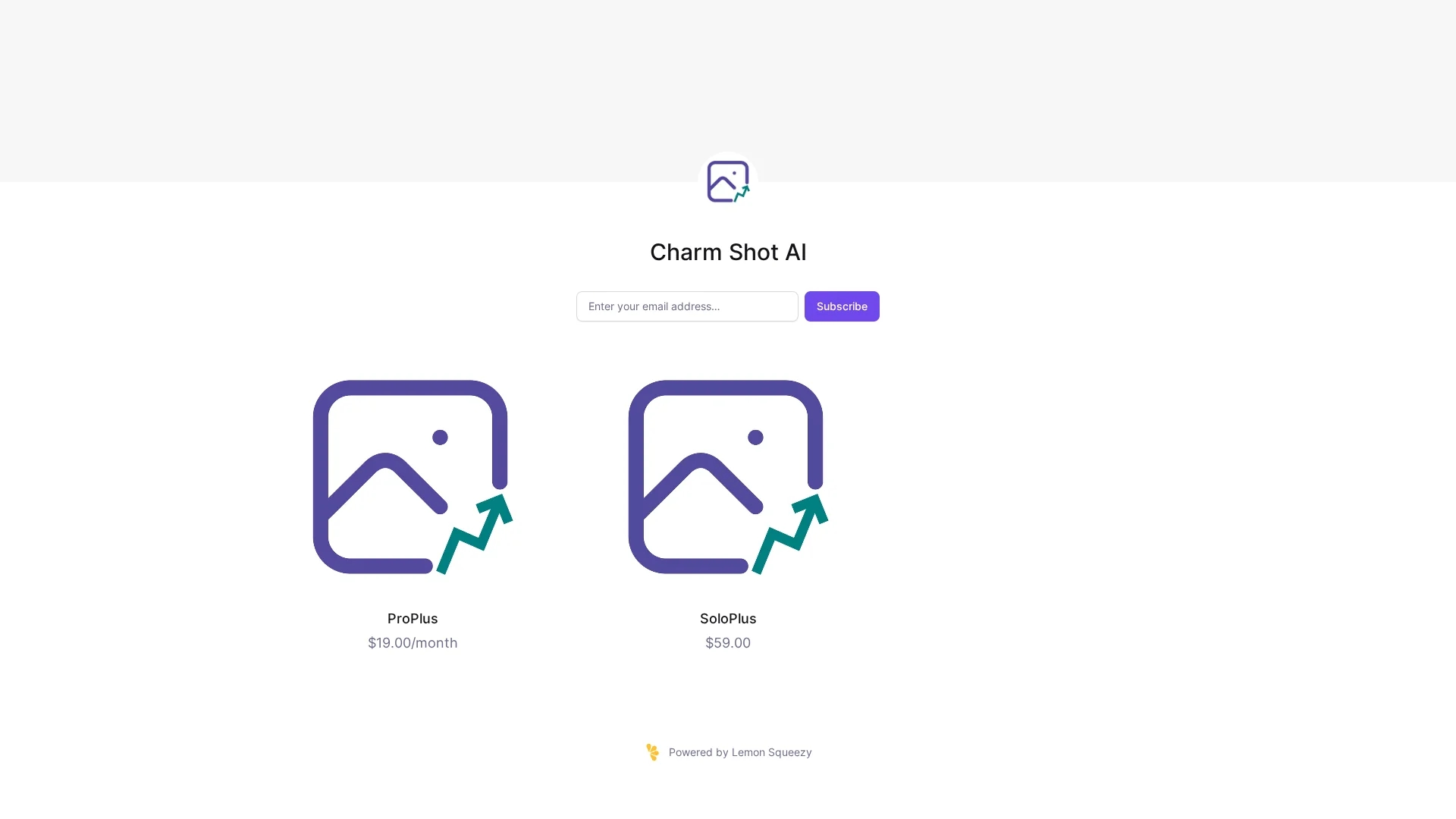
Charm Shot AI offers a ProPlus subscription at $19.00/month and a one-time SoloPlus purchase for $59.00. Pricing details are available on the official checkout page.
About CharmShotAI
Charm Shot AI is a photo enhancement tool that adjusts brightness, contrast, and saturation, applies filters, and supports batch processing for efficient image editing.
What CharmShotAI Does
Charm Shot AI enhances photos by allowing users to adjust brightness, contrast, and saturation, improving overall image quality and visual appeal. It benefits users by simplifying complex photo editing tasks.
The tool features batch processing to edit multiple images simultaneously, filter and effect application for creative enhancements, and intuitive controls suitable for amateurs and professionals. These features streamline workflows and save editing time.
Typical use cases include e-commerce product image optimization, travel photography batch editing, and creating engaging visuals for social media campaigns, serving photographers, digital artists, and content creators.
Pros & Cons
Efficient Workflow
Batch editing accelerates processing of large image sets.
Accessible Interface
Designed for users with varying levels of photo editing experience.
Limited Developer Info
No explicit developer or company details available.
Pricing Options
Pricing plans may not suit all user budgets.
Frequently Asked Questions
It offers brightness, contrast, saturation adjustments, filters, and batch processing.
ProPlus subscription costs $19/month; SoloPlus is a one-time $59 purchase.
Yes, it has user-friendly navigation for both amateurs and professionals.
Yes, batch processing allows simultaneous editing of multiple photos.
Yes, it enables quick sharing of finalized images to social media platforms.
Similar Tools You Might Like
Discover more AI-powered tools that complement your workflow
List Your AI Tool & Reach Thousands of Users
Join 500+ AI innovators already thriving on our platform. Get visibility, feedback, and boost your conversions.
Expand Your Audience
Connect with over 50,000 AI enthusiasts actively looking for tools like yours.
Boost Your Authority
Get verified reviews and ratings to build credibility in the AI marketplace.
Drive Conversions
Our premium placements and targeted audience deliver quality leads and sign-ups.