
CaptionCreator
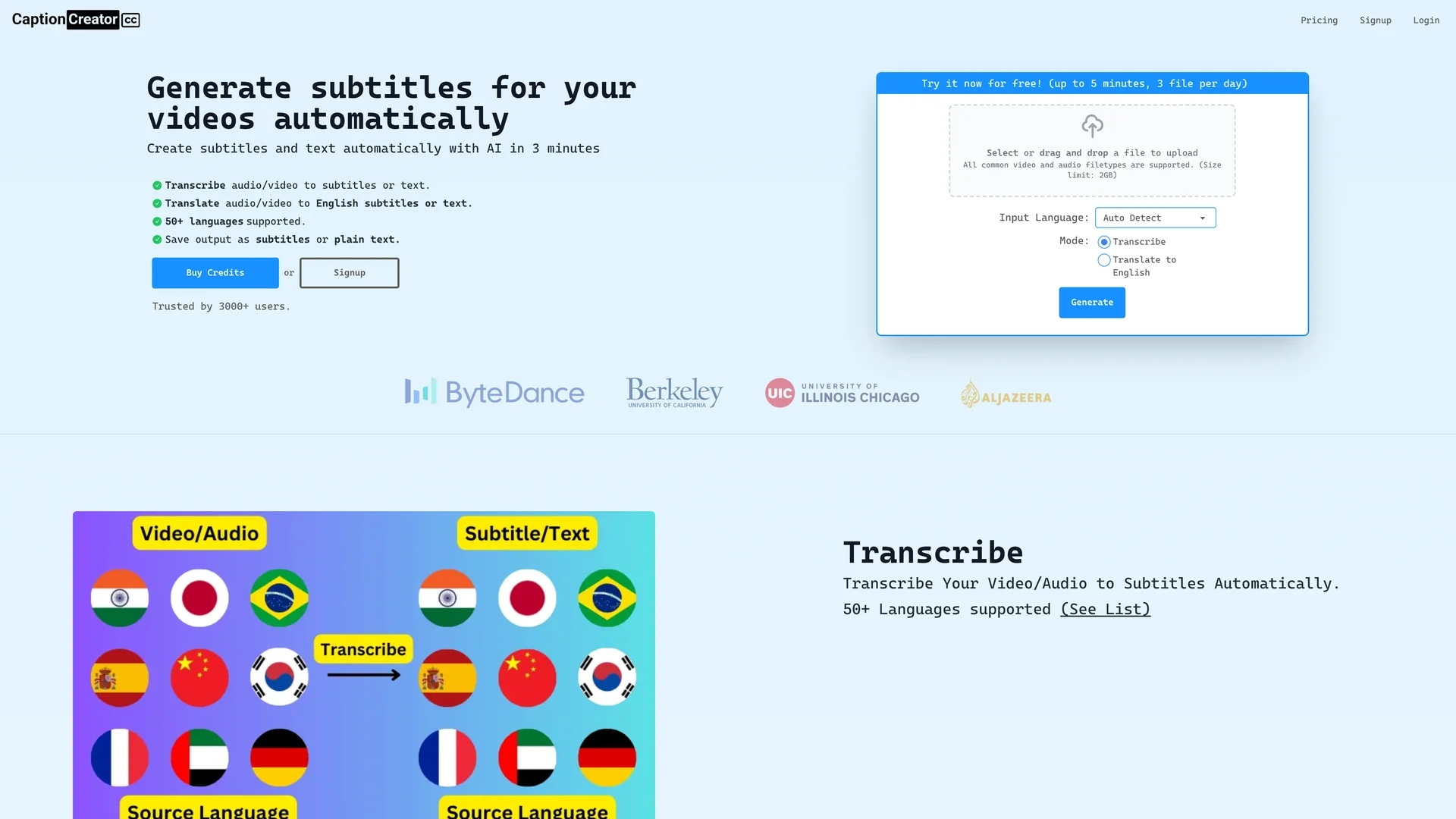
CaptionCreator is an AI-powered tool that automatically generates accurate subtitles and translations for videos in over 50 languages, supporting multiple export formats including SRT, plain text, and VTT.
Disclaimer: Visionary Hub is not affiliated with, endorsed by, or the operator of this tool. All trademarks, logos, and content are the property of their respective owners. Full disclaimer available here
Key Features
Automated Subtitles
Generates subtitles automatically from video or audio files.
Transcription & Translation
Converts speech to text and translates across languages.
Noisy Audio Handling
Accurately transcribes audio with background noise.
Credit-Based Pricing
Uses credits valid for 30 days for flexible usage.
Get Started
Share & Save
Share on Social Media
Why Choose CaptionCreator
Fast Processing:
Processes long videos quickly, saving time on subtitle generation.Multilingual Support:
Supports transcription and translation in over 50 languages.Flexible Export:
Offers multiple subtitle formats: SRT, plain text, and VTT.
Pricing
CaptionCreator uses a freemium model with free usage limits (up to 3 files daily, 5 minutes each). Paid credits cost $6.99 per 1 credit (1 minute transcription/translation), valid for 30 days. A 30-day money-back guarantee is offered.
About CaptionCreator
CaptionCreator is an AI-powered tool that automatically generates accurate subtitles and translations for videos in over 50 languages, supporting multiple export formats including SRT, plain text, and VTT.
What CaptionCreator Does
CaptionCreator automatically generates subtitles by transcribing and translating video or audio files, enabling users to create accessible content quickly. It benefits users by supporting over 50 languages and handling complex audio conditions.
The tool uses advanced AI models to transcribe speech accurately, translate it into English or other languages, and supports exporting subtitles in SRT, plain text, and VTT formats. It processes large files rapidly, completing 24-hour videos in minutes.
Ideal for educational, marketing, and training videos, CaptionCreator helps content creators, instructors, and multimedia editors produce multilingual subtitles efficiently, expanding audience reach and improving engagement.
Pros & Cons
High Accuracy
Uses advanced AI for precise transcription and translation.
No Expiry Credits
Credits remain valid as long as the service is used yearly.
File Size Limit
Supports files up to 2GB, which may restrict very large videos.
Free Usage Limits
Free tier limits videos to 5 minutes and 3 files per day.
Frequently Asked Questions
Yes, free usage allows up to 3 files daily, each under 5 minutes.
You buy credits; 1 credit equals 1 minute of transcription or translation.
All common video and audio file types up to 2GB are supported.
Yes, email [email protected] to request account deletion.
It uses the latest AI models for high-quality, accurate results.
Similar Tools You Might Like
Discover more AI-powered tools that complement your workflow


List Your AI Tool & Reach Thousands of Users
Join 500+ AI innovators already thriving on our platform. Get visibility, feedback, and boost your conversions.
Expand Your Audience
Connect with over 50,000 AI enthusiasts actively looking for tools like yours.
Boost Your Authority
Get verified reviews and ratings to build credibility in the AI marketplace.
Drive Conversions
Our premium placements and targeted audience deliver quality leads and sign-ups.