
CapCut
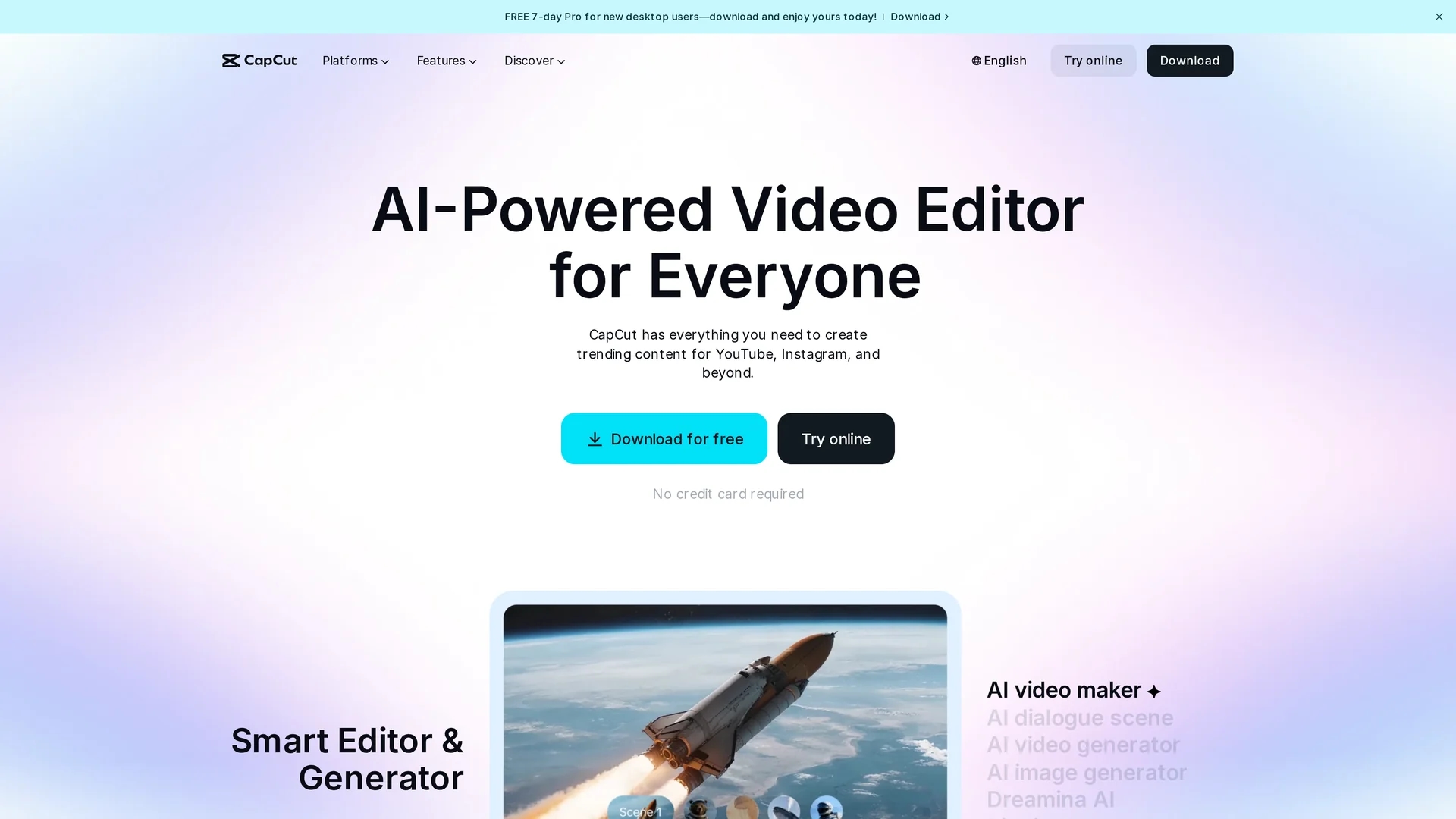
AI-powered video editor CapCut simplifies content creation with script-to-video generation, 100+ AI avatars, auto subtitles, and a full free editing suite across desktop, mobile, and web for creators.
Disclaimer: Visionary Hub is not affiliated with, endorsed by, or the operator of this tool. All trademarks, logos, and content are the property of their respective owners. Full disclaimer available here
Key Features
AI Video Maker
Generates videos from text and scripts with style, avatars, and voice selection.
Personalized AI Avatars
Offers 100+ avatars and custom cloning for tailored voiceover content.
Auto Subtitles and Captions
Creates timed, bilingual captions with filler-word removal for cleaner transcripts.
Text-to-Speech and Voice Tools
Produces natural-sounding voiceovers with customization and noise reduction.
Background Remover and Video Upscaler
One-click background removal, quality upscaling, and stabilization tools.
Script-to-Video
Converts written scripts to scenes with automated transitions and music selection.
Get Started
Share & Save
Share on Social Media
Why Choose CapCut
Generous Free Tier:
Provides extensive AI editing features and templates at no cost for creators and teams.AI-First Workflow:
Seedance 1.0 powers script-to-video, avatars, and automated scene and voice generation.Social Export Ready:
Built-in templates and export settings optimized for TikTok, YouTube, and Instagram Reels.
Pricing
CapCut provides a Free plan with basic editing, AI effects, templates, and unlimited users. Pro is $7.99/month or $74.99/year per user with watermark removal, 100GB+ storage, premium assets, 4K export, AI captions, and commercial licensing. Team plans and extra storage options are available.
About CapCut
AI-powered video editor CapCut simplifies content creation with script-to-video generation, 100+ AI avatars, auto subtitles, and a full free editing suite across desktop, mobile, and web for creators.
What CapCut Does
CapCut transforms text prompts, scripts, or raw footage into finished videos using AI-driven tools. Users can generate scenes from scripts, assign AI avatars, apply natural text-to-speech voiceovers, and export social-ready formats quickly.
Key capabilities include automatic bilingual subtitles with filler-word removal, one-click background removal, object removal, motion tracking, video upscaling, and a full timeline editor with effects, transitions, and music.
Use cases include short-form social clips for TikTok and Reels, long-form YouTube content, marketing assets, and collaborative team productions requiring commercial licensing and cloud-based workflows.
Pros & Cons
Free Suite
Extensive free editing features, AI effects, and templates for creators.
Fast Workflow
Transforms ideas into finished videos quickly with browser-based AI automation.
Cross-Device
Available on desktop, mobile, and web with cloud sync up to 3 hours and 10GB.
Free Limits
Some free exports may include watermarks and limited commercial rights; storage caps apply.
Pricing Variance
Regional and app-store pricing can differ by $1–$3 versus web prices.
Frequently Asked Questions
CapCut runs on desktop (Windows and Mac), mobile (iOS and Android), and as a browser-based web app, with cloud sync across devices for seamless editing.
CapCut offers a comprehensive Free plan with basic editing, AI effects, templates, and unlimited users; Pro features begin at $7.99/month for additional capabilities.
CapCut includes full commercial licensing with Pro and Team plans; the Free tier provides limited commercial rights for certain content, requiring Pro/Team for broader use.
CapCut includes AI video generation from text, 100+ avatars, auto subtitles, text-to-speech, background removal, upscaling, object removal, and motion tracking across platforms.
CapCut supports files up to 3 hours in length and 10GB in size in its long-to-short editor, with cloud sync for uploads across devices.
Similar Tools You Might Like
Discover more AI-powered tools that complement your workflow


List Your AI Tool & Reach Thousands of Users
Join 500+ AI innovators already thriving on our platform. Get visibility, feedback, and boost your conversions.
Expand Your Audience
Connect with over 50,000 AI enthusiasts actively looking for tools like yours.
Boost Your Authority
Get verified reviews and ratings to build credibility in the AI marketplace.
Drive Conversions
Our premium placements and targeted audience deliver quality leads and sign-ups.