
Canvid
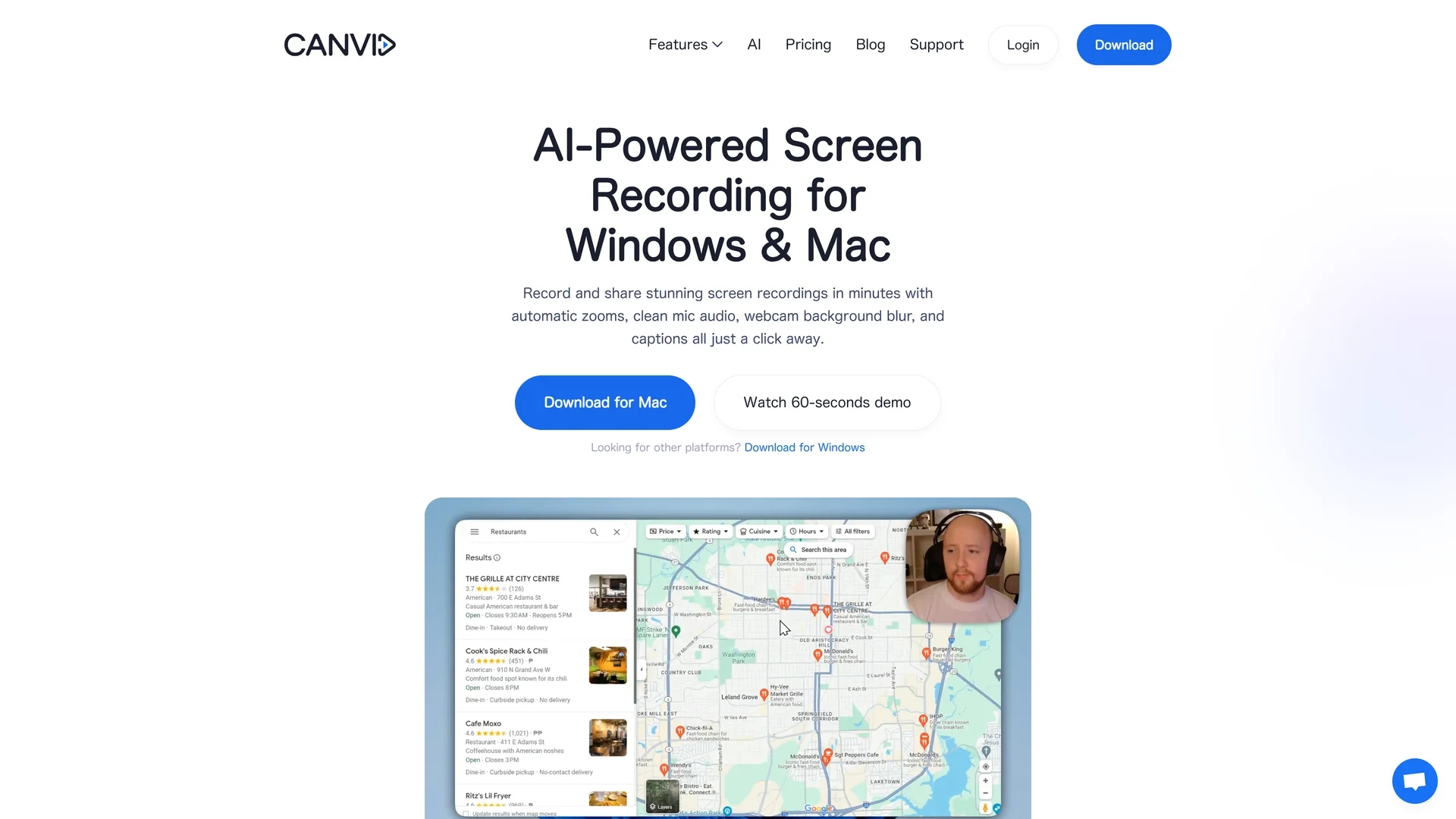
Canvid is an AI-powered screen recorder for Windows and Mac offering 4K capture, automatic zooms, click-aware framing, webcam effects, editable transcripts, and one-click voice cleanup with instant cloud sharing.
Disclaimer: Visionary Hub is not affiliated with, endorsed by, or the operator of this tool. All trademarks, logos, and content are the property of their respective owners. Full disclaimer available here
Key Features
4K Recording
Captures ultra-high-definition videos with hardware-accelerated encoding.
Click-Aware Framing
Automatically frames and zooms on user clicks for focused visuals.
Auto Transcripts
Generates editable subtitles to enhance accessibility and SEO.
Voice Cleanup
One-click removal of hum and echo for clear microphone audio.
Get Started
Share & Save
Share on Social Media
Why Choose Canvid
AI Enhancements:
Automatic zooms and voice cleanup improve video clarity and audio quality.Edit-While-Record:
Clicks become keyframes enabling quick edits without external software.Instant Sharing:
Cloud rendering and share links streamline distribution to multiple platforms.
Pricing
Canvid offers a $129 one-time Lifetime license including one year of updates and cloud storage, or a $7/month subscription billed annually. Volume pricing is available for larger teams via contact.
About Canvid
Canvid is an AI-powered screen recorder for Windows and Mac offering 4K capture, automatic zooms, click-aware framing, webcam effects, editable transcripts, and one-click voice cleanup with instant cloud sharing.
What Canvid Does
Canvid records high-resolution 4K screen videos with AI enhancements such as automatic zooms and click-aware framing to highlight user interactions clearly. It benefits users by simplifying the creation of professional tutorials, demos, and marketing videos.
The software features an edit-while-record workflow that converts mouse clicks into keyframes for quick trimming and zoom adjustments without external editors. It includes AI-powered voice cleanup to remove hum and echo, webcam effects with background blur or removal, and editable auto-generated transcripts and subtitles for accessibility and SEO.
Common use cases include product demos, onboarding videos, course creation, bug reproduction, and internal team handoffs, making it valuable for software developers, QA engineers, content creators, and e-commerce sellers.
Pros & Cons
Comprehensive Features
Combines recording, editing, and AI enhancements in one app.
Cross-Platform
Supports both Windows and Mac with native cursor and shortcut styles.
Requires Internet
Needs online connection for sign-in and cloud services.
Limited Offline Mode
Offline functionality is not available in the current release.
Frequently Asked Questions
Canvid supports Windows 10/11 and macOS with Apple Silicon M1+.
Yes, Canvid records up to 4K using hardware or fallback software encoding.
Yes, it removes hum and echo with one-click AI-powered voice cleanup.
Use Quick Share to generate cloud links for Slack, LinkedIn, X, or email.
Choose a $129 lifetime license or a $7/month subscription billed yearly.
Similar Tools You Might Like
Discover more AI-powered tools that complement your workflow


List Your AI Tool & Reach Thousands of Users
Join 500+ AI innovators already thriving on our platform. Get visibility, feedback, and boost your conversions.
Expand Your Audience
Connect with over 50,000 AI enthusiasts actively looking for tools like yours.
Boost Your Authority
Get verified reviews and ratings to build credibility in the AI marketplace.
Drive Conversions
Our premium placements and targeted audience deliver quality leads and sign-ups.