Canva Text to Image
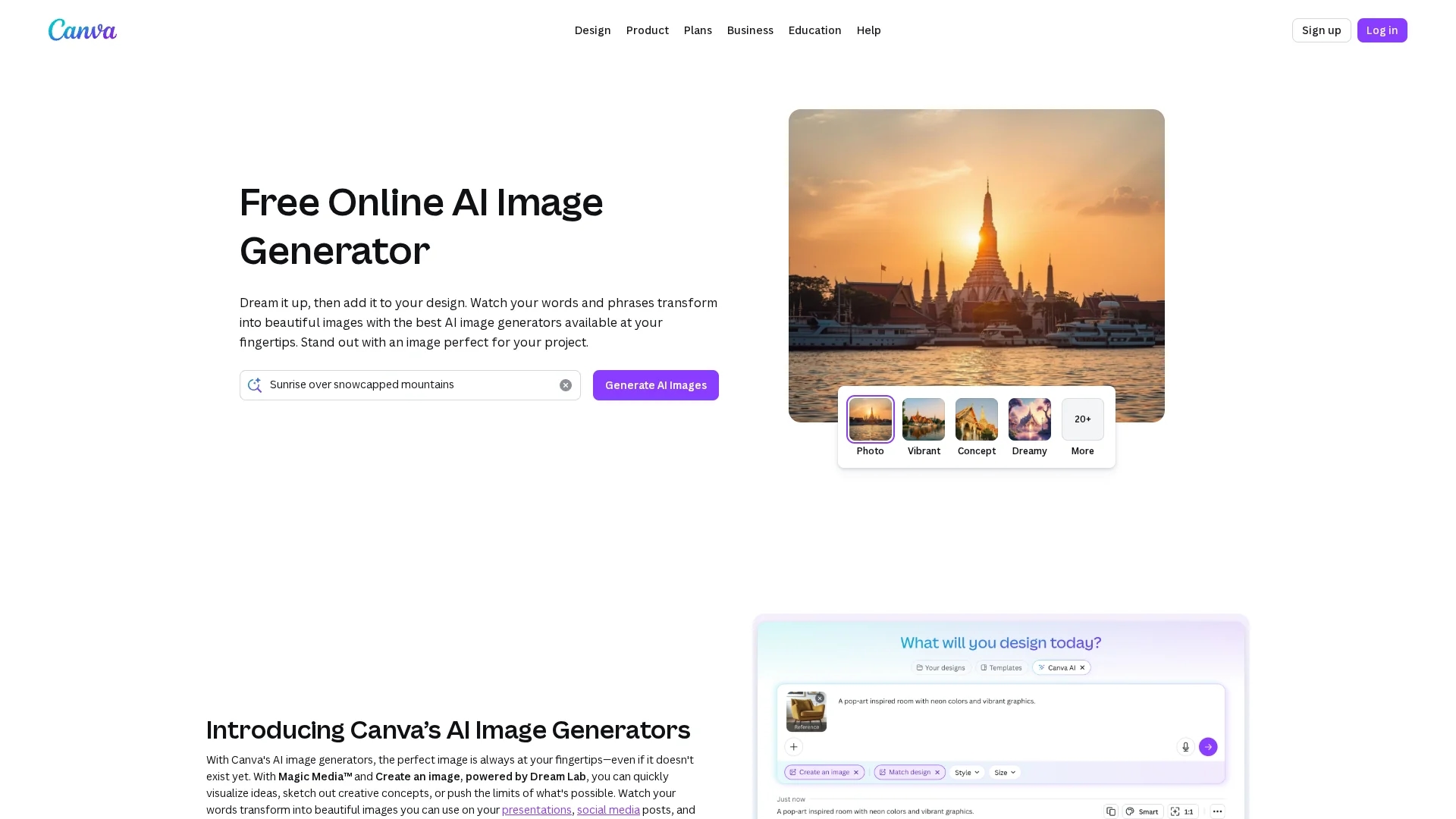
Canva Text to Image is an AI-powered tool that transforms text prompts into vivid, customizable images for social media, marketing, and presentations.
Disclaimer: Visionary Hub is not affiliated with, endorsed by, or the operator of this tool. All trademarks, logos, and content are the property of their respective owners. Full disclaimer available here
Key Features
Text-to-Image AI
Generates images directly from descriptive text prompts.
Style Options
Supports various artistic styles like Watercolor and Neon.
Reference Image Upload
Allows image-based style generation via Dream Lab integration.
Photo Editing Tools
Includes Magic Edit and Magic Eraser for image refinement.
Get Started
Share & Save
Share on Social Media
Why Choose Canva Text to Image
Versatile Styles:
Offers multiple art styles to match diverse creative needs.Integrated Editing:
Seamlessly edit AI images with Canva’s photo editing tools.Accessible Platform:
Available online with free and paid plans for all users.
Pricing
Canva offers free access with limited AI image generation. Paid plans include Pro, Business, and Enterprise with additional features and usage. Visit Canva pricing for details.
About Canva Text to Image
Canva Text to Image is an AI-powered tool that transforms text prompts into vivid, customizable images for social media, marketing, and presentations.
What Canva Text to Image Does
Canva Text to Image transforms user-entered text prompts into AI-generated images, enabling fast creation of visuals for social media, marketing, and presentations. This helps users overcome creative blocks and produce eye-catching content.
It features multiple art styles such as Watercolor, Neon, and Retrowave, and allows customization of image aspect ratios. The tool uses advanced AI models to interpret text and generate images that match user descriptions, with options to edit and enhance images further using Canva's photo editing tools.
Industries such as marketing, e-commerce, and content creation benefit from this tool by streamlining the design process and enabling rapid visual content production.
Pros & Cons
User-Friendly
Intuitive interface suitable for non-designers and professionals.
Wide Integration
Part of Canva’s ecosystem with extensive design and export options.
Limited Free Use
AI image generation is limited on free accounts.
Commercial Rights
Users must ensure AI-generated images comply with copyright rules.
Frequently Asked Questions
It uses AI models to convert text prompts into images by analyzing millions of image-text pairs.
Limited use is free; full features require a Canva Pro or paid plan.
Yes, Dream Lab lets you upload reference images to guide AI generation.
Styles include Watercolor, Filmic, Neon, Color Pencil, Retrowave, and more.
Yes, but users must comply with Canva’s AI Product Terms and copyright laws.
Similar Tools You Might Like
Discover more AI-powered tools that complement your workflow
List Your AI Tool & Reach Thousands of Users
Join 500+ AI innovators already thriving on our platform. Get visibility, feedback, and boost your conversions.
Expand Your Audience
Connect with over 50,000 AI enthusiasts actively looking for tools like yours.
Boost Your Authority
Get verified reviews and ratings to build credibility in the AI marketplace.
Drive Conversions
Our premium placements and targeted audience deliver quality leads and sign-ups.