
CancerFinder
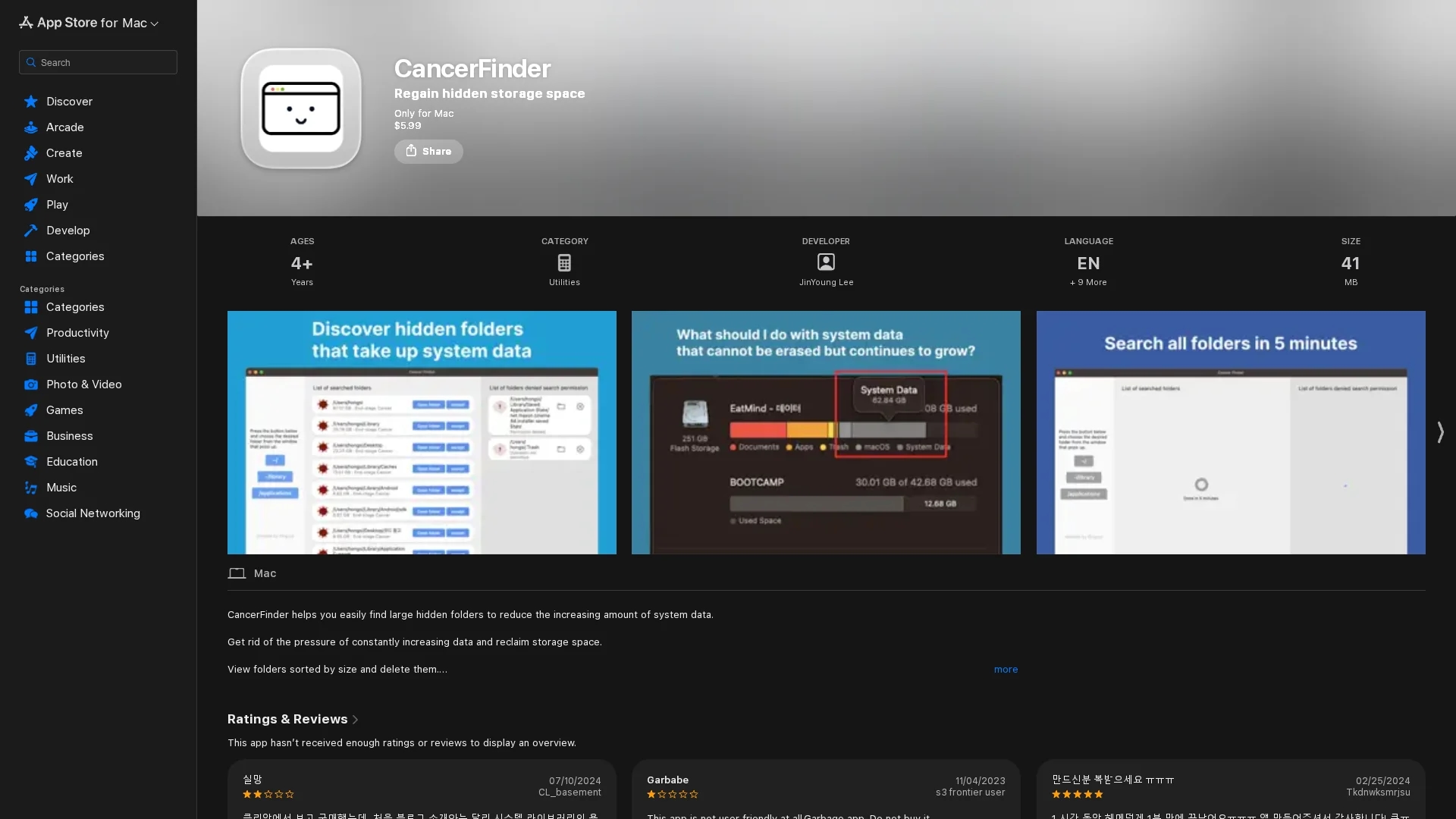
macOS app that identifies and deletes large, hidden folders to free up storage space and optimize system performance.
Disclaimer: Visionary Hub is not affiliated with, endorsed by, or the operator of this tool. All trademarks, logos, and content are the property of their respective owners. Full disclaimer available here
Key Features
Folder Size Detection
Finds folders with 250MB or more to target large storage consumers.
Denied Folder Access
Lists folders with restricted access to ensure comprehensive results.
Folder Management
Enables excluding and managing folders from the scan list.
Safe Deletion
Supports direct opening and deletion of folders within the app.
Get Started
Share & Save
Share on Social Media
Why Choose CancerFinder
Comprehensive Scan:
Includes hidden and denied folders for thorough storage analysis.Direct Deletion:
Allows opening and deleting large folders safely within the app.Size-Based Sorting:
Sorts folders by size to prioritize space reclamation effectively.
Pricing
CancerFinder is available as a paid app on the Mac App Store for a one-time purchase of $0.99.
About CancerFinder
macOS app that identifies and deletes large, hidden folders to free up storage space and optimize system performance.
What CancerFinder Does
CancerFinder scans your Mac system to locate folders that occupy 250MB or more, including hidden and access-restricted directories. It helps users identify storage-consuming folders that are often overlooked.
The app lists these folders sorted by size and allows users to open and delete them directly within the interface. It also supports excluding folders from the list for better management. The scanning includes denied folders to ensure a thorough search.
This tool is particularly useful for Mac users who frequently install and uninstall applications, enabling them to remove residual files and reclaim valuable disk space, thus improving system performance.
Pros & Cons
User Control
Users can review and selectively delete folders to avoid accidental loss.
Lightweight
Small app size (41 MB) with straightforward functionality.
Limited Platform
Available only for macOS 10.14.6 or later.
Basic Interface
Lacks advanced features and may be less user-friendly for some.
Frequently Asked Questions
It helps find and delete large hidden folders on your Mac to free up storage space.
It scans for folders over 250MB, including denied folders, and lists them for review and deletion.
Yes, but only delete folders related to known apps or large hidden files; avoid unfamiliar complex folders.
To ensure it can scan all folders, including those normally denied access, for comprehensive results.
Requires macOS 10.14.6 or later to run properly on Mac devices.
Similar Tools You Might Like
Discover more AI-powered tools that complement your workflow
List Your AI Tool & Reach Thousands of Users
Join 500+ AI innovators already thriving on our platform. Get visibility, feedback, and boost your conversions.
Expand Your Audience
Connect with over 50,000 AI enthusiasts actively looking for tools like yours.
Boost Your Authority
Get verified reviews and ratings to build credibility in the AI marketplace.
Drive Conversions
Our premium placements and targeted audience deliver quality leads and sign-ups.