
ByeBackground
ByeBackground is a privacy-focused AI tool that removes image backgrounds in high resolution locally within your browser, ensuring user privacy and ease of use on all devices.
Disclaimer: Visionary Hub is not affiliated with, endorsed by, or the operator of this tool. All trademarks, logos, and content are the property of their respective owners. Full disclaimer available here
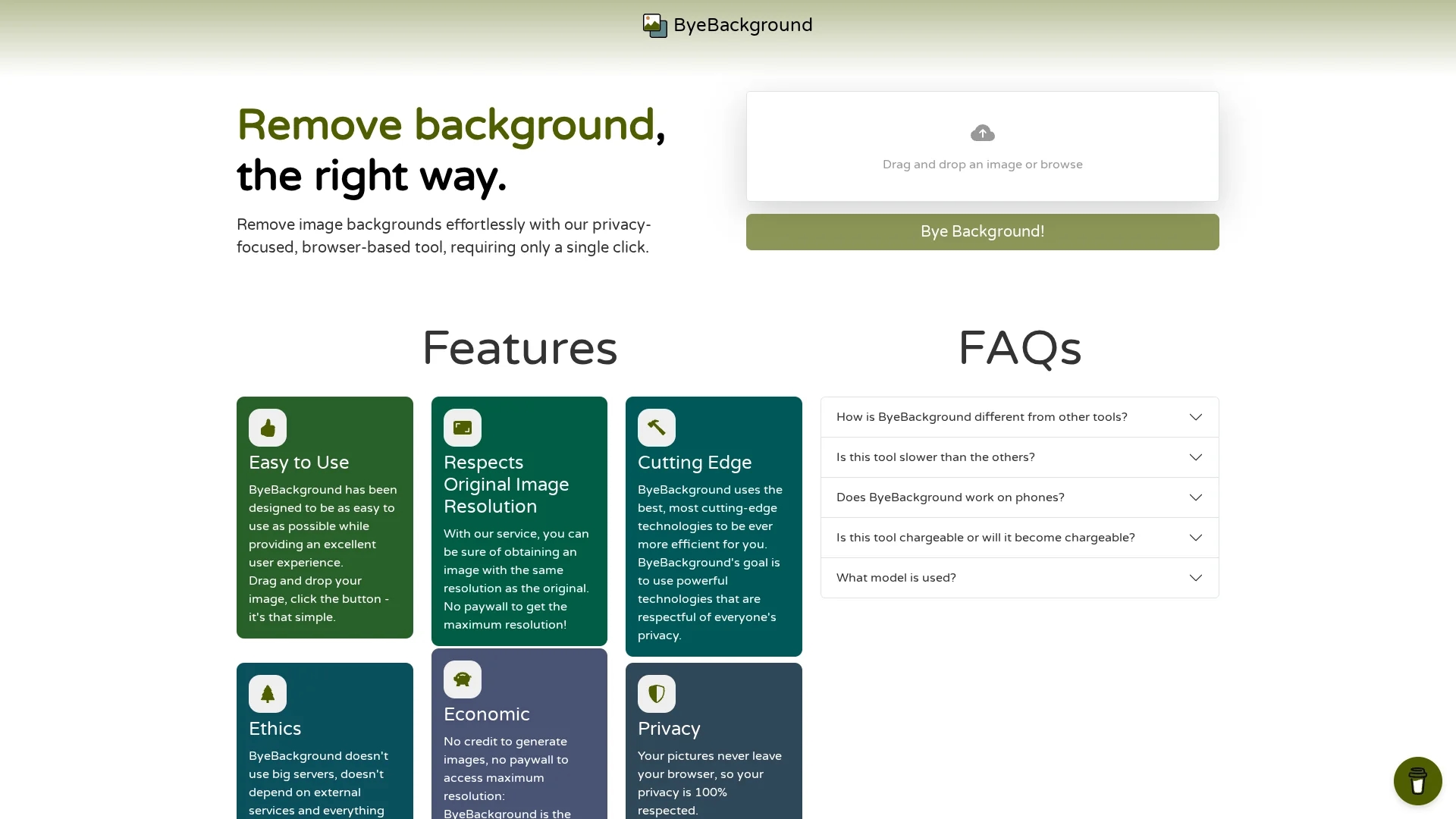
Key Features
Local Processing
All background removal happens in-browser without external servers.
Single-Click Removal
Remove backgrounds quickly with one click after uploading images.
Drag and Drop
User-friendly drag-and-drop interface for effortless image uploading.
Cross-Device Support
Works on desktop and mobile devices, adapting to user hardware.
Get Started
Share & Save
Share on Social Media
Why Choose ByeBackground
Privacy:
Processes images locally to ensure user data never leaves the browser.High Resolution:
Preserves original image resolution without paywalls or quality loss.Ease of Use:
Simple drag-and-drop interface with single-click background removal.
Pricing
ByeBackground is free to use with no paywalls or commercial charges, as all processing occurs locally in the browser without external servers.
About ByeBackground
ByeBackground is a privacy-focused AI tool that removes image backgrounds in high resolution locally within your browser, ensuring user privacy and ease of use on all devices.
What ByeBackground Does
ByeBackground removes backgrounds from images with a single click, enabling users to create professional visuals without compromising privacy or image quality. It operates entirely within the browser, ensuring images never leave the user's device.
The tool features a drag-and-drop interface and uses the BRIA Background Removal v1.4 AI model to deliver precise background removal while maintaining original image resolution. It supports both desktop and mobile devices, although processing speed depends on device performance.
Ideal for e-commerce product images, social media content, and website visuals, ByeBackground helps users quickly produce clean, polished images while safeguarding their data privacy.
Pros & Cons
Privacy-Focused
No data is sent to servers, protecting user images and information.
No Cost
Free to use with no paywalls or subscription requirements.
Performance
Processing speed depends on the user’s device capabilities.
Mobile Limitations
Background removal can be slow on less powerful mobile devices.
Frequently Asked Questions
It processes all images locally in your browser, so no data is uploaded or stored externally.
Yes, the tool is free with no commercial charges or paywalls.
It uses the BRIA Background Removal v1.4 AI model for precise results.
Yes, it works on powerful mobile devices, though speed may vary.
No signup or account is required to use the tool.
Similar Tools You Might Like
Discover more AI-powered tools that complement your workflow
List Your AI Tool & Reach Thousands of Users
Join 500+ AI innovators already thriving on our platform. Get visibility, feedback, and boost your conversions.
Expand Your Audience
Connect with over 50,000 AI enthusiasts actively looking for tools like yours.
Boost Your Authority
Get verified reviews and ratings to build credibility in the AI marketplace.
Drive Conversions
Our premium placements and targeted audience deliver quality leads and sign-ups.