
Bulk Rename Utility
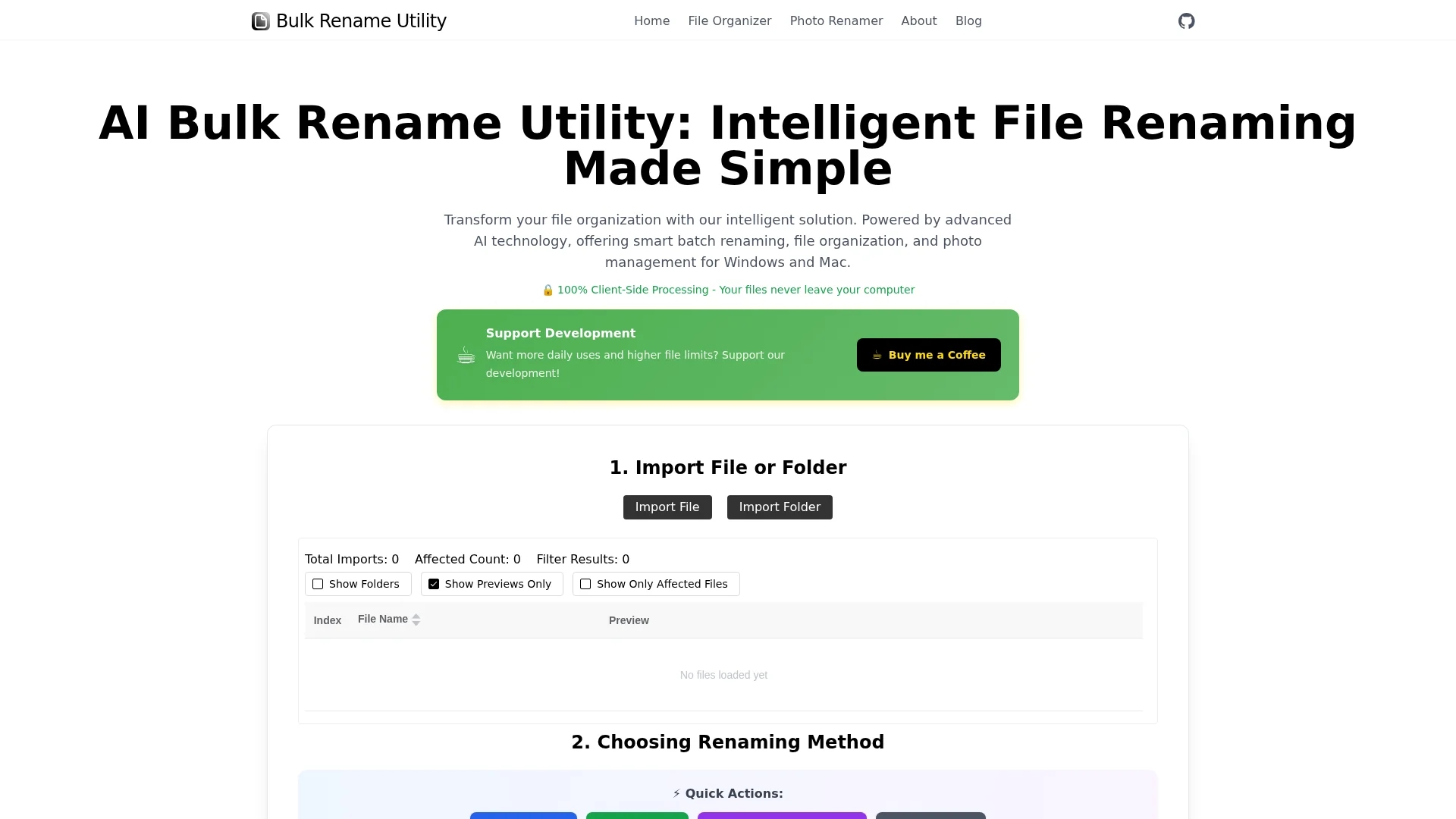
Bulk Rename Utility is an AI-powered tool for fast, secure bulk file renaming with customizable rule-based operations including sequence padding and regex replacements.
Disclaimer: Visionary Hub is not affiliated with, endorsed by, or the operator of this tool. All trademarks, logos, and content are the property of their respective owners. Full disclaimer available here
Key Features
AI-Powered Renaming
Uses AI to rename files instantly from user input.
Rule-Based Methods
Enables detailed customization with deletion and replacement.
No Upload Needed
Imports files locally without uploading to servers.
Regex Support
Allows complex renaming using regular expressions.
Get Started
Share & Save
Share on Social Media
Why Choose Bulk Rename Utility
AI Integration:
Instantly rename files using AI based on user descriptions.Local Processing:
Ensures privacy by processing files on the user's machine.Custom Rules:
Supports advanced renaming with regex and sequence padding.
Pricing
For current prices, visit the official page.
About Bulk Rename Utility
Bulk Rename Utility is an AI-powered tool for fast, secure bulk file renaming with customizable rule-based operations including sequence padding and regex replacements.
What Bulk Rename Utility Does
Bulk Rename Utility automates the process of renaming multiple files simultaneously, saving time and reducing manual errors. It benefits users by enabling quick, consistent file naming across large datasets.
The tool offers AI mode for instant renaming based on user descriptions and a rule mode for detailed customization such as sequence padding, character deletion, and regex replacements. It processes files locally without uploading, preserving user privacy.
Ideal for industries managing extensive file collections like photography, data analysis, and software development, it streamlines file organization and improves workflow efficiency.
Pros & Cons
Privacy
Processes files locally, protecting user data.
Flexibility
Combines AI and rule-based renaming options.
Platform Limitation
Supports only Windows and Mac via specific browsers.
No Signup
Lacks direct user registration or cloud integration.
Frequently Asked Questions
No, it processes files locally on your machine without uploading.
It supports Windows and Mac systems using Chrome or Edge browsers.
Yes, AI mode renames files instantly based on user descriptions.
Pricing details are not specified; visit the official page for current info.
Yes, rule mode supports character replacement, sequence padding, and regex.
Similar Tools You Might Like
Discover more AI-powered tools that complement your workflow
List Your AI Tool & Reach Thousands of Users
Join 500+ AI innovators already thriving on our platform. Get visibility, feedback, and boost your conversions.
Expand Your Audience
Connect with over 50,000 AI enthusiasts actively looking for tools like yours.
Boost Your Authority
Get verified reviews and ratings to build credibility in the AI marketplace.
Drive Conversions
Our premium placements and targeted audience deliver quality leads and sign-ups.