
BrowseGPT
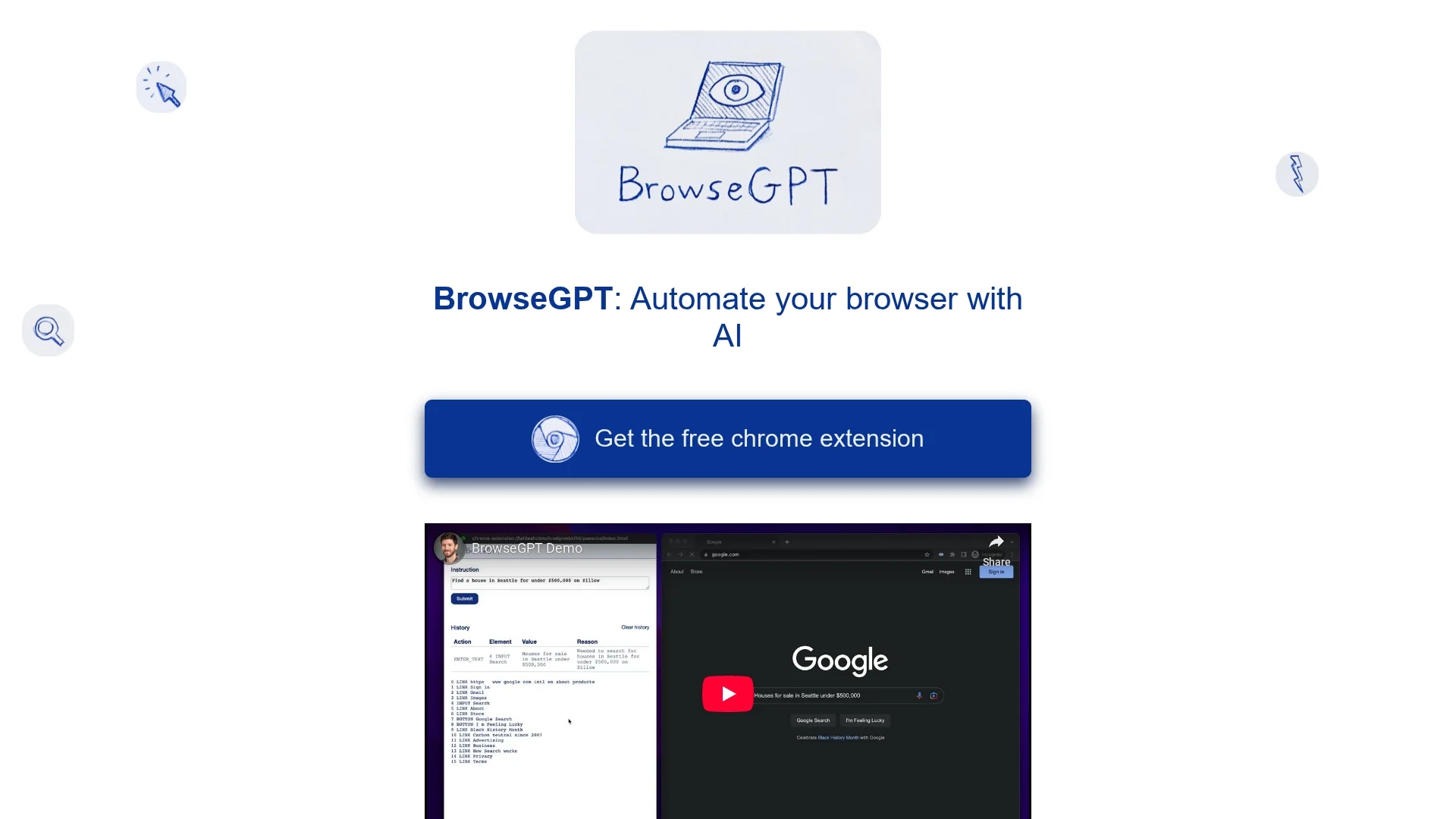
BrowseGPT is an AI-powered Chrome extension that automates web browsing tasks using the GPT-3 model to execute commands like clicking, typing, and navigation.
Disclaimer: Visionary Hub is not affiliated with, endorsed by, or the operator of this tool. All trademarks, logos, and content are the property of their respective owners. Full disclaimer available here
Key Features
GPT-3 Integration
Processes user commands using OpenAI's GPT-3 model for intelligent automation.
Browser Control
Performs clicks, text entry, and page navigation automatically.
Action Explanation
Provides reasons for each decision to enhance user oversight.
Error Correction
Allows users to correct the tool’s actions to improve accuracy.
Get Started
Share & Save
Share on Social Media
Why Choose BrowseGPT
AI Automation:
Uses GPT-3 to interpret and execute browsing commands automatically.Decision Transparency:
Explains each action to help users monitor and correct tasks.Task Versatility:
Handles various tasks including clicking, typing, and navigation.
Pricing
BrowseGPT is available as a free Chrome extension from the Chrome Web Store.
About BrowseGPT
BrowseGPT is an AI-powered Chrome extension that automates web browsing tasks using the GPT-3 model to execute commands like clicking, typing, and navigation.
What BrowseGPT Does
BrowseGPT automates browsing tasks by interpreting natural language instructions and executing actions like clicking buttons, entering text, and navigating websites. This reduces manual effort for repetitive web tasks.
It uses OpenAI's GPT-3 to analyze web pages and determine appropriate commands, providing reasons for each action and allowing user intervention to correct mistakes.
Ideal for web researchers, data entry specialists, and e-commerce sellers, BrowseGPT supports tasks such as automated form filling, web scraping, and product searches.
Pros & Cons
Free Extension
Available at no cost via the Chrome Web Store.
Reduces Manual Work
Automates repetitive browsing tasks to save user time.
Experimental
May get stuck or make incorrect actions during automation.
Use Caution
Not recommended for sensitive pages due to potential errors.
Frequently Asked Questions
It automates tasks like web scraping, form filling, clicking, and navigation.
Yes, it is available as a free Chrome extension.
BrowseGPT uses OpenAI's GPT-3 model to process commands.
Yes, it provides reasons for actions and allows user corrections.
No, caution is advised; avoid using it on pages with private data.
Similar Tools You Might Like
Discover more AI-powered tools that complement your workflow
List Your AI Tool & Reach Thousands of Users
Join 500+ AI innovators already thriving on our platform. Get visibility, feedback, and boost your conversions.
Expand Your Audience
Connect with over 50,000 AI enthusiasts actively looking for tools like yours.
Boost Your Authority
Get verified reviews and ratings to build credibility in the AI marketplace.
Drive Conversions
Our premium placements and targeted audience deliver quality leads and sign-ups.