
BPM Finder
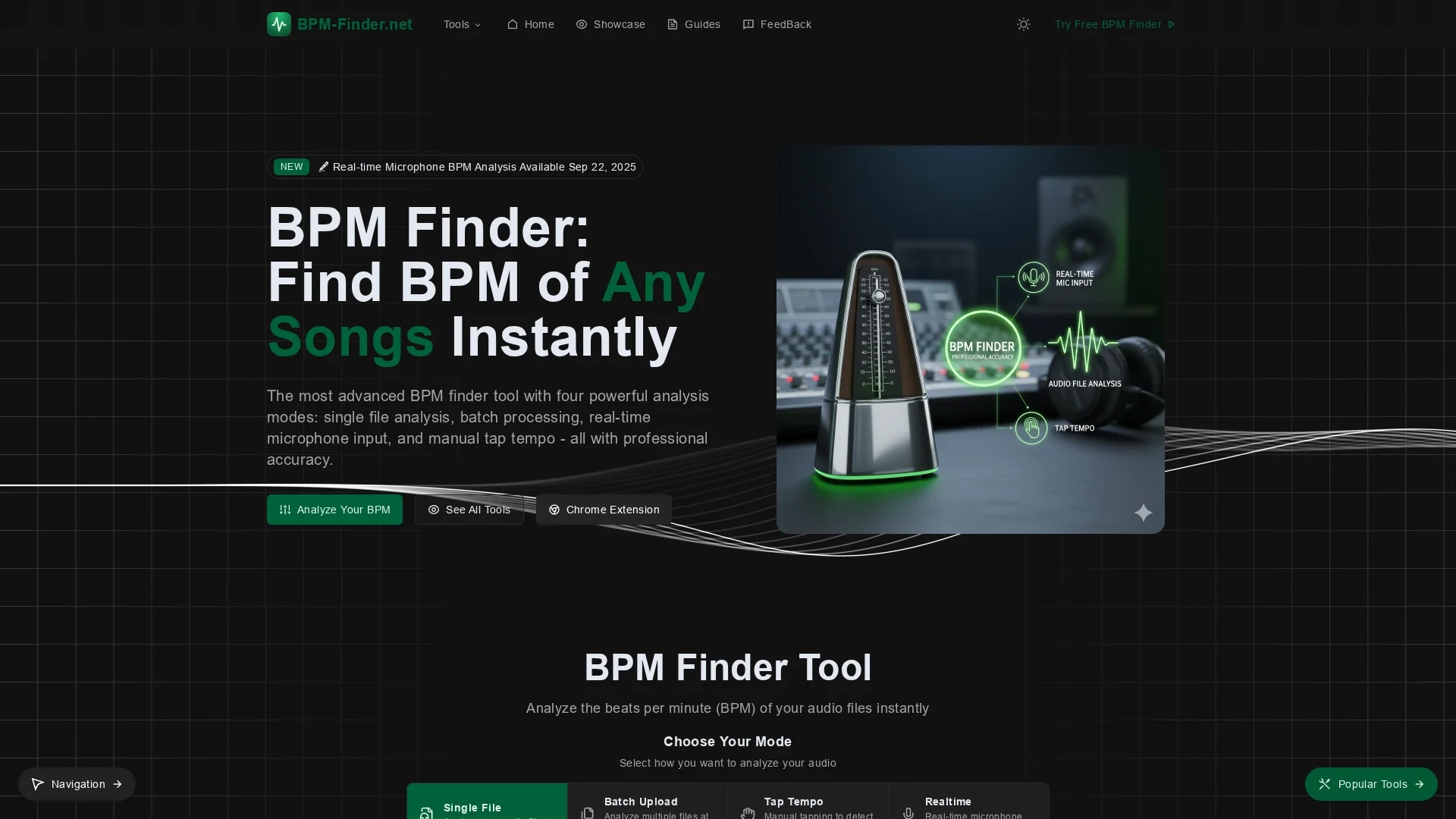
BPM Finder accurately analyzes beats per minute across multiple audio formats using single file, batch, real-time microphone, or manual tap modes for DJs, producers, and fitness instructors.
Disclaimer: Visionary Hub is not affiliated with, endorsed by, or the operator of this tool. All trademarks, logos, and content are the property of their respective owners. Full disclaimer available here
Key Features
Multi-format Support
Analyzes MP3, WAV, FLAC, AAC, OGG, and M4A files up to 50MB.
Batch Processing
Upload and analyze multiple audio files simultaneously.
Real-time Input
Detect BPM live via microphone input for streaming or speakers.
Manual Tap Tempo
Tap rhythm manually to find BPM without an audio file.
Get Started
Share & Save
Share on Social Media
Why Choose BPM Finder
Multiple Modes:
Four analysis methods cover all BPM detection scenarios.High Accuracy:
Advanced algorithms deliver 99.5% BPM detection precision.Privacy Focus:
Processes audio locally; no files leave your device.
Pricing
BPM Finder is free to use with no registration required. There are no hidden fees or paid plans mentioned on the official site.
About BPM Finder
BPM Finder accurately analyzes beats per minute across multiple audio formats using single file, batch, real-time microphone, or manual tap modes for DJs, producers, and fitness instructors.
What BPM Finder Does
BPM Finder analyzes the tempo of audio tracks by detecting beats per minute (BPM) accurately and efficiently. It benefits users by simplifying the process of syncing music for live performances, production, and workout playlists.
The tool supports multiple audio formats including MP3, WAV, FLAC, AAC, OGG, and M4A, and offers four analysis modes: single file upload, batch processing for multiple tracks, real-time microphone input, and manual tapping. It uses advanced algorithms with confidence scoring and manual adjustment options to ensure precise BPM detection.
Professionals such as DJs, music producers, fitness trainers, video editors, and music bloggers use BPM Finder to streamline their workflows, organize libraries, create synced playlists, and enhance audio editing accuracy.
Pros & Cons
No Registration
Free to use with no account or sign-up required.
Client-Side Processing
Ensures user privacy by processing audio in-browser.
File Size Limit
Supports files only up to 50MB each.
Variable Tempo
Less accurate on songs with significant tempo changes.
Frequently Asked Questions
It achieves 99.5% accuracy with confidence scores and manual adjustments for precision.
Supports MP3, WAV, FLAC, AAC, OGG, and M4A audio files up to 50MB.
Yes, it supports real-time BPM detection via microphone input.
No, BPM Finder is free and does not require user registration.
No, all processing happens locally in your browser; files are not uploaded.
Similar Tools You Might Like
Discover more AI-powered tools that complement your workflow
List Your AI Tool & Reach Thousands of Users
Join 500+ AI innovators already thriving on our platform. Get visibility, feedback, and boost your conversions.
Expand Your Audience
Connect with over 50,000 AI enthusiasts actively looking for tools like yours.
Boost Your Authority
Get verified reviews and ratings to build credibility in the AI marketplace.
Drive Conversions
Our premium placements and targeted audience deliver quality leads and sign-ups.