
BlurBackground AI
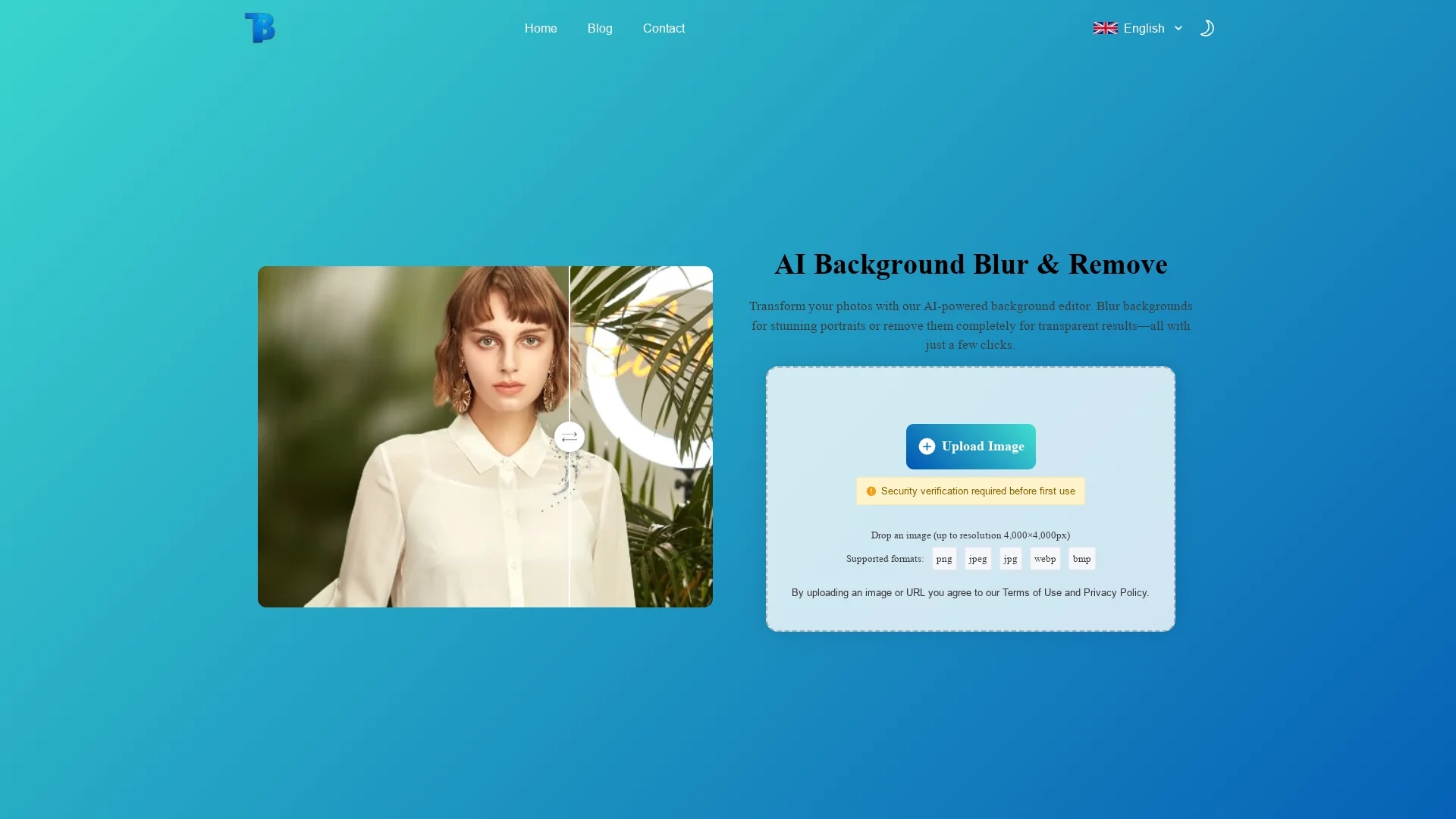
BlurBackground AI uses advanced AI to blur or remove image backgrounds, supporting PNG, JPG, and WEBP formats for professional product photos, portraits, and social media visuals.
Disclaimer: Visionary Hub is not affiliated with, endorsed by, or the operator of this tool. All trademarks, logos, and content are the property of their respective owners. Full disclaimer available here
Key Features
AI Background Editing
Automatically detects and separates subjects from backgrounds.
Blur & Remove
Offers both background blur and full removal options.
Format Support
Supports PNG, JPG, JPEG, and WEBP image formats.
Quality Preservation
Maintains original image resolution and clarity.
Get Started
Share & Save
Share on Social Media
Why Choose BlurBackground AI
Free Usage:
Completely free with no sign-up or ads required.High Accuracy:
AI precisely detects subjects for clean background edits.Adjustable Blur:
Users control blur intensity for customized effects.
Pricing
BlurBackground AI is 100% free to use with no sign-up or ads. There are no paid plans or subscriptions.
About BlurBackground AI
BlurBackground AI uses advanced AI to blur or remove image backgrounds, supporting PNG, JPG, and WEBP formats for professional product photos, portraits, and social media visuals.
What BlurBackground AI Does
BlurBackground AI enables users to effortlessly blur or remove backgrounds from images, enhancing focus on the main subject. This improves the visual appeal of product photos, portraits, and social media images.
The tool uses AI to accurately detect subjects and apply either a customizable blur effect or complete background removal. It supports PNG, JPG, JPEG, and WEBP formats, preserving high resolution and image quality throughout the process.
Common use cases include e-commerce product listings, professional headshots, family portraits, and digital marketing content, making it suitable for photographers, designers, and content creators.
Pros & Cons
No Registration
Accessible instantly without account creation.
Fast Processing
Delivers edited images within seconds.
Limited Features
Focuses solely on background blur and removal.
No Mobile App
Available only as a web-based tool.
Frequently Asked Questions
Yes, it is completely free with no hidden fees or sign-up required.
Supports PNG, JPG, JPEG, and WEBP formats for editing.
No installation is needed; the tool works entirely online in your browser.
Yes, users can control the blur level with an intuitive slider.
Yes, images are processed securely and not stored or shared.
Similar Tools You Might Like
Discover more AI-powered tools that complement your workflow


List Your AI Tool & Reach Thousands of Users
Join 500+ AI innovators already thriving on our platform. Get visibility, feedback, and boost your conversions.
Expand Your Audience
Connect with over 50,000 AI enthusiasts actively looking for tools like yours.
Boost Your Authority
Get verified reviews and ratings to build credibility in the AI marketplace.
Drive Conversions
Our premium placements and targeted audience deliver quality leads and sign-ups.