
BlipCut
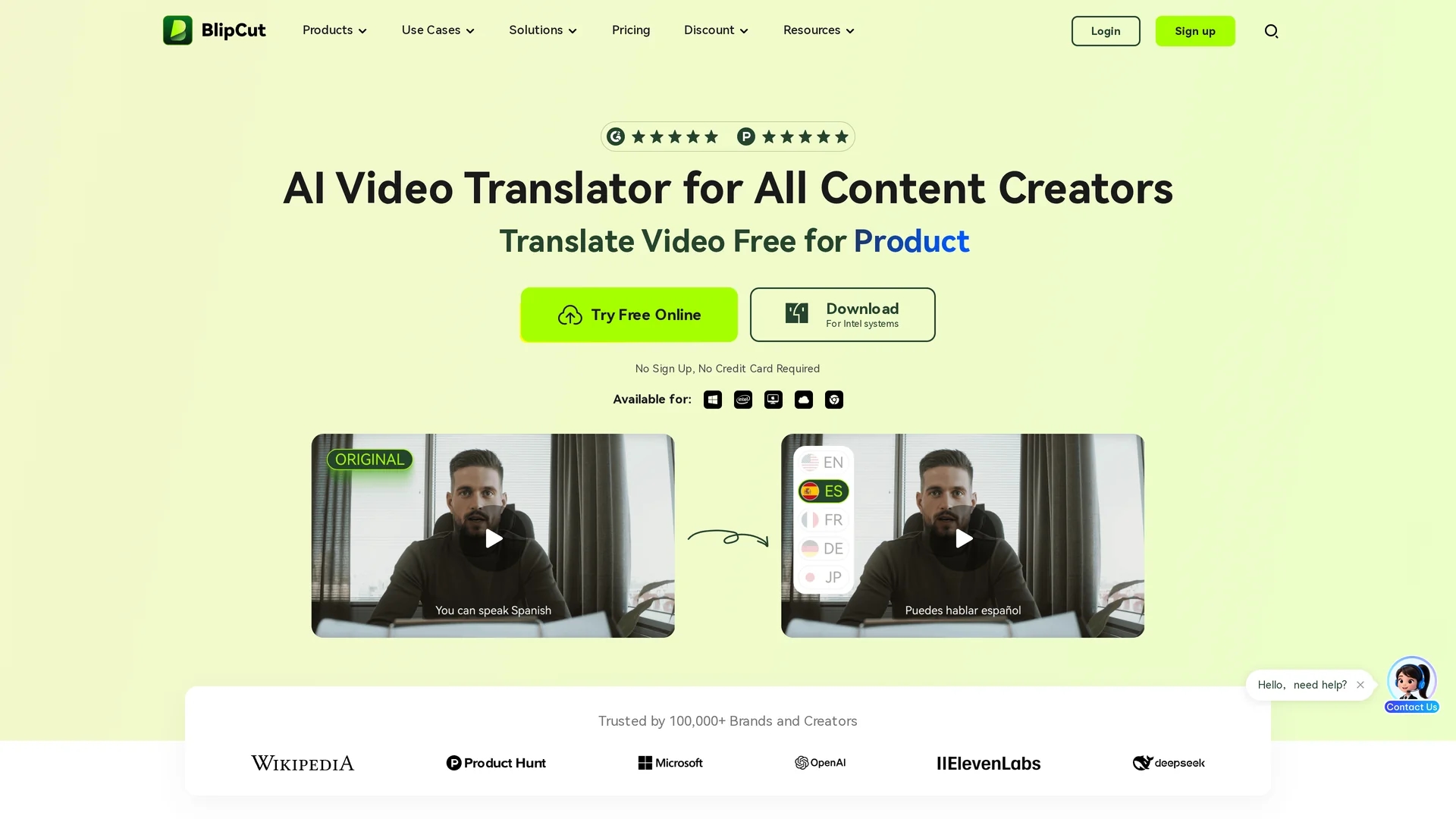
BlipCut AI Video Translator offers advanced video translation in over 35 languages with AI video generation, voice cloning, ChatGPT translation, auto captioning, and voice changing features.
Disclaimer: Visionary Hub is not affiliated with, endorsed by, or the operator of this tool. All trademarks, logos, and content are the property of their respective owners. Full disclaimer available here
Key Features
AI Video Generation
Create translated videos using AI-powered video processing.
ChatGPT Translation
Leverage ChatGPT for context-aware and accurate translations.
Voice Cloning
Replicate human-like voices for authentic dubbing.
AI Voice Changer
Modify voices to suit different languages and styles.
Get Started
Share & Save
Share on Social Media
Why Choose BlipCut
Multilingual Support:
Translate videos into over 35 languages with high accuracy.Voice Cloning:
Clone voices for natural and consistent multilingual audio.Auto Captioning:
Generate and edit subtitles automatically for better accessibility.
Pricing
BlipCut offers a freemium pricing model with a free tier featuring some limitations. Paid plans include $16.99 per week, $39.99 per month, and $299.99 per year per user. Prices are subject to change; check the official pricing page for updates.
About BlipCut
BlipCut AI Video Translator offers advanced video translation in over 35 languages with AI video generation, voice cloning, ChatGPT translation, auto captioning, and voice changing features.
What BlipCut Does
BlipCut AI Video Translator translates videos into over 35 languages, enabling users to reach global audiences with accurate subtitles and natural-sounding voiceovers. It supports YouTube videos, marketing campaigns, educational content, and more.
The tool features AI video generation, voice cloning that replicates human-like voices, ChatGPT-powered translation for contextual accuracy, and an auto caption generator for efficient subtitle creation and editing. It also offers AI voice changing and lip-syncing to ensure synchronized and natural audio-visual output.
Industries benefiting from BlipCut include media production, education, marketing, gaming, and healthcare, where multilingual video content enhances accessibility and engagement worldwide.
Pros & Cons
Wide Language Range
Supports translation in over 35 languages and 140+ dialects.
Integrated Tools
Combines translation, voice cloning, and captioning in one platform.
Limited Free Plan
Free tier has restrictions requiring paid upgrades for full features.
No Developer Info
Developer or company details are not publicly disclosed.
Frequently Asked Questions
BlipCut supports translation into over 140 languages and dialects.
Yes, BlipCut offers a free tier with some limitations and paid plans.
Yes, it uses AI voice cloning to replicate natural voices in multiple languages.
BlipCut operates fully online with browser access; desktop apps are also available.
Yes, it supports seamless translation and dubbing of YouTube videos.
Similar Tools You Might Like
Discover more AI-powered tools that complement your workflow


List Your AI Tool & Reach Thousands of Users
Join 500+ AI innovators already thriving on our platform. Get visibility, feedback, and boost your conversions.
Expand Your Audience
Connect with over 50,000 AI enthusiasts actively looking for tools like yours.
Boost Your Authority
Get verified reviews and ratings to build credibility in the AI marketplace.
Drive Conversions
Our premium placements and targeted audience deliver quality leads and sign-ups.