bigmp4
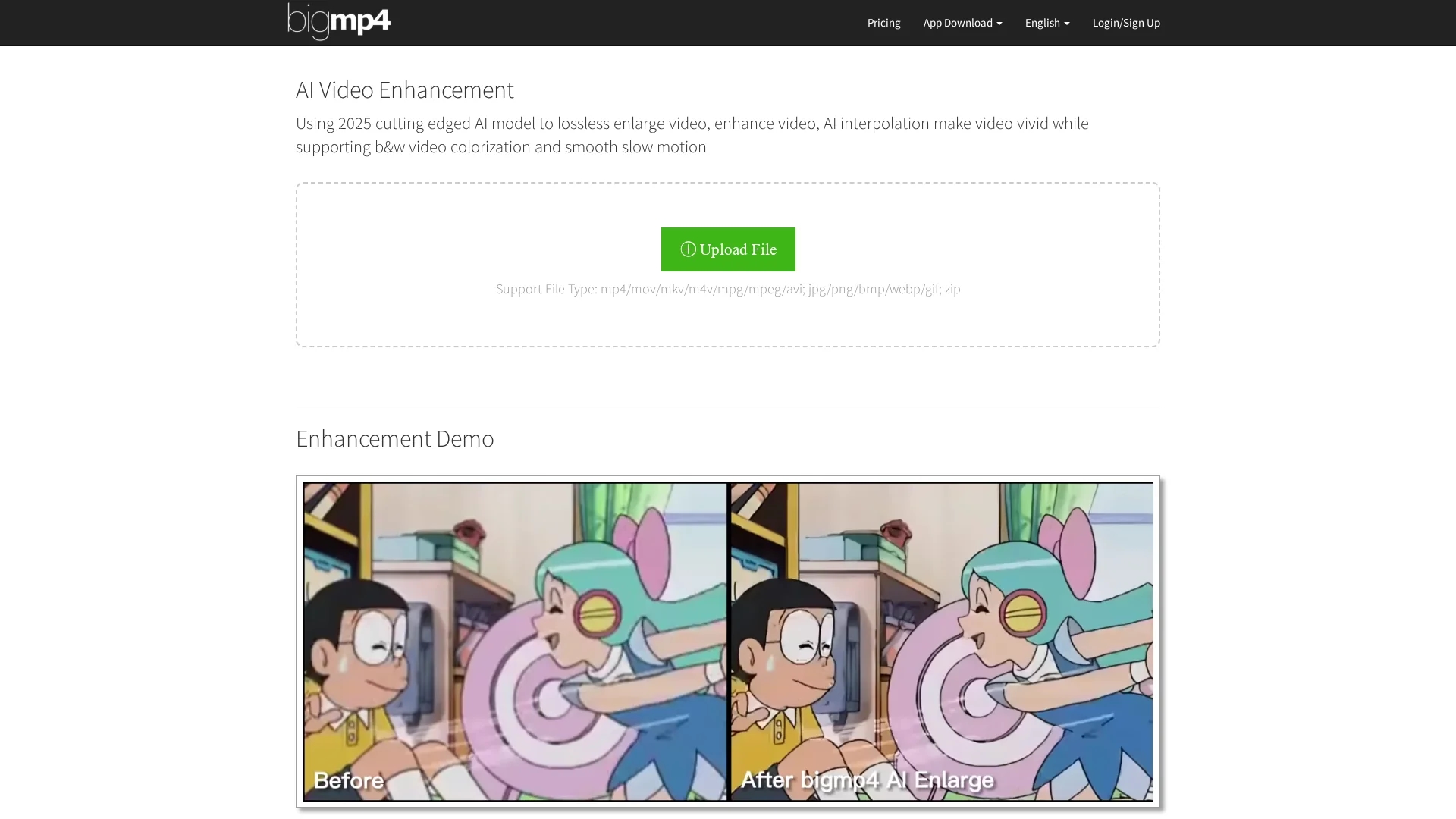
AI Video Enhance uses advanced AI to losslessly enlarge and improve videos, supporting colorization, slow motion, batch processing, and FPS increase for vivid, smooth playback.
Disclaimer: Visionary Hub is not affiliated with, endorsed by, or the operator of this tool. All trademarks, logos, and content are the property of their respective owners. Full disclaimer available here
Key Features
Video Enlargement
Upscales videos to 2K, 4K, or 8K resolution losslessly.
Video Enhancement
Improves video quality with AI noise reduction.
Slow Motion
Creates smooth slow-motion effects without FPS loss.
Batch Processing
Supports uploading and processing multiple files at once.
Get Started
Share & Save
Share on Social Media
Why Choose bigmp4
Lossless Enlargement:
Enlarges videos without sacrificing original quality.AI Interpolation:
Increases FPS for smoother and more vivid videos.Batch Processing:
Processes multiple files simultaneously for efficiency.
Pricing
Offers a Free plan with 30 GPU points monthly and limited features. Paid plans range from $6 to $24 USD per year, including priority processing, higher upload limits, AI interpolation, and batch mode.
About bigmp4
AI Video Enhance uses advanced AI to losslessly enlarge and improve videos, supporting colorization, slow motion, batch processing, and FPS increase for vivid, smooth playback.
What bigmp4 Does
AI Video Enhance enlarges and enhances videos without quality loss, improving resolution and smoothness for clearer playback. It benefits users by revitalizing old footage and optimizing professional videos.
The tool features AI interpolation to increase frames per second, colorizes black & white videos, supports slow motion effects, and processes batches of files efficiently. It accepts multiple video and image formats, enabling versatile use.
Common applications include enhancing surveillance footage, restoring family videos, and improving content for media production, gaming, and marketing industries.
Pros & Cons
Wide Format Support
Accepts various video and image file types including mp4, mov, mkv, and gif.
AI Colorization
Adds natural color to black & white videos automatically.
Processing Time
Processing duration depends on file size and frame count.
Jelly Effect
High FPS interpolation may cause visual artifacts in some scenes.
Frequently Asked Questions
Supports video formats like mp4, mov, mkv, avi, and image formats including jpg, png, bmp, gif, plus zip files.
Yes, a free plan offers limited GPU points monthly; paid plans provide more features and priority processing.
Processing time varies by file size and frame count; AI interpolation doubles frames and processing duration.
Uploaded and result files are automatically deleted within one week to ensure privacy.
You can email support at [email protected] for feedback or assistance.
Similar Tools You Might Like
Discover more AI-powered tools that complement your workflow
List Your AI Tool & Reach Thousands of Users
Join 500+ AI innovators already thriving on our platform. Get visibility, feedback, and boost your conversions.
Expand Your Audience
Connect with over 50,000 AI enthusiasts actively looking for tools like yours.
Boost Your Authority
Get verified reviews and ratings to build credibility in the AI marketplace.
Drive Conversions
Our premium placements and targeted audience deliver quality leads and sign-ups.