
BgEraser
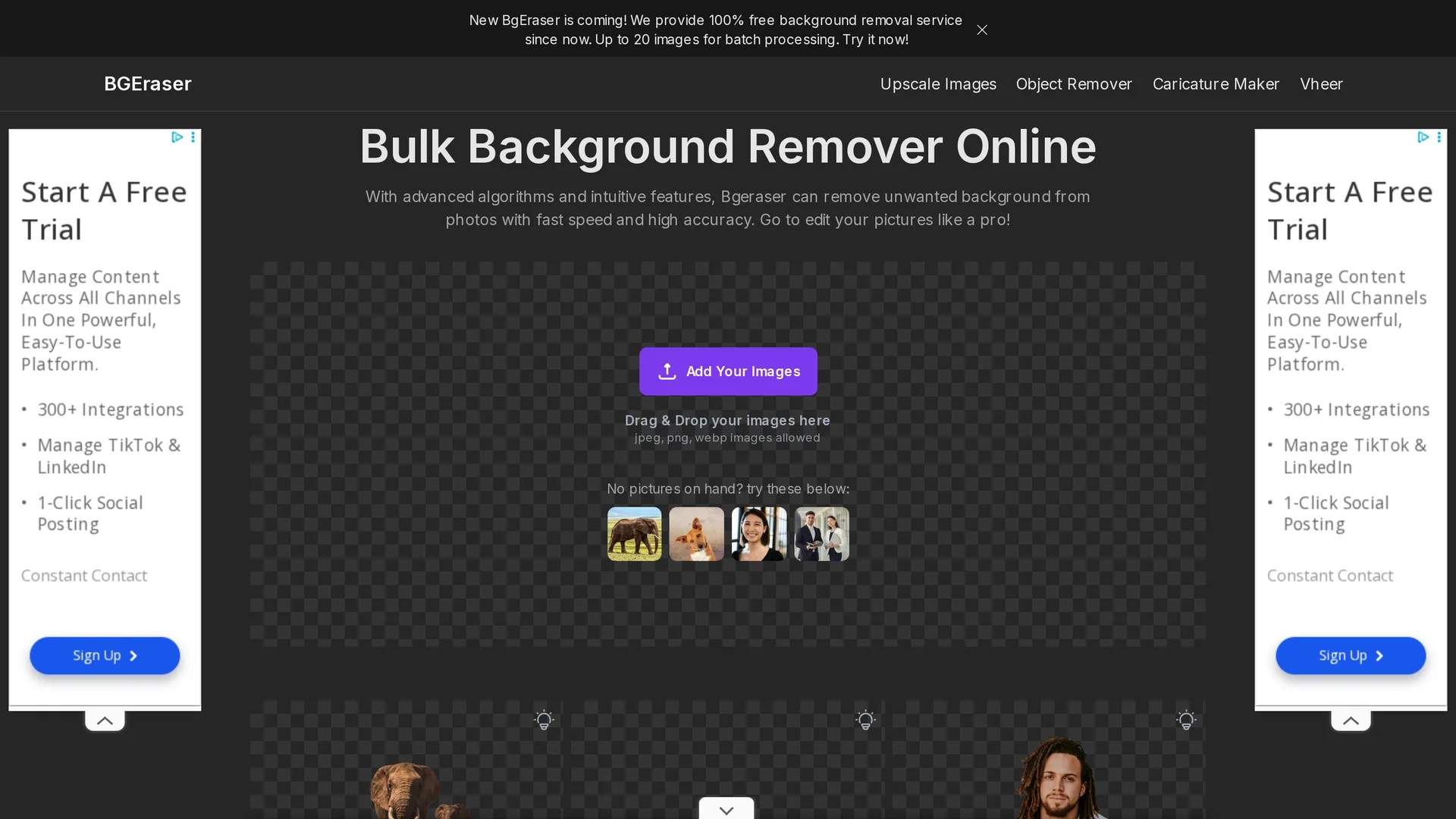
BgEraser is a free AI-powered online tool that removes image backgrounds, unwanted objects, and watermarks quickly with batch processing support.
Disclaimer: Visionary Hub is not affiliated with, endorsed by, or the operator of this tool. All trademarks, logos, and content are the property of their respective owners. Full disclaimer available here
Key Features
Background Removal
Automatically removes image backgrounds with high accuracy.
Object Removal
Eliminates unwanted objects and watermarks seamlessly.
Bulk Processing
Processes up to 20 images in one batch for efficiency.
Image Upscaling
Enhances image resolution after editing for better quality.
Get Started
Share & Save
Share on Social Media
Why Choose BgEraser
Free Service:
Provides 100% free background removal without registration.Batch Processing:
Supports bulk editing of up to 20 images simultaneously.AI Precision:
Uses advanced AI for accurate background and object removal.
Pricing
BgEraser offers a 100% free online background removal service with no registration required. For detailed pricing or premium options, visit the pricing page.
About BgEraser
BgEraser is a free AI-powered online tool that removes image backgrounds, unwanted objects, and watermarks quickly with batch processing support.
What BgEraser Does
BgEraser removes backgrounds, unwanted objects, and watermarks from images automatically using AI-powered algorithms. It enables users to clean up photos quickly without manual editing.
The tool supports batch processing of up to 20 images, background color replacement, and image upscaling. It works with JPG and PNG formats and uses advanced inpainting technology for seamless object removal.
Typical use cases include e-commerce product photography, logo background removal, social media image editing, and personal photo cleanup across various industries.
Pros & Cons
No Registration
Users can access full features without creating an account.
User-Friendly
Intuitive web interface suitable for all skill levels.
Limited Formats
Supports only JPG and PNG image formats currently.
No Undo Feature
Background removal cannot be reversed once applied.
Frequently Asked Questions
It uses AI algorithms to identify and separate the foreground from the background for precise removal.
Yes, BgEraser supports batch processing of up to 20 images simultaneously.
BgEraser currently supports JPG and PNG image formats.
No, once removed, the background cannot be restored; making a backup is recommended.
Yes, it accurately detects and removes backgrounds from logos and other image types.
Similar Tools You Might Like
Discover more AI-powered tools that complement your workflow
List Your AI Tool & Reach Thousands of Users
Join 500+ AI innovators already thriving on our platform. Get visibility, feedback, and boost your conversions.
Expand Your Audience
Connect with over 50,000 AI enthusiasts actively looking for tools like yours.
Boost Your Authority
Get verified reviews and ratings to build credibility in the AI marketplace.
Drive Conversions
Our premium placements and targeted audience deliver quality leads and sign-ups.