BestPDF
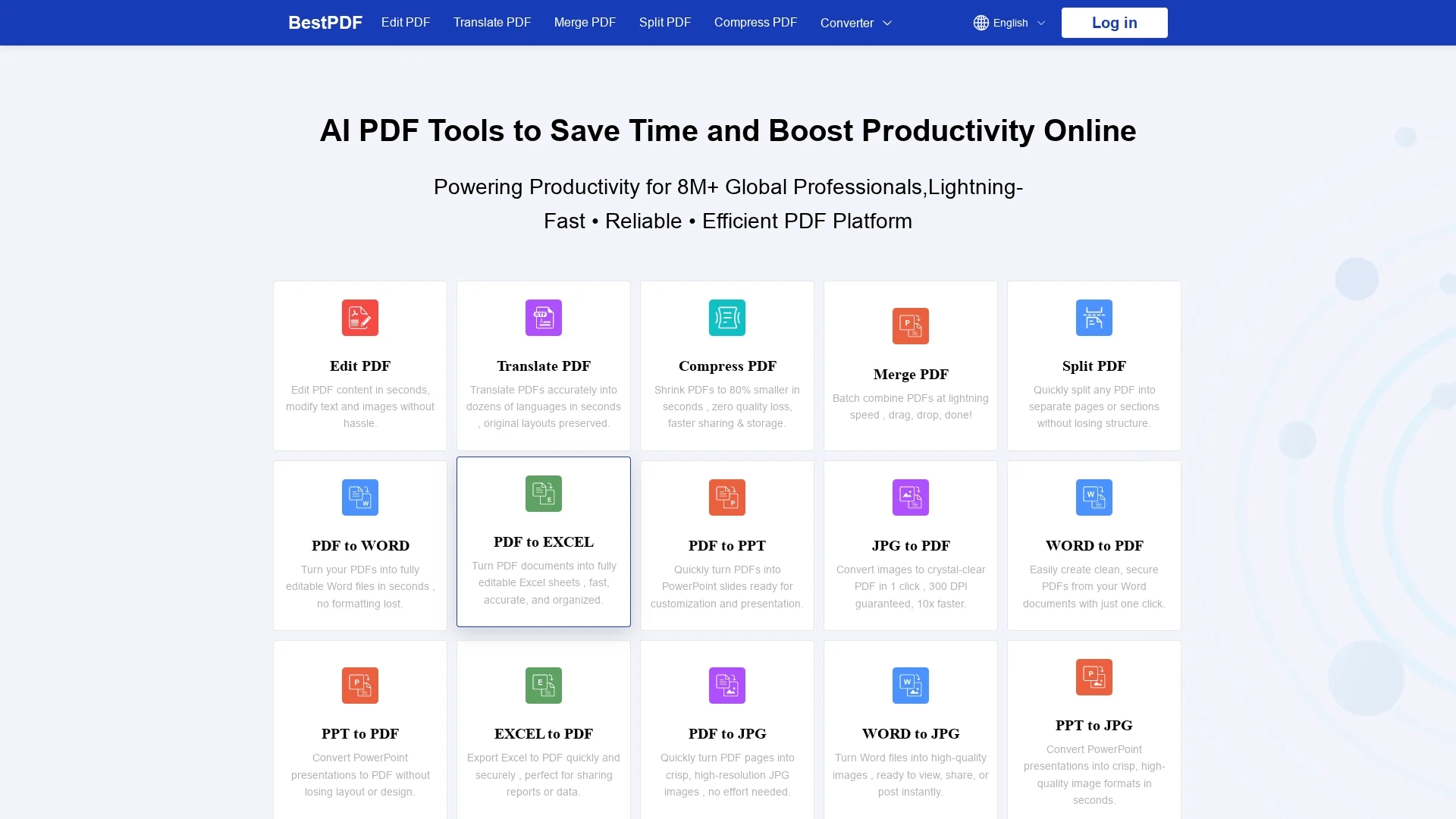
BestPDF is a web-based PDF editor and converter offering text/image editing, OCR, layout-preserving translation, and batch processing for efficient document management.
Disclaimer: Visionary Hub is not affiliated with, endorsed by, or the operator of this tool. All trademarks, logos, and content are the property of their respective owners. Full disclaimer available here
Key Features
PDF Editing
Modify text and images directly in the online PDF editor.
OCR Technology
Convert scanned PDFs and images into editable, searchable documents.
Format Conversion
Convert PDFs to Word, Excel, PowerPoint, JPG and vice versa.
Batch Processing
Merge, split, compress, and convert multiple files simultaneously.
Get Started
Share & Save
Share on Social Media
Why Choose BestPDF
Comprehensive Tools:
Combines editing, OCR, translation, and batch processing in one platform.Layout Preservation:
Maintains original formatting during translation and conversions.Mobile-Friendly:
Accessible on any device without installation or downloads.
Pricing
For current prices, visit the official page at https://www.bestpdf.co/pricing. Specific pricing details are not listed on the homepage.
About BestPDF
BestPDF is a web-based PDF editor and converter offering text/image editing, OCR, layout-preserving translation, and batch processing for efficient document management.
What BestPDF Does
BestPDF enables users to edit PDF content, convert PDFs to and from Word, Excel, PowerPoint, and image formats, and perform OCR to make scanned documents searchable and editable. It also offers layout-preserving translation for multilingual document needs.
The platform provides batch processing features such as merging, splitting, and compressing PDFs to optimize file size and streamline workflows. Its online editor allows quick modifications of text and images without software installation.
Industries like e-commerce, content creation, and administrative sectors benefit from its tools to localize, convert, and manage large volumes of documents efficiently.
Pros & Cons
No Installation
Fully web-based and mobile-friendly for instant access.
Preserves Layout
Maintains document formatting during editing and translation.
Pricing Transparency
No detailed pricing information directly available on homepage.
Signup Link
No clear registration or signup URL found on the homepage.
Frequently Asked Questions
Supports PDF, DOCX, XLSX, PPTX, JPG, and other major document and image formats.
Yes, the platform is fully mobile-friendly with no app installation required.
Yes, it preserves original layout and images while translating PDFs.
Pricing details are not listed; visit the official page for current plans.
Uses enterprise-grade TLS encryption and complies with GDPR and CCPA privacy standards.
Similar Tools You Might Like
Discover more AI-powered tools that complement your workflow
List Your AI Tool & Reach Thousands of Users
Join 500+ AI innovators already thriving on our platform. Get visibility, feedback, and boost your conversions.
Expand Your Audience
Connect with over 50,000 AI enthusiasts actively looking for tools like yours.
Boost Your Authority
Get verified reviews and ratings to build credibility in the AI marketplace.
Drive Conversions
Our premium placements and targeted audience deliver quality leads and sign-ups.