
BashBuddy
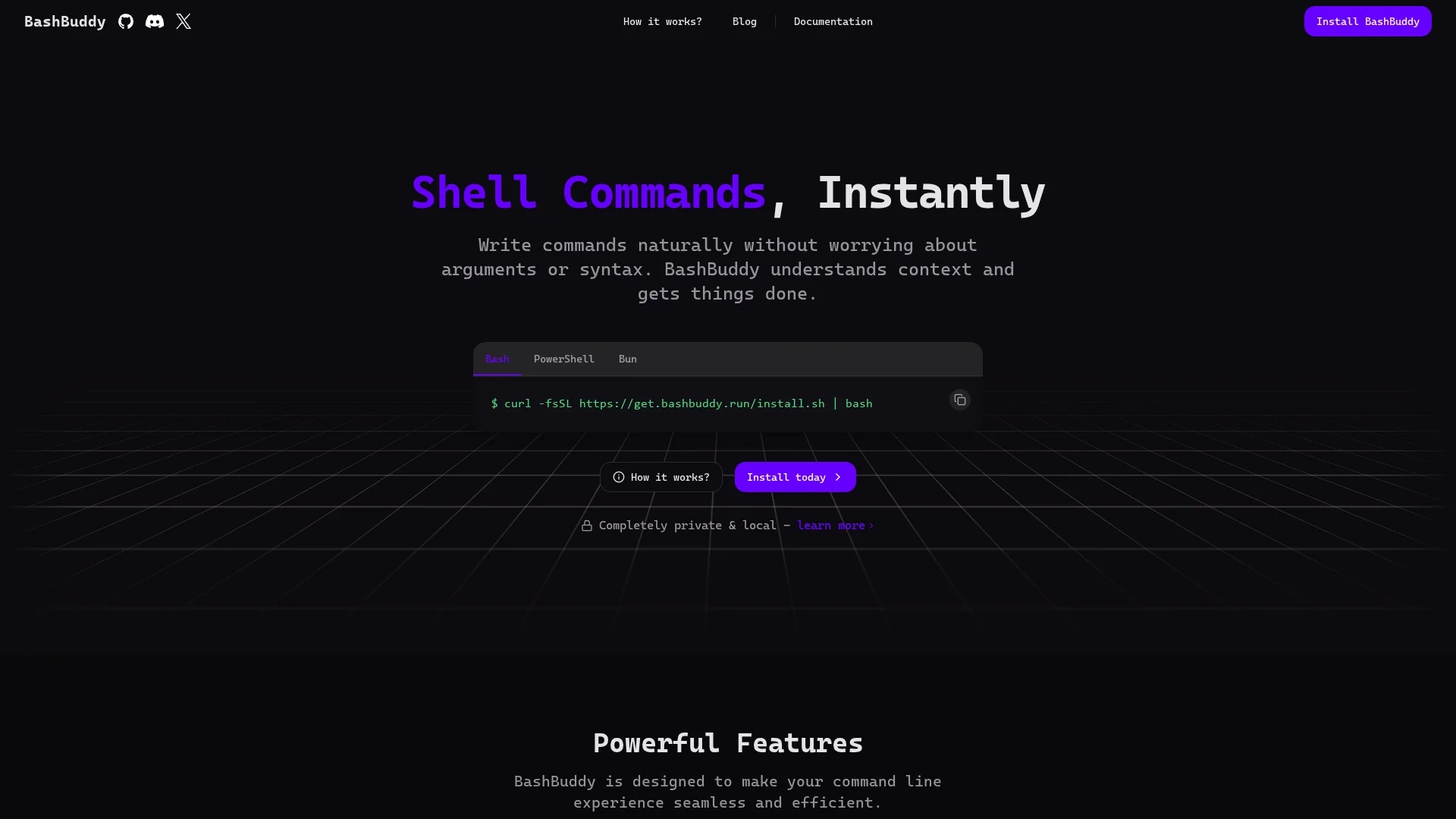
BashBuddy is an AI-powered tool that converts natural language into precise shell commands, offering context-aware suggestions across macOS, Linux, and Windows with strong data privacy.
Disclaimer: Visionary Hub is not affiliated with, endorsed by, or the operator of this tool. All trademarks, logos, and content are the property of their respective owners. Full disclaimer available here
Key Features
Natural Language Input
Converts plain text or partial commands into accurate shell commands.
Git Integration
Provides command suggestions aware of git repositories and project context.
Local & Cloud Modes
Operates offline for privacy or in the cloud for faster command generation.
Hardware Acceleration
Uses GPU acceleration via Metal, CUDA, and Vulkan for efficient processing.
Get Started
Share & Save
Share on Social Media
Why Choose BashBuddy
Context Awareness:
Understands current directory and git context for relevant command suggestions.Cross-Platform:
Works seamlessly on macOS, Linux, and Windows across multiple shells.Data Privacy:
Runs locally with no data leaving the user’s device, ensuring privacy.
Pricing
For current prices, visit the official page at bashbuddy.run. The tool is open source and free to install locally.
About BashBuddy
BashBuddy is an AI-powered tool that converts natural language into precise shell commands, offering context-aware suggestions across macOS, Linux, and Windows with strong data privacy.
What BashBuddy Does
BashBuddy converts user input in natural language or partial commands into precise shell commands, reducing syntax errors and streamlining command line workflows. It benefits users by simplifying complex command generation and improving productivity.
The tool features context awareness of the current directory and git repositories, supports multiple shells including Bash, Zsh, and PowerShell, and offers both local and cloud operation modes. It uses AI models accelerated by GPU technologies like Metal, CUDA, and Vulkan for fast inference.
BashBuddy is ideal for software developers, system administrators, and technical professionals working across macOS, Linux, and Windows environments, enhancing command line efficiency in diverse projects.
Pros & Cons
Open Source
Fully open source, allowing inspection and customization.
No Account Needed
Install and use without creating an account or signing in.
Limited Integrations
Advanced integrations with tools like Raycast are still in development.
Cloud Mode Optional
Cloud operation may require internet and could raise privacy concerns for some.
Frequently Asked Questions
BashBuddy supports macOS, Linux, and Windows across Bash, Zsh, and PowerShell shells.
BashBuddy is open source and free to install locally; check the website for any cloud service pricing.
It can run completely offline locally, but cloud mode requires internet for faster command generation.
All commands and context stay on your device; no data is sent externally when running locally.
Future updates will add integrations with tools like Raycast, tmux, and Warp.
Similar Tools You Might Like
Discover more AI-powered tools that complement your workflow

List Your AI Tool & Reach Thousands of Users
Join 500+ AI innovators already thriving on our platform. Get visibility, feedback, and boost your conversions.
Expand Your Audience
Connect with over 50,000 AI enthusiasts actively looking for tools like yours.
Boost Your Authority
Get verified reviews and ratings to build credibility in the AI marketplace.
Drive Conversions
Our premium placements and targeted audience deliver quality leads and sign-ups.