
Bank Statement Extractor
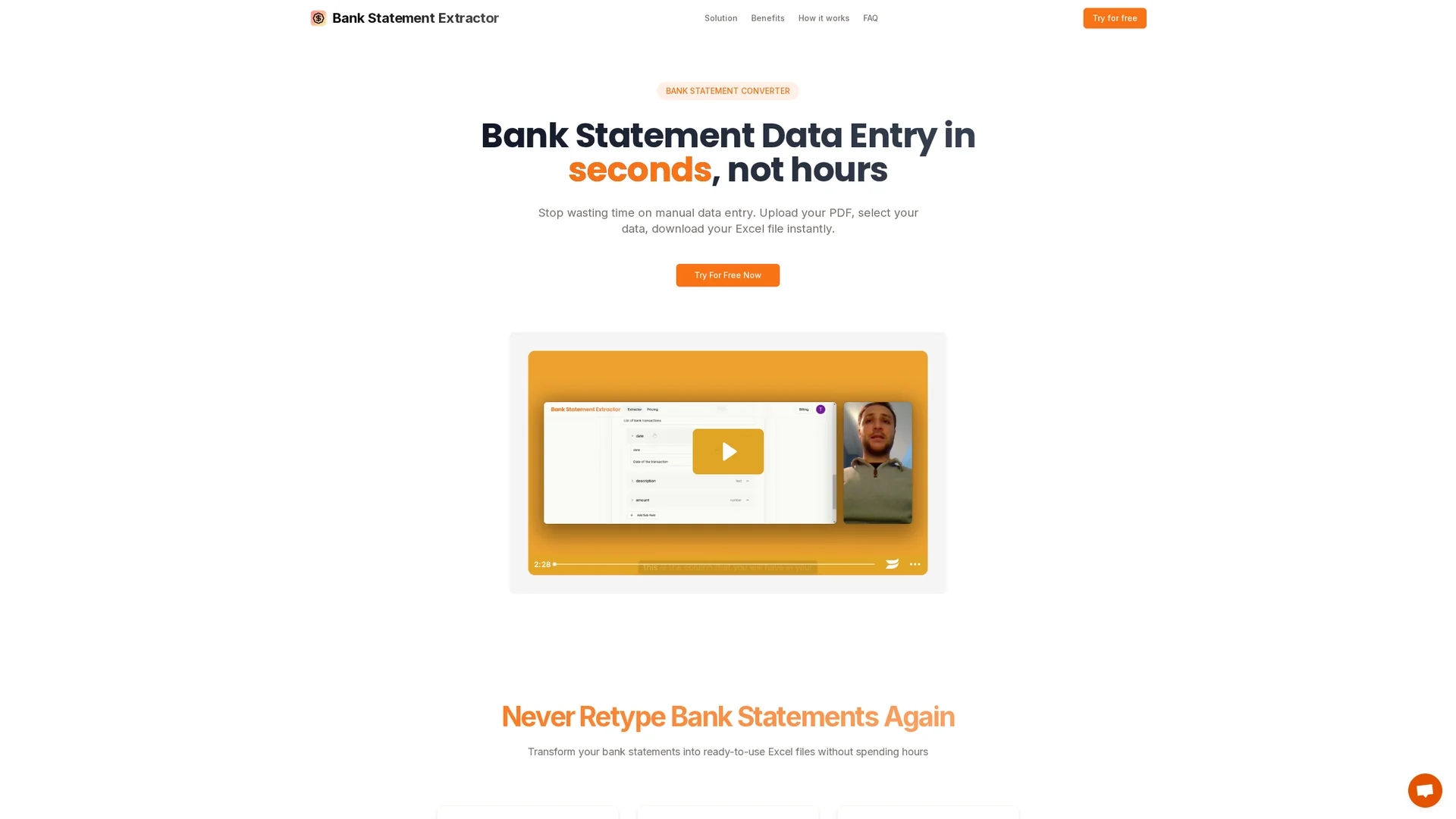
Bank Statement Converter automates PDF to Excel conversion with 99.8% accuracy, processing large transaction volumes swiftly while ensuring data privacy and customizable extraction.
Disclaimer: Visionary Hub is not affiliated with, endorsed by, or the operator of this tool. All trademarks, logos, and content are the property of their respective owners. Full disclaimer available here
Key Features
PDF to Excel
Converts bank statements from PDF format into Excel spreadsheets.
Multi-PDF Upload
Allows uploading multiple PDF statements with unlimited pages.
Custom Schemas
Enables users to define extraction preferences for tailored data.
High Throughput
Handles large volumes of transactions efficiently and swiftly.
Get Started
Share & Save
Share on Social Media
Why Choose Bank Statement Extractor
High Accuracy:
Achieves 99.8% data extraction accuracy, reducing manual errors.Fast Processing:
Processes over 1,000 transactions per minute for quick results.Data Privacy:
Files are deleted immediately after processing to ensure security.
Pricing
Pricing details are not explicitly provided on the homepage. For current prices and plans, visit the official pricing page on the website.
About Bank Statement Extractor
Bank Statement Converter automates PDF to Excel conversion with 99.8% accuracy, processing large transaction volumes swiftly while ensuring data privacy and customizable extraction.
What Bank Statement Extractor Does
Bank Statement Converter automates the extraction of financial data from PDF bank statements, converting them into ready-to-use Excel files. This reduces manual data entry time and minimizes errors, improving financial workflows.
The tool supports multiple PDF uploads simultaneously and processes over 1,000 transactions per minute with 99.8% accuracy. Users can define custom extraction schemas to tailor data output to their specific needs, ensuring precise financial reporting.
It is ideal for industries such as accounting, finance, e-commerce, and small businesses that require efficient bank statement reconciliation and data analysis.
Pros & Cons
Time Saving
Automates manual data entry, saving hours weekly for finance teams.
Flexible Extraction
Custom schema definition adapts to unique financial data needs.
Pricing Transparency
No detailed pricing information available directly on the homepage.
Limited Format Support
Primarily supports PDF to Excel conversion; other formats unclear.
Frequently Asked Questions
Yes, the tool supports uploading multiple PDFs with unlimited pages simultaneously.
Bank Statement Converter achieves a 99.8% accuracy rate in data extraction.
Yes, uploaded files are processed and immediately deleted to ensure privacy.
Users can define custom schemas to specify exactly what data to extract.
Pricing details are not listed on the homepage; visit the official site for current plans.
Similar Tools You Might Like
Discover more AI-powered tools that complement your workflow



List Your AI Tool & Reach Thousands of Users
Join 500+ AI innovators already thriving on our platform. Get visibility, feedback, and boost your conversions.
Expand Your Audience
Connect with over 50,000 AI enthusiasts actively looking for tools like yours.
Boost Your Authority
Get verified reviews and ratings to build credibility in the AI marketplace.
Drive Conversions
Our premium placements and targeted audience deliver quality leads and sign-ups.