
Background Remover
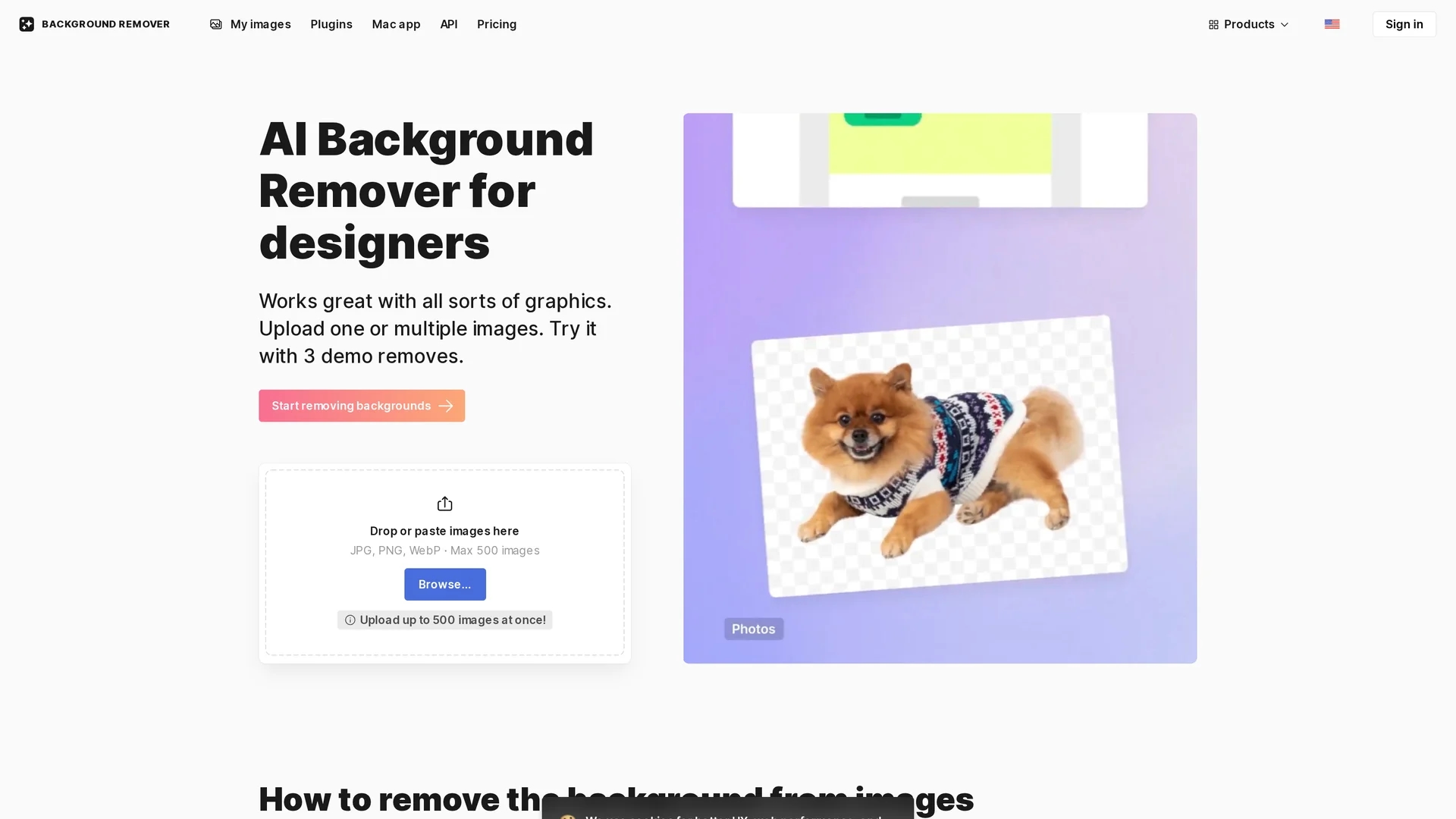
AI Background Remover by icons8 removes image backgrounds in one click, supporting logos, illustrations, and photos with precise AI-powered editing.
Disclaimer: Visionary Hub is not affiliated with, endorsed by, or the operator of this tool. All trademarks, logos, and content are the property of their respective owners. Full disclaimer available here
Key Features
AI Background Removal
Automatically detects and removes backgrounds from various image types.
Transparent Backgrounds
Creates images with clear, transparent backgrounds for flexible use.
Solid-Color Backgrounds
Allows adding white or any solid-color backgrounds to images.
Manual Comparison
Enables side-by-side comparison of background removal results.
Get Started
Share & Save
Share on Social Media
Why Choose Background Remover
One-Click Removal:
Removes backgrounds quickly with a single click for efficient workflows.Versatile Editing:
Supports transparent, white, or solid-color backgrounds and manual comparison.API Access:
Enables integration of background removal into custom products and apps.
Pricing
Background Remover offers a freemium pricing model with free removal of 3 images. Paid plans include a prepaid package at $9, a limited subscription at $9, a yearly plan at $13 with 20% discount, and a monthly plan at $0.20 per image. Pricing is subject to change; verify on the official pricing page.
About Background Remover
AI Background Remover by icons8 removes image backgrounds in one click, supporting logos, illustrations, and photos with precise AI-powered editing.
What Background Remover Does
AI Background Remover automatically detects and removes backgrounds from images, including logos, illustrations, and photos, simplifying image editing workflows.
It features one-click background removal, options to add transparent or solid-color backgrounds, manual comparison of cutouts, and API integration for developers. The tool uses a trained AI model to ensure precise results even with tricky details like hair or jewelry.
This tool is ideal for designers, marketers, e-commerce managers, and content creators who need clean, professional images for marketing materials, presentations, and online stores.
Pros & Cons
Ease of Use
Simple interface allows quick background removal with minimal effort.
Multiple Image Support
Uploads and processes up to 500 images simultaneously.
Detail Limitations
May struggle with images lacking clear focus or complex hair details.
Quality Enhancement
Does not improve image resolution; requires separate upscaler tool.
Frequently Asked Questions
It uses AI to detect the subject and automatically remove the background from images.
Yes, you can remove backgrounds from 3 images for free before subscribing.
Images with clearly defined subjects like people or objects yield the best results.
Yes, API access is available for developers to integrate background removal features.
Images are securely stored to allow history access and re-downloads without reprocessing.
Similar Tools You Might Like
Discover more AI-powered tools that complement your workflow
List Your AI Tool & Reach Thousands of Users
Join 500+ AI innovators already thriving on our platform. Get visibility, feedback, and boost your conversions.
Expand Your Audience
Connect with over 50,000 AI enthusiasts actively looking for tools like yours.
Boost Your Authority
Get verified reviews and ratings to build credibility in the AI marketplace.
Drive Conversions
Our premium placements and targeted audience deliver quality leads and sign-ups.