AutoEditor
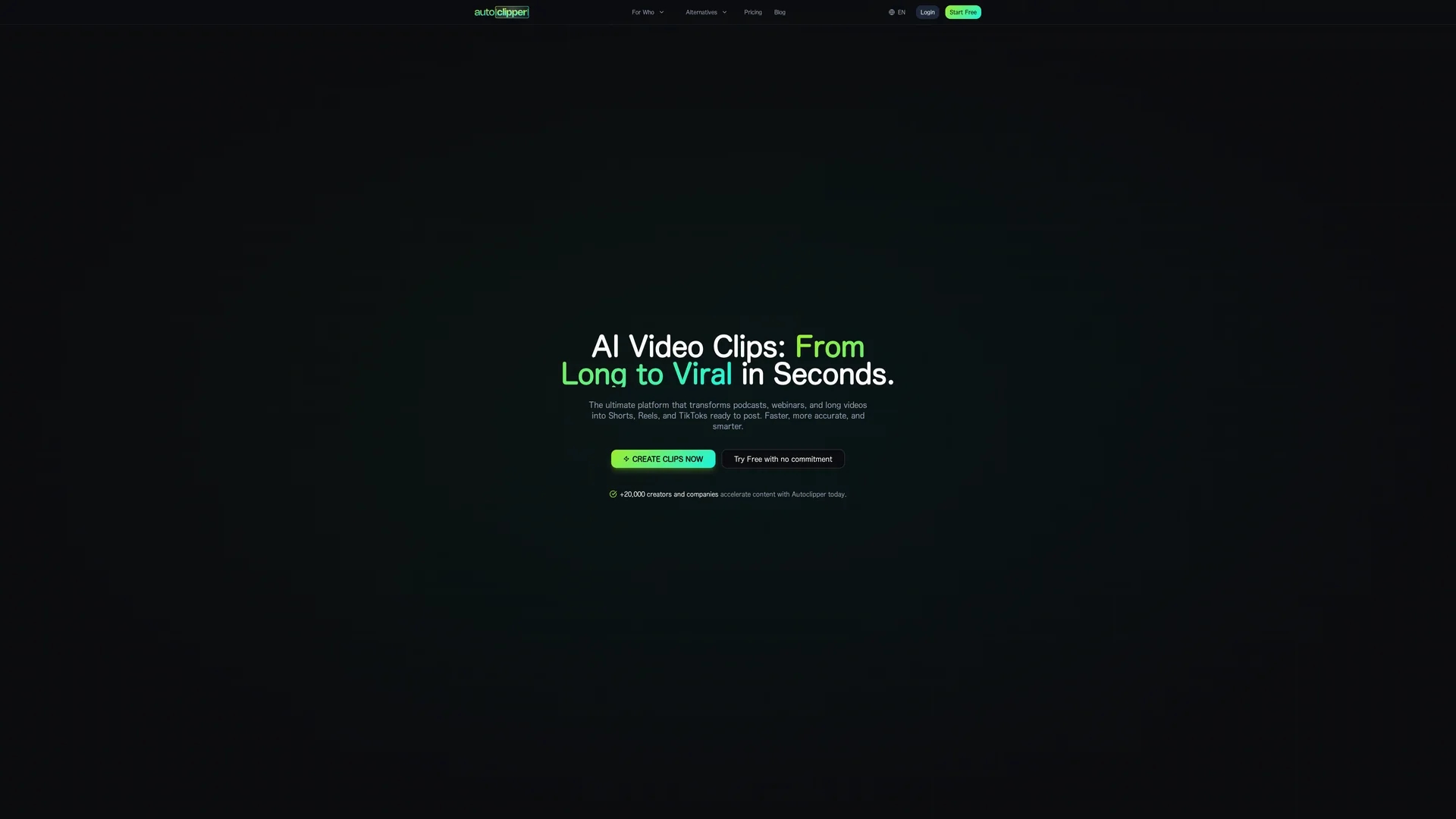
Autoeditor is an automated video editing tool that generates subtitles in 40 languages, removes silence, and enhances videos with b-rolls and effects, supporting direct uploads to YouTube for streamlined content creation.
Disclaimer: Visionary Hub is not affiliated with, endorsed by, or the operator of this tool. All trademarks, logos, and content are the property of their respective owners. Full disclaimer available here
Key Features
Subtitle Generation
Automatically creates accurate subtitles in multiple languages.
Silence Removal
Detects and removes silent or irrelevant video segments.
Video Enhancement
Adds b-rolls, watermarks, layers, and visual effects.
Clip Segmentation
Breaks long videos into smaller, shareable clips.
Get Started
Share & Save
Share on Social Media
Why Choose AutoEditor
Multilingual Subtitles:
Generates subtitles in 40 languages to reach diverse audiences.AI-Powered Editing:
Uses NLP and computer vision for context-aware clip selection.Direct Upload:
Uploads clips directly to platforms like YouTube, saving time.
Pricing
Autoeditor offers a free trial. Pricing plans include a Free plan at $0/month, Individual plan at $12/month or $10/month billed annually, Company plan at $36/month or $30/month billed annually, and an Enterprise plan starting from $1500/month. Prices are subject to change; verify on the official site.
About AutoEditor
Autoeditor is an automated video editing tool that generates subtitles in 40 languages, removes silence, and enhances videos with b-rolls and effects, supporting direct uploads to YouTube for streamlined content creation.
What AutoEditor Does
Autoeditor automates video editing by generating accurate subtitles in 40 languages, detecting and removing silence, and enhancing videos with b-rolls, watermarks, layers, and effects. This reduces manual editing time and improves video accessibility and quality.
The tool uses advanced AI technologies including natural language processing and computer vision to analyze audio and video for viral hooks, emotional moments, and ideal framing. It segments long videos into smaller clips and allows direct uploading to social platforms like YouTube.
Autoeditor is suitable for content creators, educators, marketers, and businesses aiming to produce professional videos efficiently, such as podcasts, webinars, instructional content, and marketing materials.
Pros & Cons
Time Saving
Automates editing tasks, significantly reducing manual effort.
Wide Language Support
Supports subtitle generation in 40 different languages.
Pricing Complexity
Multiple plans with varying features may require careful selection.
Enterprise Cost
Enterprise plan pricing starts high, potentially limiting for small users.
Frequently Asked Questions
It uses AI-powered speech recognition to create accurate subtitles in 40 languages automatically.
Plans include Free, Individual, Company, and Enterprise, with monthly and annual billing options.
Yes, Autoeditor supports direct uploads to platforms like YouTube after editing.
Yes, it segments long videos into smaller clips for easier editing and sharing.
Yes, users can try Autoeditor for free before upgrading to paid plans.
Similar Tools You Might Like
Discover more AI-powered tools that complement your workflow
List Your AI Tool & Reach Thousands of Users
Join 500+ AI innovators already thriving on our platform. Get visibility, feedback, and boost your conversions.
Expand Your Audience
Connect with over 50,000 AI enthusiasts actively looking for tools like yours.
Boost Your Authority
Get verified reviews and ratings to build credibility in the AI marketplace.
Drive Conversions
Our premium placements and targeted audience deliver quality leads and sign-ups.