
AutoCropper
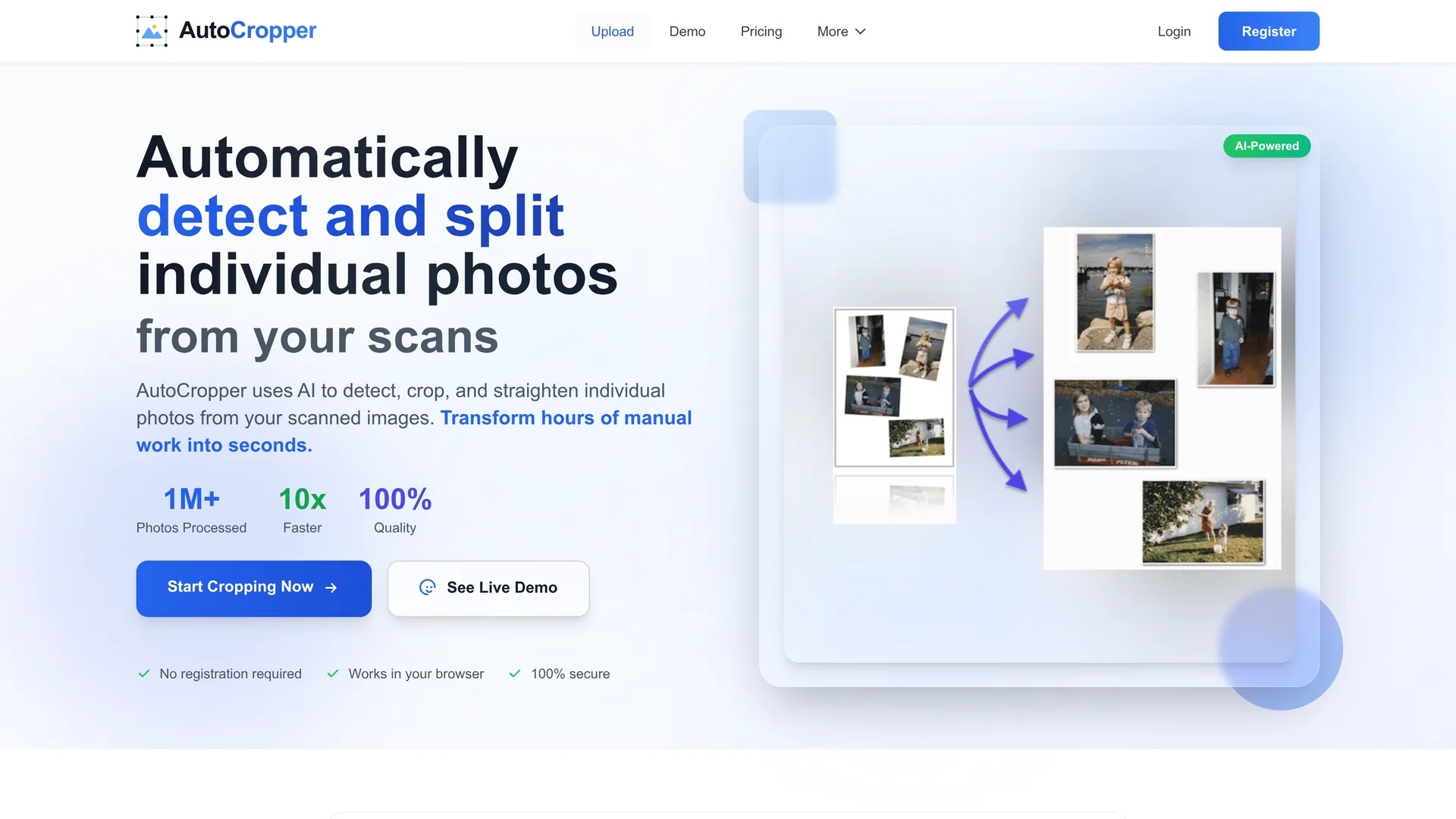
AutoCropper is an AI-powered online tool that batch crops and splits multiple scanned photos into separate, straightened images with automatic rotation correction.
Disclaimer: Visionary Hub is not affiliated with, endorsed by, or the operator of this tool. All trademarks, logos, and content are the property of their respective owners. Full disclaimer available here
Key Features
Automatic Detection
Identifies individual photos within scans for precise cropping.
Batch Cropping
Processes multiple images or scans in one upload.
Rotation Correction
Detects and straightens rotated photos automatically.
Advanced Editor
Allows manual refinement of crop areas and EXIF encoding.
Get Started
Share & Save
Share on Social Media
Why Choose AutoCropper
Batch Processing:
Crop multiple scanned photos simultaneously to save time.Auto Rotation:
Automatically detects and corrects image orientation.Full Quality:
Uploads and downloads images without compression loss.
Pricing
AutoCropper offers a free trial with up to 10 uploads per day. Pro plans start at $12/month for personal use and $16/month for commercial use, billed monthly. Visit the pricing page for the latest details.
About AutoCropper
AutoCropper is an AI-powered online tool that batch crops and splits multiple scanned photos into separate, straightened images with automatic rotation correction.
What AutoCropper Does
AutoCropper automatically detects individual photos within scanned images and crops them into separate files, saving users time and effort in digitizing photo collections.
It features batch processing, automatic rotation detection and correction, and a custom image detection algorithm to ensure precise cropping and straightening without manual input.
Ideal for digital archivists, card sellers, and image professionals, AutoCropper accelerates workflows in photo digitization, archival, and online sales preparation.
Pros & Cons
Efficiency
Speeds up digitization by automating cropping and straightening.
Image Quality
Maintains full resolution with no compression during processing.
Online Only
Requires internet connection; no offline software available.
Limited Free Use
Free trial restricts uploads to 10 images per day.
Frequently Asked Questions
Only a compressed, colorless copy is sent for processing; full scans are not saved or uploaded.
AutoCropper is an online tool and does not require any downloads.
Refund policy details are not specified; please check the official website.
Yes, AutoCropper supports batch uploading and processing of multiple scans.
No, it preserves full image quality with no compression on upload or download.
Similar Tools You Might Like
Discover more AI-powered tools that complement your workflow
List Your AI Tool & Reach Thousands of Users
Join 500+ AI innovators already thriving on our platform. Get visibility, feedback, and boost your conversions.
Expand Your Audience
Connect with over 50,000 AI enthusiasts actively looking for tools like yours.
Boost Your Authority
Get verified reviews and ratings to build credibility in the AI marketplace.
Drive Conversions
Our premium placements and targeted audience deliver quality leads and sign-ups.