
Apowersoft
Apowersoft offers AI-powered multimedia tools for video editing, screen recording, data recovery, file compression, and live streaming to enhance productivity and creativity.
Disclaimer: Visionary Hub is not affiliated with, endorsed by, or the operator of this tool. All trademarks, logos, and content are the property of their respective owners. Full disclaimer available here
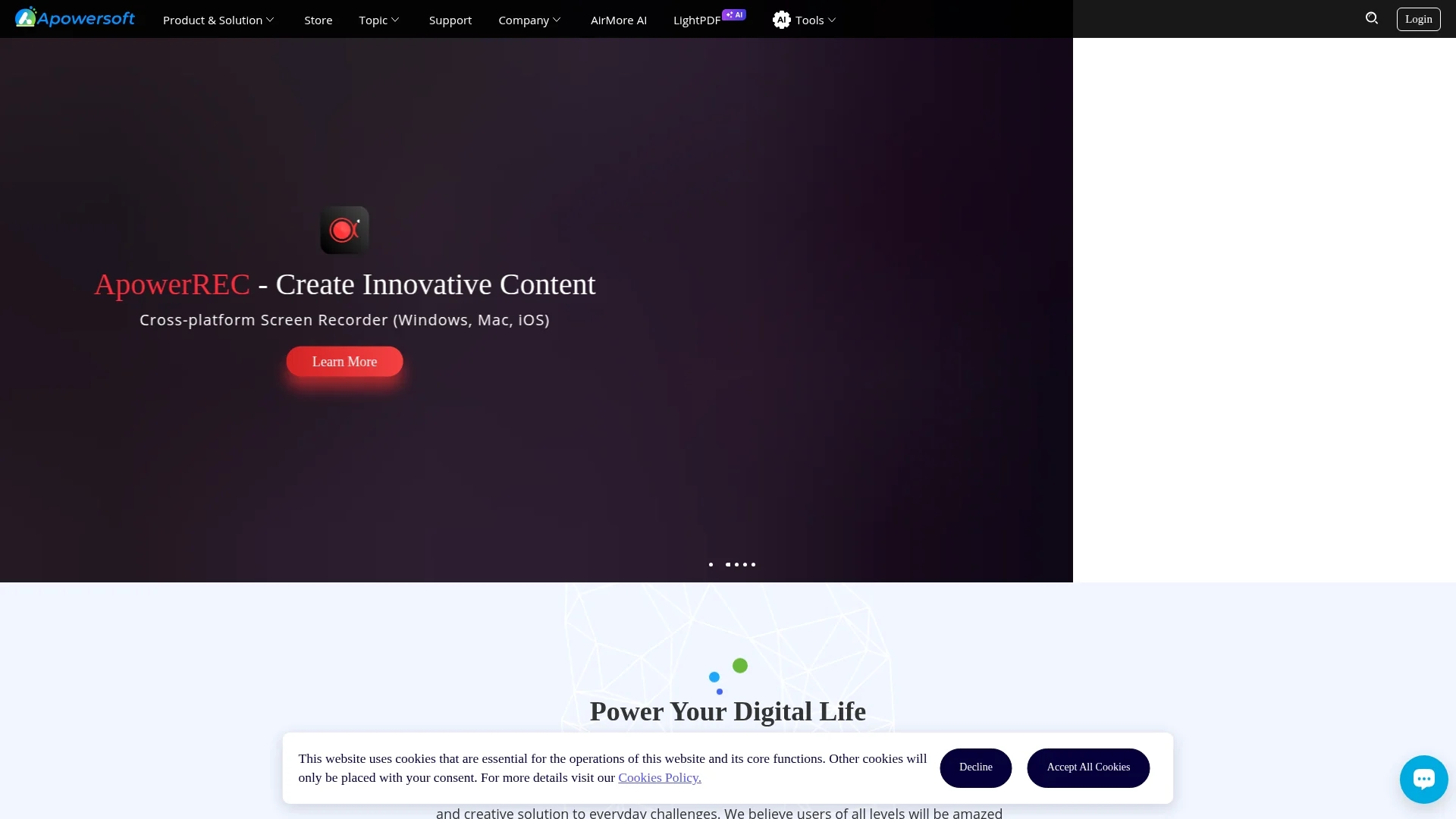
Key Features
Screen Recording
Records screens across devices with high-quality output.
Screen Mirroring
Mirrors mobile screens to PC for presentations and troubleshooting.
Video Editing
Offers AI-powered tools to edit and customize videos easily.
Data Recovery
Recovers deleted or lost files safely and efficiently.
Get Started
Share & Save
Share on Social Media
Why Choose Apowersoft
Cross-Platform:
Supports Windows, Mac, iOS, and Android for versatile multimedia tasks.AI Integration:
Incorporates AI technology to enhance video editing and recovery processes.Real-Time Mirroring:
Enables seamless Android/iPhone screen sharing to computers instantly.
Pricing
Apowersoft offers various products available for purchase via its online store. Pricing details vary by product. Visit the official store page for current prices and plans.
About Apowersoft
Apowersoft offers AI-powered multimedia tools for video editing, screen recording, data recovery, file compression, and live streaming to enhance productivity and creativity.
What Apowersoft Does
Apowersoft provides a comprehensive set of AI-powered multimedia tools that enable users to edit videos, record screens across multiple platforms, mirror mobile device screens to computers, and recover lost data efficiently.
Key features include cross-platform screen recording, real-time Android/iPhone screen mirroring to computers, AI-enhanced video editing, and secure data recovery solutions. These tools simplify multimedia workflows and support various file formats.
Apowersoft is widely used by video editors, live streamers, and IT professionals for content creation, presentations, troubleshooting, and data protection across industries.
Pros & Cons
Comprehensive Suite
Includes diverse multimedia tools covering editing, recording, and recovery.
User-Friendly
Intuitive interface suitable for users with varying technical skills.
Pricing Variability
Costs differ per product, requiring users to check individual prices.
Limited Free Access
Full features typically require purchase or subscription.
Frequently Asked Questions
Apowersoft supports Windows, Mac, iOS, and Android platforms for its multimedia tools.
Some tools offer free trials or limited free versions; full features usually require purchase.
Yes, ApowerMirror enables real-time mirroring of Android and iPhone screens to computers.
Yes, ApowerRecover helps safely recover deleted or lost files from devices.
Pricing information is available on Apowersoft's official online store page.
Similar Tools You Might Like
Discover more AI-powered tools that complement your workflow

List Your AI Tool & Reach Thousands of Users
Join 500+ AI innovators already thriving on our platform. Get visibility, feedback, and boost your conversions.
Expand Your Audience
Connect with over 50,000 AI enthusiasts actively looking for tools like yours.
Boost Your Authority
Get verified reviews and ratings to build credibility in the AI marketplace.
Drive Conversions
Our premium placements and targeted audience deliver quality leads and sign-ups.