
Alloy.app
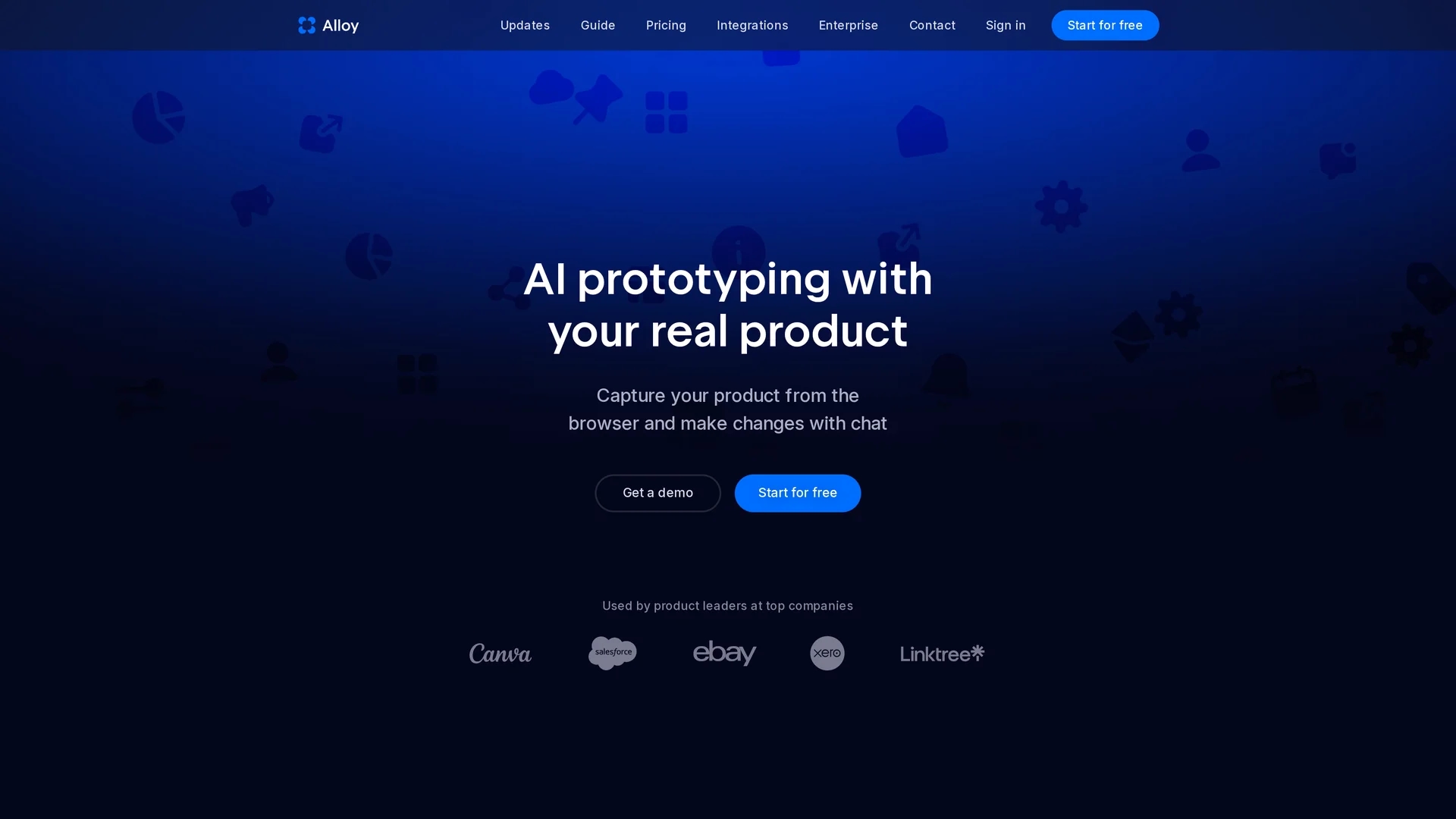
Alloy.app is an AI prototyping tool that enables product teams to create on-brand, production-like prototypes using browser capture and integrates with design tools like Figma for efficient workflows.
Disclaimer: Visionary Hub is not affiliated with, endorsed by, or the operator of this tool. All trademarks, logos, and content are the property of their respective owners. Full disclaimer available here
Key Features
AI Prototyping
Uses AI to generate high-fidelity, on-brand prototypes without coding.
Component Library
Builds reusable components from captured web pages for faster design.
Visual Editing
Allows layout refinement and scenario exploration with intuitive editing.
Figma Integration
Supports exporting prototypes to Figma for seamless design collaboration.
Get Started
Share & Save
Share on Social Media
Why Choose Alloy.app
Realistic Prototypes:
Creates prototypes that look and behave like the actual product.Browser Capture:
Easily captures web pages via a browser extension for rapid prototyping.Workflow Integration:
Integrates with design tools and over 20 platforms to streamline processes.
Pricing
Pricing details are available on the official pricing page. A free start option is offered via the Chrome extension, with Pro plans providing advanced features like React app export.
About Alloy.app
Alloy.app is an AI prototyping tool that enables product teams to create on-brand, production-like prototypes using browser capture and integrates with design tools like Figma for efficient workflows.
What Alloy.app Does
Alloy.app enables product teams to capture existing web product pages and create realistic, high-fidelity prototypes that closely mimic the final product. This allows stakeholders to visualize and test product flows before development.
It features a browser extension to capture web elements, builds a component library for rapid prototyping, and integrates with design systems like Figma. Users can prompt changes in plain language and refine layouts with visual editing, exploring scenarios such as edge cases and error states without coding.
Common use cases include product management, UX design, and customer support alignment, with integrations that help teams turn support tickets into clickable prototypes, accelerating collaboration and implementation.
Pros & Cons
No Coding Needed
Enables prototyping without requiring engineering or coding skills.
Seamless Sharing
Facilitates instant sharing with teams and customers for feedback.
Limited Figma Import
Currently does not support importing designs directly from Figma.
Pro Features Locked
Advanced features like React export require a Pro subscription.
Frequently Asked Questions
Add the browser extension and open your app page to capture and start prototyping instantly.
Direct import is not available yet, but you can export Alloy prototypes to Figma.
Yes, prototypes can be exported as React apps with the Pro plan.
No setup is needed; capture your product and start prototyping immediately.
Alloy supports over 20 integrations to enhance workflows and collaboration.
Similar Tools You Might Like
Discover more AI-powered tools that complement your workflow


List Your AI Tool & Reach Thousands of Users
Join 500+ AI innovators already thriving on our platform. Get visibility, feedback, and boost your conversions.
Expand Your Audience
Connect with over 50,000 AI enthusiasts actively looking for tools like yours.
Boost Your Authority
Get verified reviews and ratings to build credibility in the AI marketplace.
Drive Conversions
Our premium placements and targeted audience deliver quality leads and sign-ups.