
All Quiet
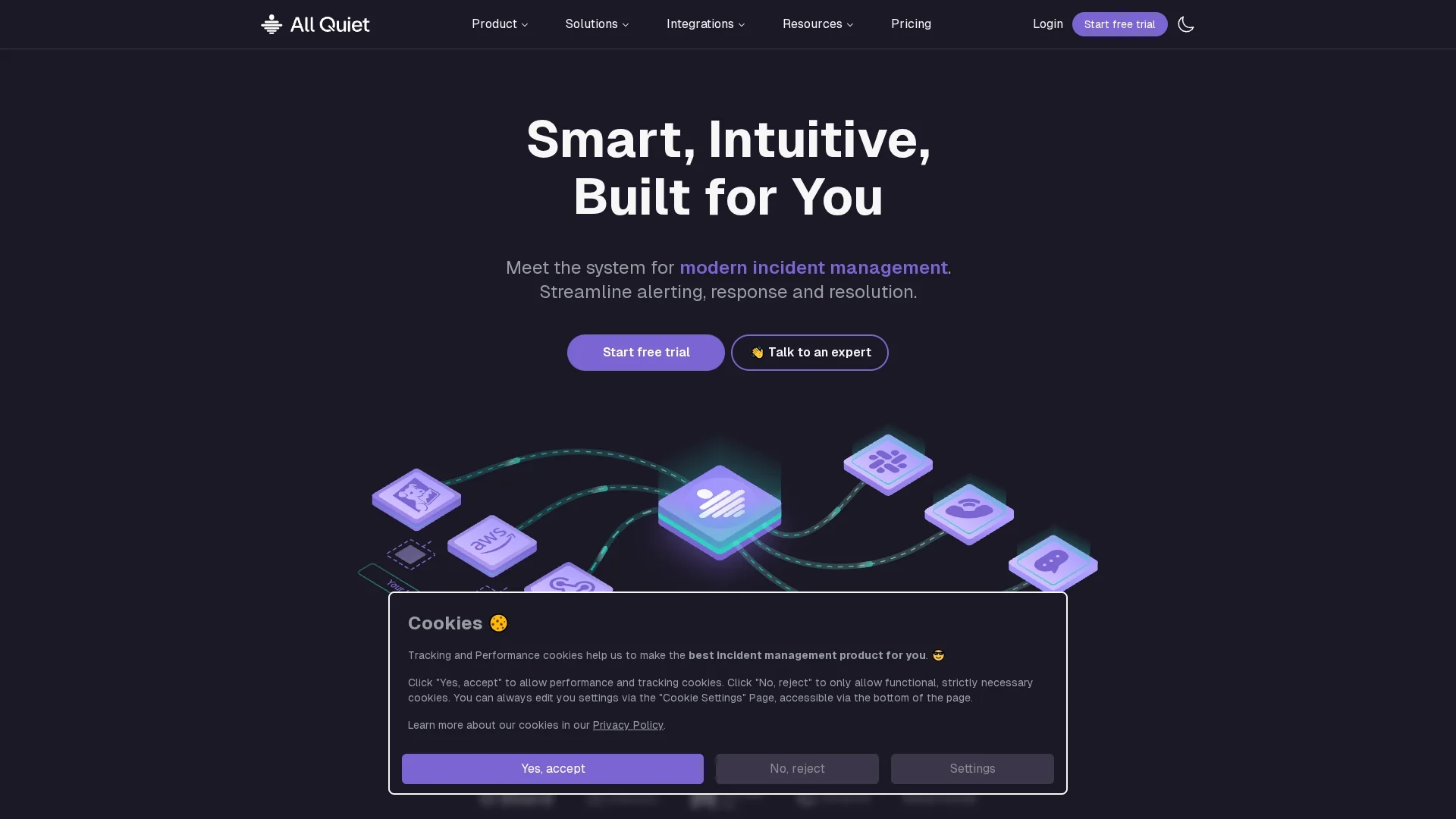
All Quiet is an IT incident management tool offering real-time alerting, customizable on-call scheduling, automated escalations, and integrations with Slack, Jira, and more.
Disclaimer: Visionary Hub is not affiliated with, endorsed by, or the operator of this tool. All trademarks, logos, and content are the property of their respective owners. Full disclaimer available here
Key Features
On-Call Management
Define schedules with daily, weekly, or custom rotations for equitable shifts.
Automated Escalations
Automatically escalate alerts until acknowledged to minimize response delays.
Status Pages
Real-time incident updates improve transparency with customers.
Reporting Tools
Analyze KPIs to enhance incident response and operational resilience.
Get Started
Share & Save
Share on Social Media
Why Choose All Quiet
Flexible Scheduling:
Customizable on-call rotations reduce burnout and ensure fair shift distribution.Multi-Channel Alerts:
Alerts via SMS, email, push, calls, and Slack keep teams promptly informed.Extensive Integrations:
Supports 40+ integrations including Slack, Jira, Datadog, and customizable webhooks.
Pricing
All Quiet offers three pricing plans: Standard at $4.99/user/month, Pro at $9.99/user/month with advanced features, and Enterprise with custom pricing. A free trial is available. Visit the pricing page for details.
About All Quiet
All Quiet is an IT incident management tool offering real-time alerting, customizable on-call scheduling, automated escalations, and integrations with Slack, Jira, and more.
What All Quiet Does
All Quiet centralizes incident management by enabling teams to set up on-call schedules, automate alert escalations, and receive notifications through multiple channels like SMS, email, and push notifications. This reduces response times and alert fatigue.
The platform supports over 40 built-in integrations, including Slack, Jira, Datadog, and Prometheus, allowing seamless incident workflows. It features smart alert handling, website and API monitoring, and real-time status pages to keep customers informed.
It is used by tech teams across startups, medium businesses, and enterprises to improve operational resilience, streamline incident response, and maintain high system availability.
Pros & Cons
Quick Setup
Integrations and on-call schedules can be configured within 10 minutes.
Developer-Friendly
Supports Terraform, REST API, and webhook customization for flexible workflows.
Limited Public Pricing
Detailed enterprise pricing requires direct contact with the vendor.
Niche Focus
Primarily designed for DevOps and IT teams, less suited for non-technical users.
Frequently Asked Questions
You can set up integrations and on-call schedules within 10 minutes.
It supports 40+ integrations including AWS CloudWatch, Datadog, Slack, Jira, and customizable webhooks.
Yes, native iOS and Android apps are available with do-not-disturb override for critical incidents.
All Quiet offers a 99.9% availability SLA.
Yes, it supports multi-channel alerting and flexible scheduling for distributed teams.
Similar Tools You Might Like
Discover more AI-powered tools that complement your workflow



List Your AI Tool & Reach Thousands of Users
Join 500+ AI innovators already thriving on our platform. Get visibility, feedback, and boost your conversions.
Expand Your Audience
Connect with over 50,000 AI enthusiasts actively looking for tools like yours.
Boost Your Authority
Get verified reviews and ratings to build credibility in the AI marketplace.
Drive Conversions
Our premium placements and targeted audience deliver quality leads and sign-ups.