
Alex
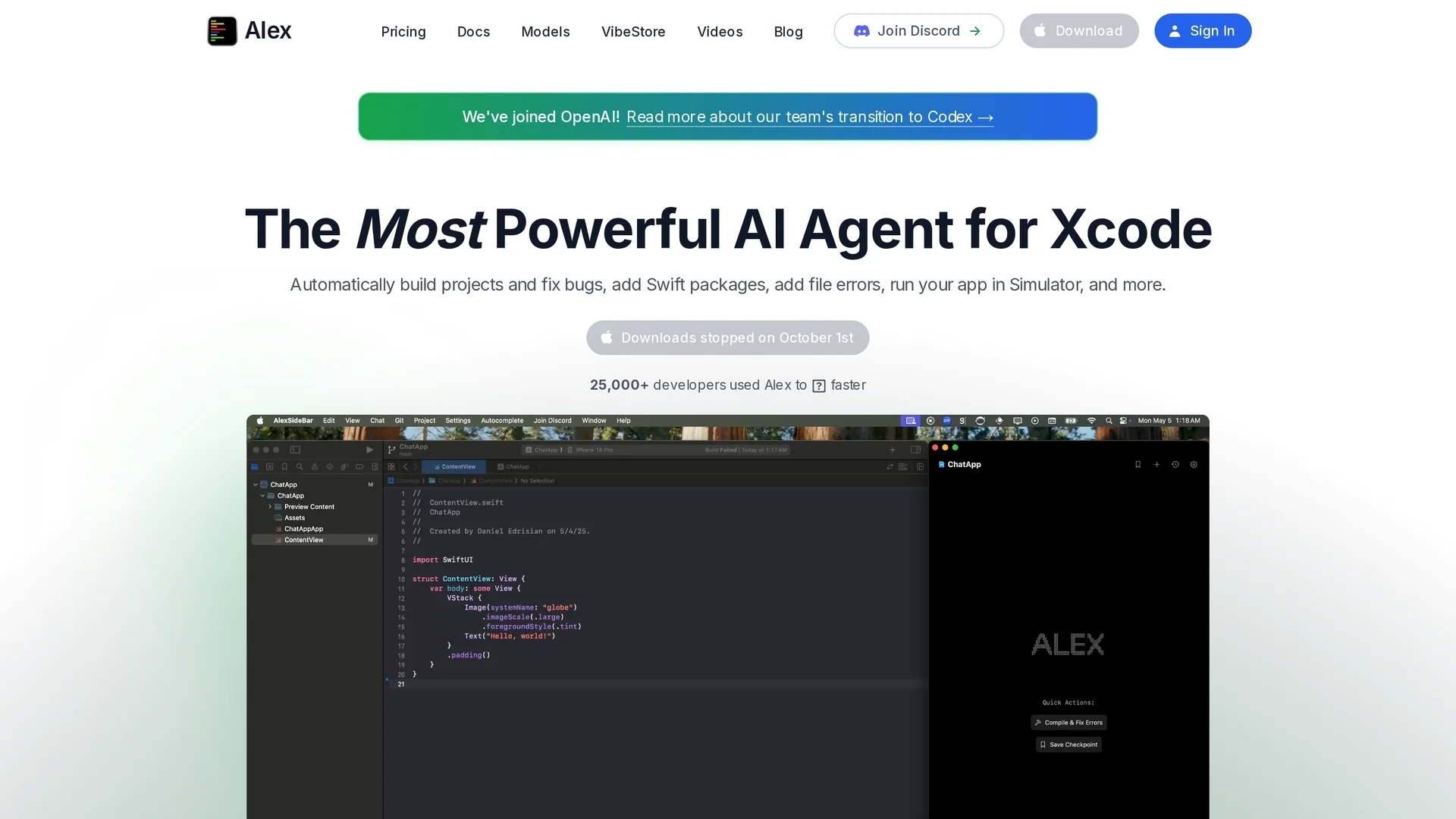
Alex is an AI coding assistant for Xcode that enhances iOS and macOS development with smart autocomplete, real-time error fixes, codebase search, voice input, and an image-to-code generator for Swift UI.
Disclaimer: Visionary Hub is not affiliated with, endorsed by, or the operator of this tool. All trademarks, logos, and content are the property of their respective owners. Full disclaimer available here
Key Features
Real-Time Fixes
Automatically detects and fixes Swift and Xcode errors.
Inline Replacements
Enables quick code line replacements within files using shortcuts.
Codebase Search
Performs semantic searches for functions, variables, and files.
Voice Input
Supports voice commands to add or modify code hands-free.
Get Started
Share & Save
Share on Social Media
Why Choose Alex
Smart Autocomplete:
Accelerates coding by predicting and completing code efficiently in Xcode.Image-to-Code:
Converts design images into Swift UI code instantly, saving manual effort.Secure Operation:
Processes code locally without sending data to external servers.
Pricing
Alex offers a freemium pricing model with a free plan and paid tiers including Pro at $30/month and Unlimited at $200/month. A 7-day free trial is available. Pricing details and FAQs are on the official pricing page.
About Alex
Alex is an AI coding assistant for Xcode that enhances iOS and macOS development with smart autocomplete, real-time error fixes, codebase search, voice input, and an image-to-code generator for Swift UI.
What Alex Does
Alex enhances coding productivity in Xcode by providing smart autocomplete, real-time error fixes, and inline code replacements. It helps developers write code faster and with fewer mistakes.
The tool includes an AI image-to-code generator that converts design mockups into Swift or UIKit code instantly. It also supports semantic codebase searches to quickly locate functions, variables, and files within large projects, plus voice input for hands-free coding.
Alex is used across iOS and macOS app development, benefiting individual developers and teams aiming to streamline their workflows and improve code quality.
Pros & Cons
Integration
Seamlessly integrates with Xcode enhancing native workflows.
Privacy
Ensures code privacy by storing and processing data locally.
Platform Limit
Only supports Xcode on macOS, limiting cross-platform use.
Pricing Tiers
Advanced features require paid plans, which may be costly for some.
Frequently Asked Questions
Alex supports iOS and macOS development exclusively within Xcode on macOS.
Yes, Alex offers a free plan with limited features and paid upgrades.
No, Alex processes and stores all code locally to ensure privacy.
Yes, it includes an AI image-to-code generator for Swift UI and UIKit.
Yes, Alex supports voice commands to add or modify code in Xcode.
Similar Tools You Might Like
Discover more AI-powered tools that complement your workflow

List Your AI Tool & Reach Thousands of Users
Join 500+ AI innovators already thriving on our platform. Get visibility, feedback, and boost your conversions.
Expand Your Audience
Connect with over 50,000 AI enthusiasts actively looking for tools like yours.
Boost Your Authority
Get verified reviews and ratings to build credibility in the AI marketplace.
Drive Conversions
Our premium placements and targeted audience deliver quality leads and sign-ups.