
AirCaption
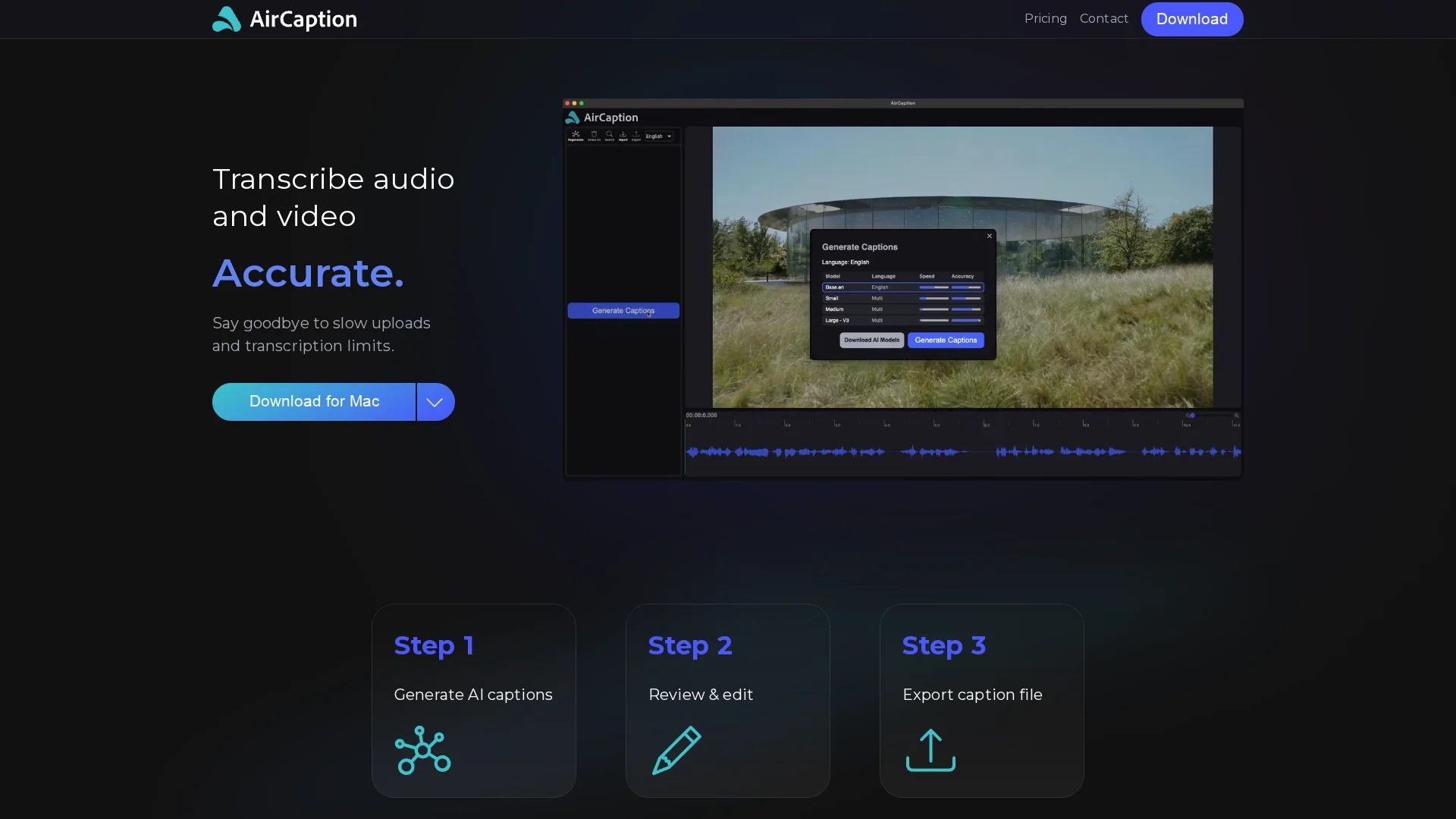
AirCaption is an AI-powered speech-to-text transcription tool that generates accurate captions for audio and video in over 60 languages, supporting offline use and easy editing.
Disclaimer: Visionary Hub is not affiliated with, endorsed by, or the operator of this tool. All trademarks, logos, and content are the property of their respective owners. Full disclaimer available here
Key Features
Local Processing
Runs on Mac and Windows without internet connection.
Caption Editing
Enables text and timing adjustments for precise subtitles.
File Import
Supports importing and editing various caption file formats.
Language Support
Generates subtitles in up to 67 languages using AI.
Get Started
Share & Save
Share on Social Media
Why Choose AirCaption
Offline Use:
Processes media locally to ensure privacy and security.Multi-language:
Generates subtitles in over 60 languages for global reach.Easy Editing:
Allows quick caption and timing adjustments with hotkeys.
Pricing
AirCaption offers a freemium pricing model with a free Essentials plan and a Pro plan at $19.99 per year. Pricing details may change; visit the official site for updates.
About AirCaption
AirCaption is an AI-powered speech-to-text transcription tool that generates accurate captions for audio and video in over 60 languages, supporting offline use and easy editing.
What AirCaption Does
AirCaption transcribes audio and video files into text captions using AI speech-to-text technology, providing users with editable subtitles to enhance accessibility and content engagement.
The tool supports offline processing for privacy, allows editing of captions and timing with hotkeys, and imports existing caption files. It generates subtitles in up to 67 languages, leveraging the latest AI models from OpenAI.
AirCaption is used by video editors, podcasters, legal professionals, marketers, researchers, journalists, and language learners to create accurate transcripts and subtitles for various media types.
Pros & Cons
Privacy
All transcription happens locally, protecting user data.
Accuracy
Achieves up to 99% accuracy with AI and manual editing.
Limited Signup
No direct online signup; requires download to use.
Pricing Info
Pricing details are minimal and subject to change.
Frequently Asked Questions
AirCaption runs locally on Mac and Windows operating systems.
Yes, AirCaption processes all transcription locally without internet.
It supports generating subtitles in up to 67 languages.
Yes, there is a free Essentials plan with some limitations.
Yes, AirCaption supports importing and editing various caption formats.
Similar Tools You Might Like
Discover more AI-powered tools that complement your workflow
List Your AI Tool & Reach Thousands of Users
Join 500+ AI innovators already thriving on our platform. Get visibility, feedback, and boost your conversions.
Expand Your Audience
Connect with over 50,000 AI enthusiasts actively looking for tools like yours.
Boost Your Authority
Get verified reviews and ratings to build credibility in the AI marketplace.
Drive Conversions
Our premium placements and targeted audience deliver quality leads and sign-ups.