
Ainfographic
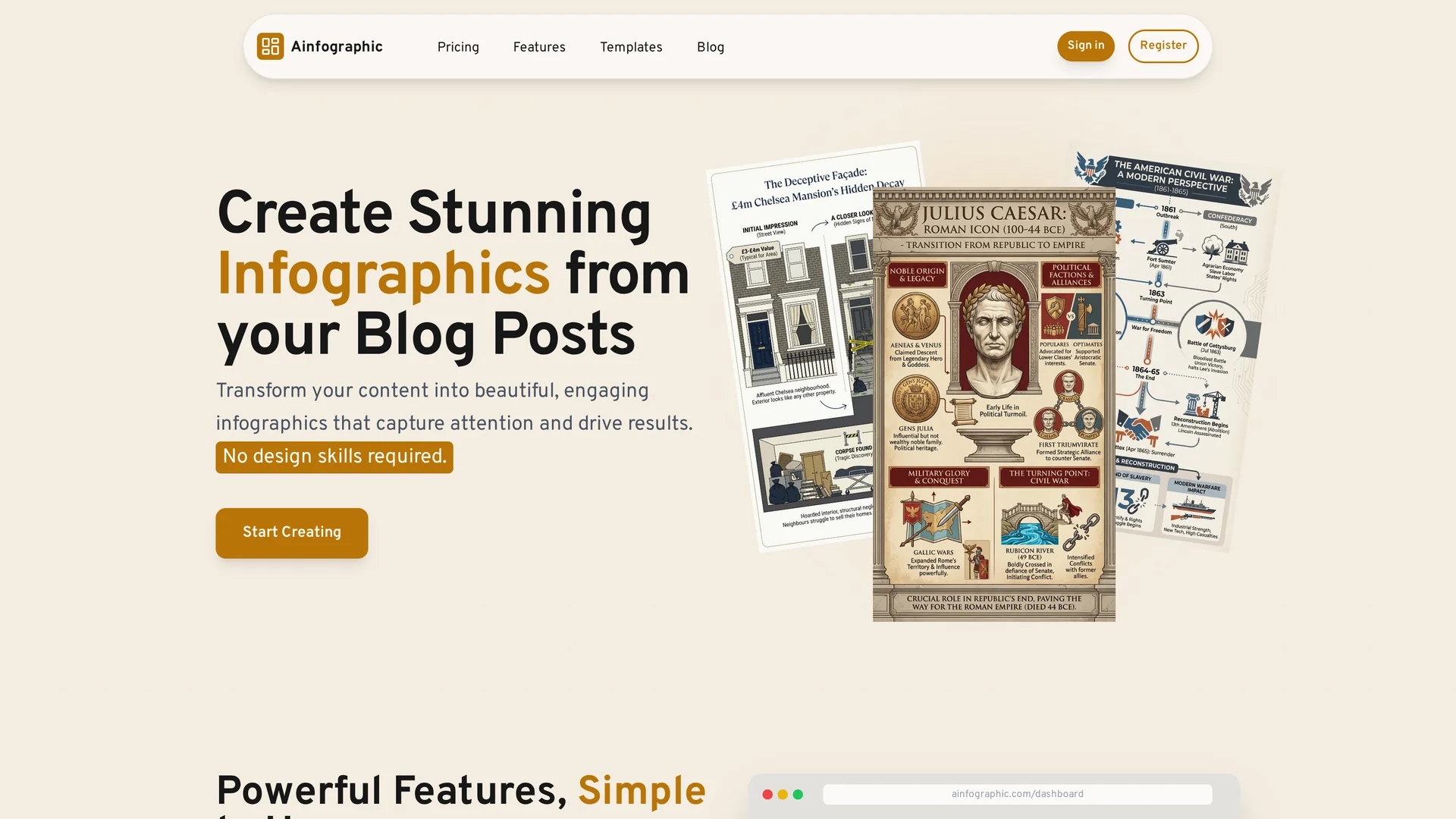
Ainfographic uses AI to convert blog posts and documents into professional infographics with customizable templates and optimized aspect ratios for social media.
Disclaimer: Visionary Hub is not affiliated with, endorsed by, or the operator of this tool. All trademarks, logos, and content are the property of their respective owners. Full disclaimer available here
Key Features
Content Transformation
Converts blog URLs and PDFs into visual infographics automatically.
Aspect Ratio Optimization
Provides over eight aspect ratios tailored for social media platforms.
Template Customization
Allows uploading custom templates to maintain brand consistency.
Multiple Visual Types
Supports infographics, mind maps, timelines, flowcharts, and more.
Get Started
Share & Save
Share on Social Media
Why Choose Ainfographic
AI Automation:
Automatically extracts key points and designs infographics, saving time.Template Variety:
Offers multiple templates and visual formats for diverse content needs.High Resolution:
Supports exports up to 4K for print and digital quality.
Pricing
Ainfographic uses a credit-based pricing model starting at $5 for 10 credits. Larger packages include 50 credits for $25, 100 credits for $45, and 200 credits for $89. Credits can be used anytime; no free trial but a free demo is available.
About Ainfographic
Ainfographic uses AI to convert blog posts and documents into professional infographics with customizable templates and optimized aspect ratios for social media.
What Ainfographic Does
Ainfographic converts written content such as blog posts and PDF documents into engaging infographics automatically. This enables users to present information visually, enhancing audience engagement without requiring design expertise.
The tool uses AI to extract key points from the input content and applies a variety of templates and visual formats including timelines, mind maps, and flowcharts. Users can select from over eight aspect ratios optimized for different social media platforms and export high-resolution images up to 4K quality.
It is useful across industries for marketing, education, business presentations, and social media content creation, helping professionals communicate complex data effectively and efficiently.
Pros & Cons
User-Friendly
No design skills required; AI handles layout and styling.
Flexible Pricing
Credit-based plans allow pay-as-you-go usage without subscriptions.
No Free Trial
Only a free demo is available; credits must be purchased to create.
Limited Export Formats
Currently exports only PNG; JPEG support planned for future.
Frequently Asked Questions
It uses AI to analyze content, extract key points, and design visuals automatically.
Yes, you can upload custom templates to keep brand consistency.
Currently PNG is supported; JPEG export will be added in the future.
No design skills are needed; the AI manages all design aspects.
No free trial; you purchase credits to create infographics.
Similar Tools You Might Like
Discover more AI-powered tools that complement your workflow



List Your AI Tool & Reach Thousands of Users
Join 500+ AI innovators already thriving on our platform. Get visibility, feedback, and boost your conversions.
Expand Your Audience
Connect with over 50,000 AI enthusiasts actively looking for tools like yours.
Boost Your Authority
Get verified reviews and ratings to build credibility in the AI marketplace.
Drive Conversions
Our premium placements and targeted audience deliver quality leads and sign-ups.