Aider.chat
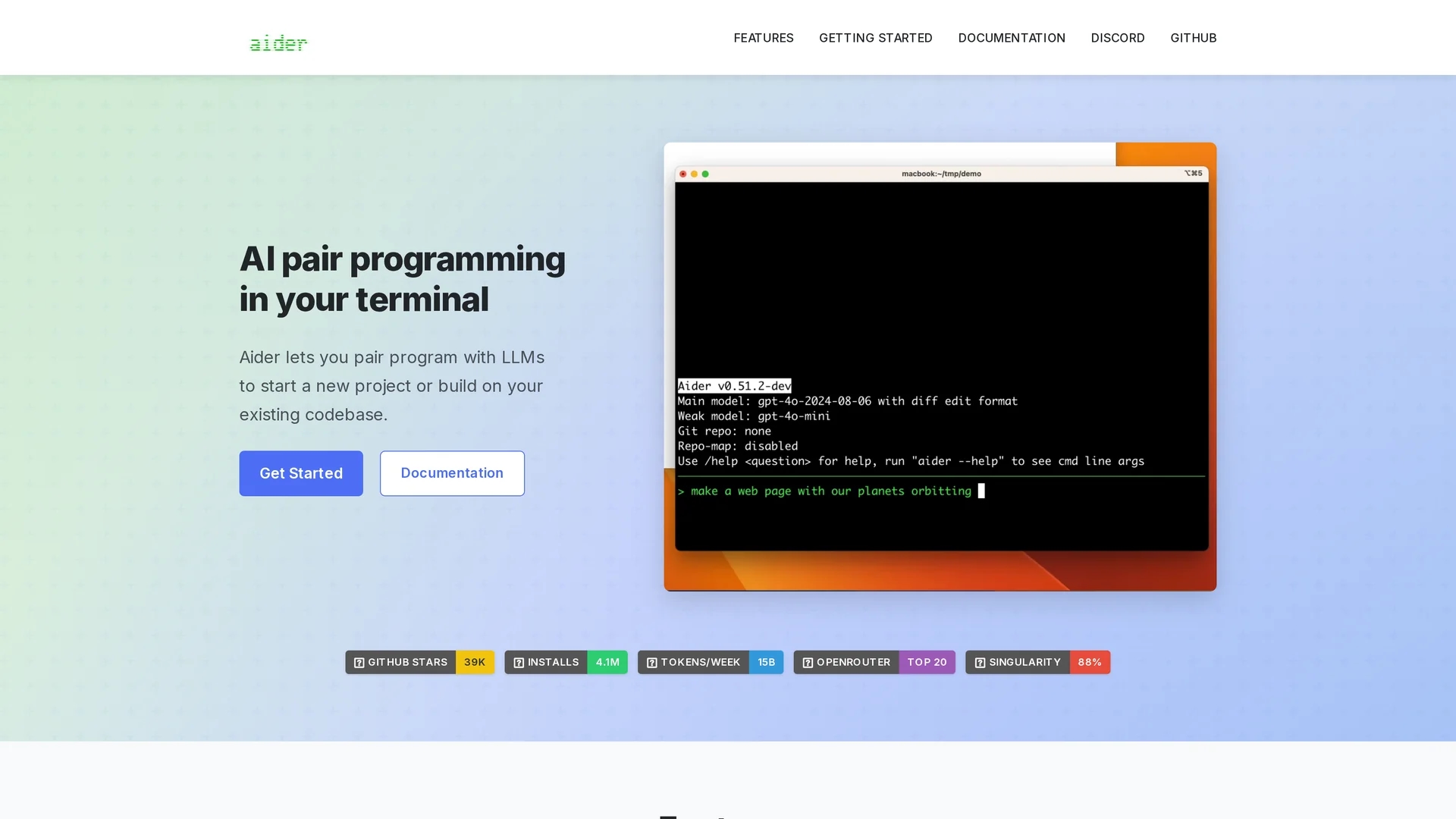
Aider is a terminal-based AI pair programming tool that lets developers edit code, run linters and tests, and commit multi-file changes with LLMs and git integration, supporting local and cloud models for cost-managed workflows.
Disclaimer: Visionary Hub is not affiliated with, endorsed by, or the operator of this tool. All trademarks, logos, and content are the property of their respective owners. Full disclaimer available here
Key Features
Git Integration
Auto-commits with sensible messages, diffs, and git-based undo support.
Multi-Language Support
Works with 100+ languages including Python, JavaScript, Rust, Go, C++.
Cloud & Local LLMs
Connects to Claude 3.7 Sonnet, GPT-4o, DeepSeek, OpenAI models, or local models.
Voice-to-Code
Convert spoken requests into code edits, tests, or fixes.
Linting & Testing
Runs linters and tests, then applies automated fixes and rechecks.
Images & Web Context
Attach visuals or web pages to provide contextual information to the model.
Chat Modes
Code, Ask, Architect, and Help modes tailor workflows and outputs.
IDE Integration
Insert AI comments, watch files, and apply edits alongside editors.
Get Started
Share & Save
Share on Social Media
Why Choose Aider.chat
Zero Tool Cost:
Open-source core with no subscription; you only pay third-party LLM API usage.Multi-File Refactors:
Performs complex cross-file edits and sensible commits across repos.Local Model Option:
Run local LLMs to avoid cloud exposure and reduce API costs.Active Development:
Frequent updates, model support expansions, and an evolving browser UI.
Pricing
Aider itself is free and open-source with no subscription. Users only pay third-party LLM API costs; examples estimate $5–15/day for heavy Claude use or $200–500/month for power users. Local models via Ollama incur no Aider fees.
About Aider.chat
Aider is a terminal-based AI pair programming tool that lets developers edit code, run linters and tests, and commit multi-file changes with LLMs and git integration, supporting local and cloud models for cost-managed workflows.
What Aider.chat Does
Aider is an AI pair programming tool that runs in the terminal and helps developers edit code, add tests, fix lints, and commit multi-file changes to git using natural-language prompts. It accelerates common workflows by applying LLM-generated edits and producing sensible commit messages.
The tool connects to cloud LLMs (Claude 3.7 Sonnet, GPT-4o, DeepSeek, OpenAI models) or local models via Ollama. It offers chat modes (Code, Ask, Architect, Help), voice-to-code input, image context, linting and test automation, and an experimental browser UI for local repo editing.
Common use cases include refactors, feature implementation, test creation, and iterative architecture planning across repositories and languages.
Pros & Cons
Cost-Effective
Open-source core; local models can eliminate API spend for light users.
Strong Git
Sensible auto-commits, multi-file edits, and easy undo via git.
Flexible Models
Supports top cloud models and nearly any local LLM.
Terminal Focus
Lightweight CLI workflow with optional browser UI for local repos.
API Costs
Power users may face high third-party LLM bills depending on usage.
CLI Learning
Terminal-first interface can be steeper for GUI-preferring users.
External LLMs
Requires user-provided API keys and depends on external providers.
Frequently Asked Questions
Aider is free and open-source; Aider itself has no subscription. You only pay third-party LLM API usage when using cloud models; local models are free to run.
Aider supports cloud and local LLMs. It works best with Claude 3.7 Sonnet, DeepSeek R1 & Chat V3, OpenAI o1/o3-mini/GPT-4o, and local models via Ollama.
Aider does not require a subscription; install via pip or brew. Only API tokens from selected LLM providers may incur separate costs.
Aider offers an experimental browser UI to edit local git repositories, but its primary interface remains terminal-based.
Similar Tools You Might Like
Discover more AI-powered tools that complement your workflow


List Your AI Tool & Reach Thousands of Users
Join 500+ AI innovators already thriving on our platform. Get visibility, feedback, and boost your conversions.
Expand Your Audience
Connect with over 50,000 AI enthusiasts actively looking for tools like yours.
Boost Your Authority
Get verified reviews and ratings to build credibility in the AI marketplace.
Drive Conversions
Our premium placements and targeted audience deliver quality leads and sign-ups.