AI Vector.ai
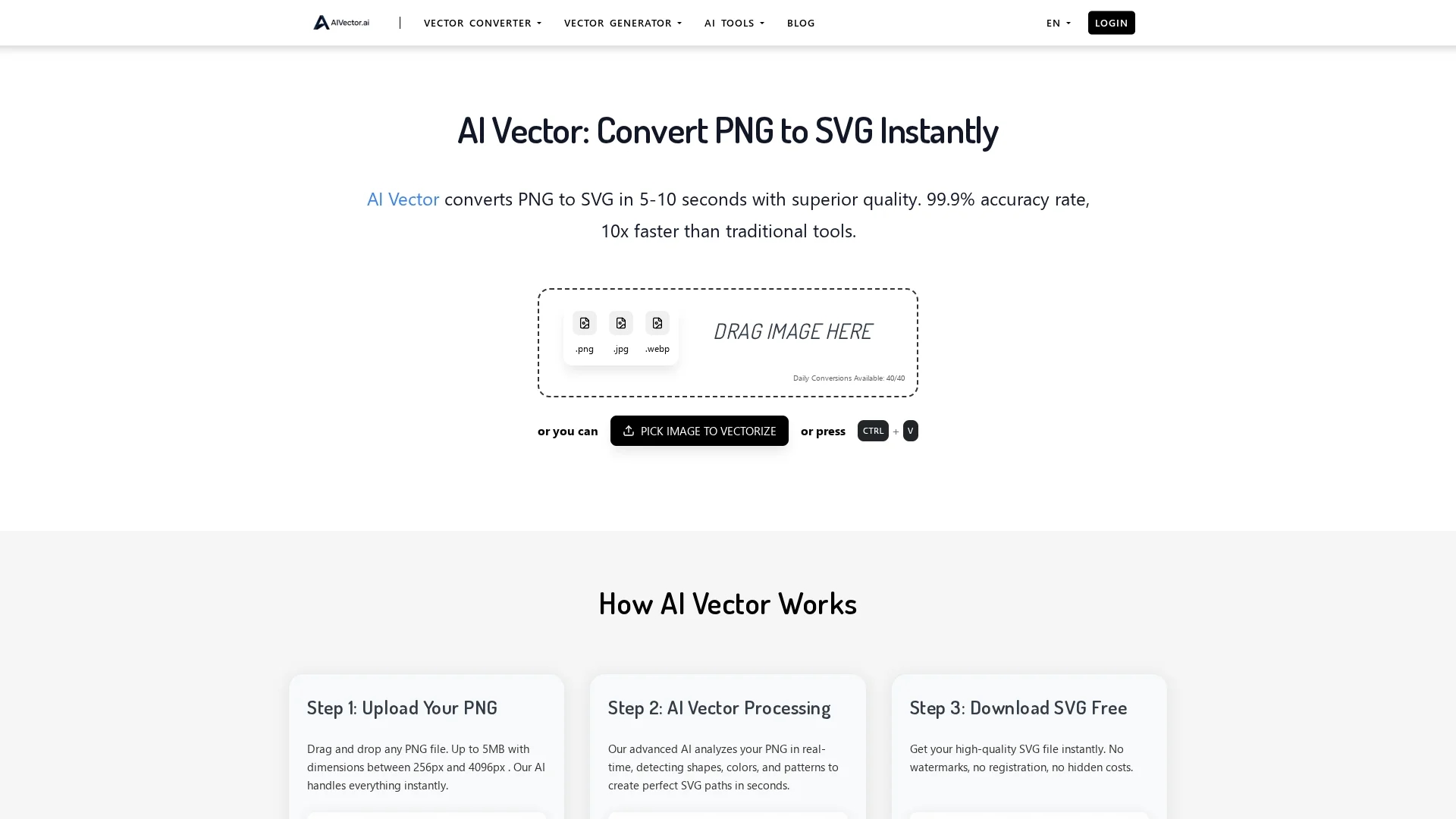
AI Vector.ai converts PNG, JPG, and WEBP images to high-quality SVG format instantly with advanced AI algorithms, offering unlimited daily conversions without registration or file storage.
Disclaimer: Visionary Hub is not affiliated with, endorsed by, or the operator of this tool. All trademarks, logos, and content are the property of their respective owners. Full disclaimer available here
Key Features
Multi-format Support
Converts PNG, JPG, and WEBP images to SVG vector format.
Unlimited Usage
Allows unlimited daily conversions without restrictions.
No Registration
Users can convert images without creating an account.
Advanced AI Algorithms
Analyzes pixel data to produce accurate, watermark-free SVGs.
Get Started
Share & Save
Share on Social Media
Why Choose AI Vector.ai
Fast Conversion:
Processes images in under 10 seconds, much faster than traditional tools.High Quality:
Generates clean, smooth SVG paths with professional-grade accuracy.Privacy Focused:
Does not store or share uploaded files, ensuring user privacy.
Pricing
AI Vector.ai is completely free to use with no hidden costs, registration, or limitations on daily conversions.
About AI Vector.ai
AI Vector.ai converts PNG, JPG, and WEBP images to high-quality SVG format instantly with advanced AI algorithms, offering unlimited daily conversions without registration or file storage.
What AI Vector.ai Does
AI Vector.ai converts raster images such as PNG, JPG, and WEBP into SVG vector format, enabling users to obtain scalable graphics that maintain quality at any size. This benefits designers and developers by providing resolution-independent images ideal for printing and digital use.
The tool employs advanced AI algorithms to analyze pixel data, detect shapes, colors, and patterns, and recreate these as precise SVG paths. It processes images rapidly, delivering results in under 10 seconds without watermarks or the need for user registration.
Use cases include converting logos, digital artwork, marketing materials, and web graphics. It suits industries like graphic design, web development, advertising, and digital content creation.
Pros & Cons
User Friendly
Simple drag-and-drop interface with instant processing.
Cost Effective
Completely free with no hidden fees or limitations.
File Size Limit
Supports files up to 5MB, limiting very large images.
Limited Formats
Primarily supports PNG, JPG, and WEBP only.
Frequently Asked Questions
It converts PNG, JPG, and WEBP images into SVG vector format.
Yes, AI Vector offers unlimited free conversions with no hidden costs.
No registration is required; users can convert images immediately.
Most conversions complete within 5 to 10 seconds.
No, AI Vector does not store or share any uploaded files.
Similar Tools You Might Like
Discover more AI-powered tools that complement your workflow



List Your AI Tool & Reach Thousands of Users
Join 500+ AI innovators already thriving on our platform. Get visibility, feedback, and boost your conversions.
Expand Your Audience
Connect with over 50,000 AI enthusiasts actively looking for tools like yours.
Boost Your Authority
Get verified reviews and ratings to build credibility in the AI marketplace.
Drive Conversions
Our premium placements and targeted audience deliver quality leads and sign-ups.