
AI Renamer
AI Renamer automates file renaming by analyzing content like EXIF data, offering smart recognition, custom formatting, and batch processing for images and documents with local and cloud support.
Disclaimer: Visionary Hub is not affiliated with, endorsed by, or the operator of this tool. All trademarks, logos, and content are the property of their respective owners. Full disclaimer available here
Key Features
Smart Recognition
AI analyzes image and document content for meaningful names.
Custom Rules
Users create personalized naming patterns and formatting.
Local & Cloud
Supports both offline local models and cloud-based AI.
Multi-format Support
Works with images (JPG, PNG, GIF) and documents (PDF, TXT).
Get Started
Share & Save
Share on Social Media
Why Choose AI Renamer
Content Analysis:
Renames files based on detailed content and EXIF data analysis.Privacy Options:
Supports local AI models for offline, private file processing.Batch Processing:
Efficiently renames multiple files simultaneously with preview.
Pricing
AI Renamer offers a freemium pricing model with a free tier and paid options. Local Mode is a $19 one-time purchase, while Cloud Mode uses pay-as-you-go credits at $10 per 200 credits. Credits do not expire.
About AI Renamer
AI Renamer automates file renaming by analyzing content like EXIF data, offering smart recognition, custom formatting, and batch processing for images and documents with local and cloud support.
What AI Renamer Does
AI Renamer automatically renames files by analyzing their content, including image EXIF data and document text, to generate meaningful and organized filenames. This improves file retrieval and digital organization.
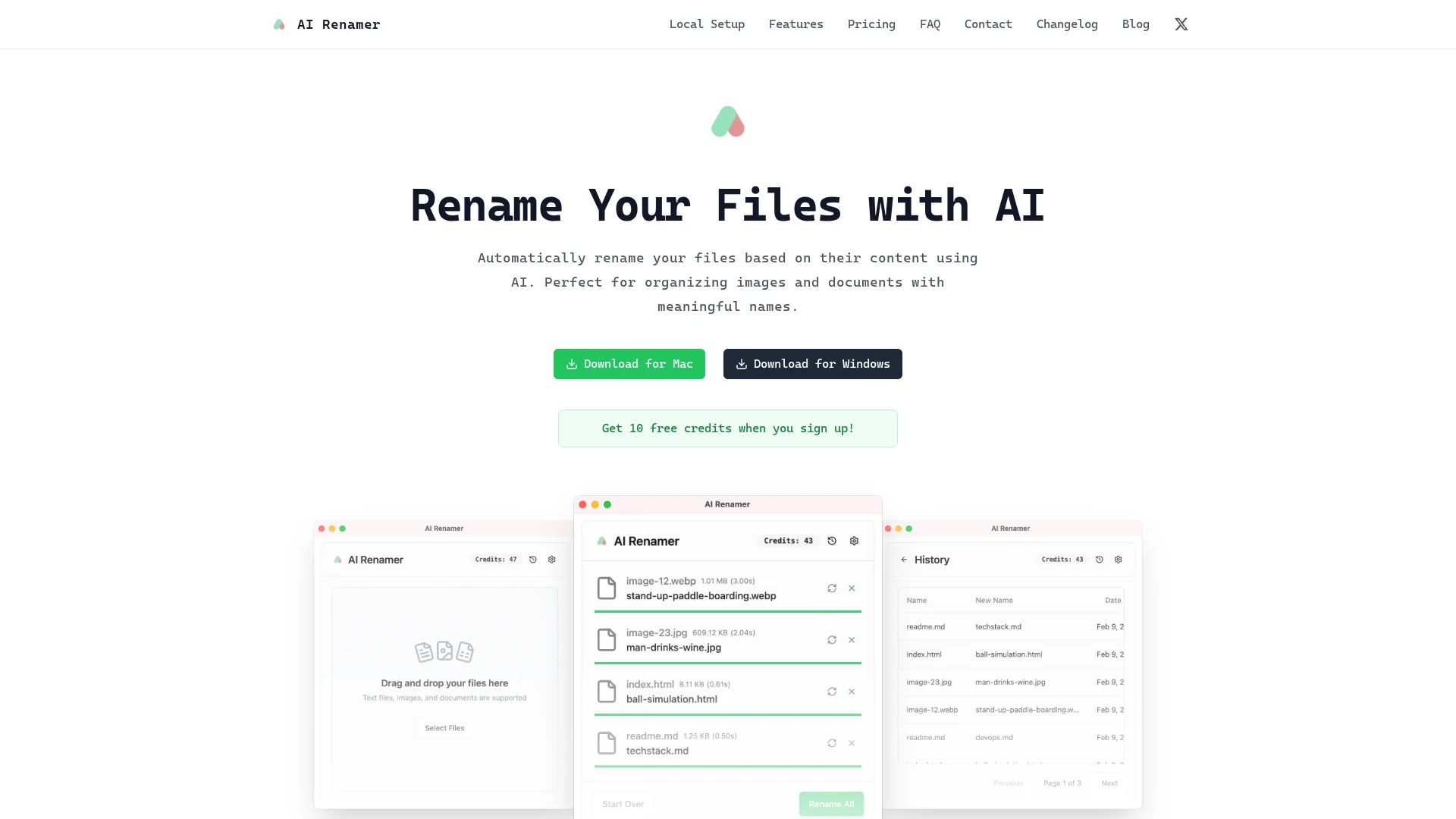
It features smart recognition technology, custom formatting rules, and batch processing capabilities. Users can drag and drop multiple files for renaming and preview results before applying changes. The tool supports local AI models for offline use and cloud models for flexible processing.
Ideal for industries managing large volumes of images and documents, such as marketing, digital archiving, and IT administration, AI Renamer enhances productivity by automating tedious renaming tasks.
Pros & Cons
Flexible Deployment
Use local or cloud AI models based on privacy needs.
User-Friendly
Drag-and-drop interface simplifies batch file renaming.
Cloud Limits
Cloud mode limits file size to 10MB per rename operation.
Credit System
Cloud mode requires credits, which may complicate usage.
Frequently Asked Questions
It supports images like JPG, PNG, GIF, WEBP and documents such as PDF and TXT.
Local Mode is a $19 one-time purchase; Cloud Mode uses $10 per 200 credits.
Yes, by using local AI models integrated via Ollama or LM Studio.
Files processed locally remain private; cloud mode processes files privately.
Yes, batch processing allows renaming multiple files with preview.
Similar Tools You Might Like
Discover more AI-powered tools that complement your workflow
List Your AI Tool & Reach Thousands of Users
Join 500+ AI innovators already thriving on our platform. Get visibility, feedback, and boost your conversions.
Expand Your Audience
Connect with over 50,000 AI enthusiasts actively looking for tools like yours.
Boost Your Authority
Get verified reviews and ratings to build credibility in the AI marketplace.
Drive Conversions
Our premium placements and targeted audience deliver quality leads and sign-ups.