
AI Prompt Saver
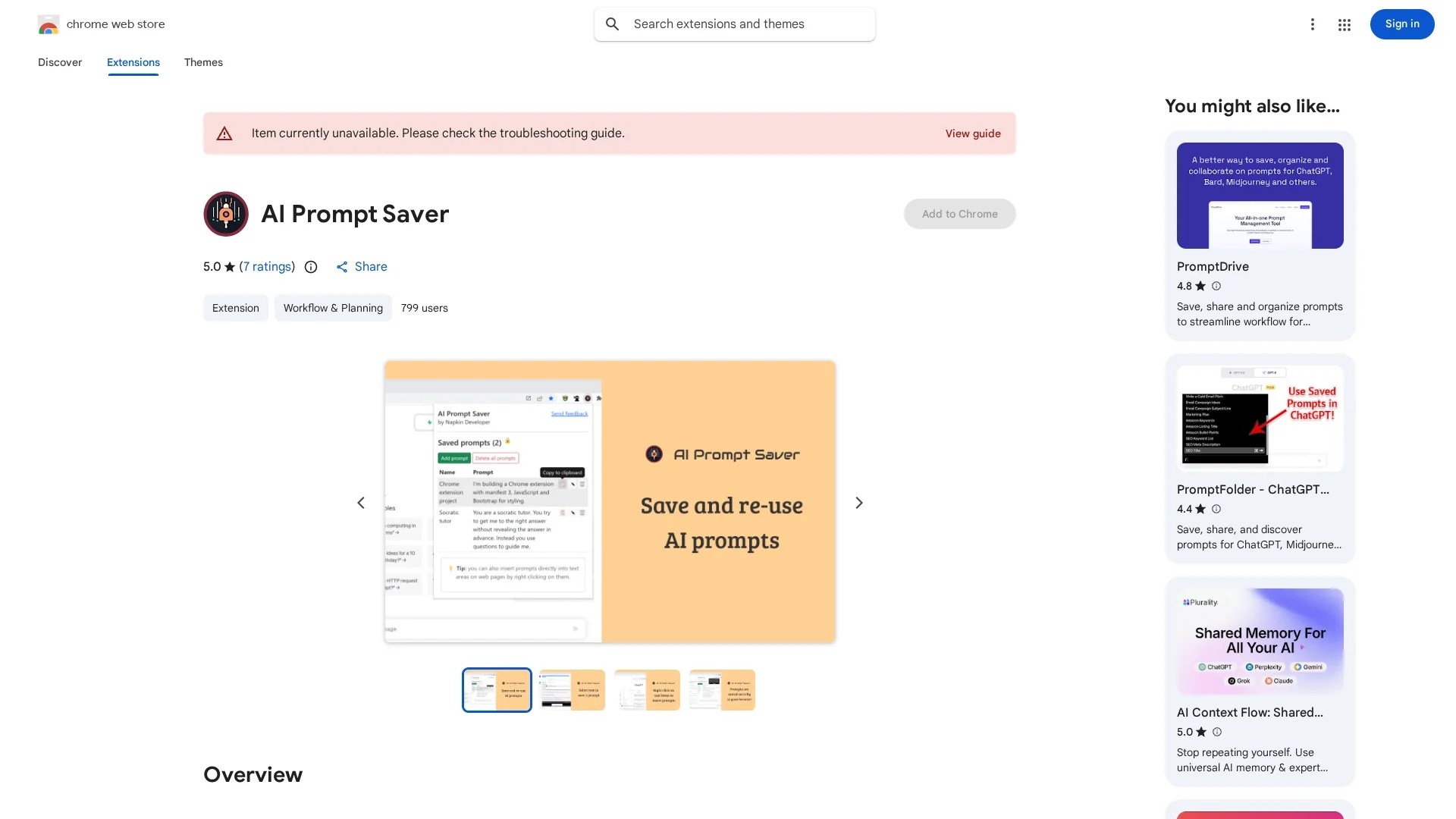
Chrome extension to save, organize, and reuse AI prompts securely within your browser for tools like OpenAI and Bard.
Disclaimer: Visionary Hub is not affiliated with, endorsed by, or the operator of this tool. All trademarks, logos, and content are the property of their respective owners. Full disclaimer available here
Key Features
Save Prompts
Save AI prompts by selecting text or using the toolbar button.
Offline Storage
Prompts are securely stored only in the browser without external servers.
Context Menu Insert
Insert prompts easily by right-clicking on any text input area.
Cross-Browser Sync
Sync saved prompts across different browsers for seamless access.
Get Started
Share & Save
Share on Social Media
Why Choose AI Prompt Saver
Secure Storage:
Stores prompts locally in the browser ensuring user privacy and offline access.Easy Insertion:
Insert saved prompts quickly via right-click context menu in text fields.Prompt Organization:
Organize prompts into folders for efficient management and retrieval.
Pricing
This Chrome extension is available for free on the Chrome Web Store.
About AI Prompt Saver
Chrome extension to save, organize, and reuse AI prompts securely within your browser for tools like OpenAI and Bard.
What AI Prompt Saver Does
AI Prompt Saver allows users to save frequently used AI prompts directly in their browser, improving efficiency when working with AI tools like OpenAI and Bard. Users benefit from quick access and reuse of prompts without retyping.
The extension supports adding prompts by selecting text on any webpage or using a toolbar button. Prompts are securely stored offline in the browser and can be inserted into text input areas via a right-click context menu. It also organizes prompts into folders and syncs them across browsers.
This tool is useful for AI prompt engineers, content creators, researchers, and marketers who frequently interact with AI platforms requiring prompt inputs.
Pros & Cons
Privacy
No data collection; prompts remain stored locally in the browser.
User-Friendly
Simple interface with quick prompt saving and insertion methods.
Limited Platforms
Available only as a Chrome extension, limiting use to Chromium-based browsers.
No Cloud Backup
Prompts are stored locally, so no automatic cloud backup is provided.
Frequently Asked Questions
Prompts are stored securely in your browser only, ensuring privacy.
Add prompts by selecting text on a webpage or using the extension toolbar button.
Insert prompts by right-clicking on a text input area and selecting the prompt.
The extension is free to install and use from the Chrome Web Store.
Yes, the extension supports syncing prompts across browsers for consistent access.
Similar Tools You Might Like
Discover more AI-powered tools that complement your workflow



List Your AI Tool & Reach Thousands of Users
Join 500+ AI innovators already thriving on our platform. Get visibility, feedback, and boost your conversions.
Expand Your Audience
Connect with over 50,000 AI enthusiasts actively looking for tools like yours.
Boost Your Authority
Get verified reviews and ratings to build credibility in the AI marketplace.
Drive Conversions
Our premium placements and targeted audience deliver quality leads and sign-ups.