
AI Photo Editor
AI Photo Editor provides one-click AI-powered image editing tools like background remover and photo enhancer for fast, professional results suitable for all skill levels.
Disclaimer: Visionary Hub is not affiliated with, endorsed by, or the operator of this tool. All trademarks, logos, and content are the property of their respective owners. Full disclaimer available here
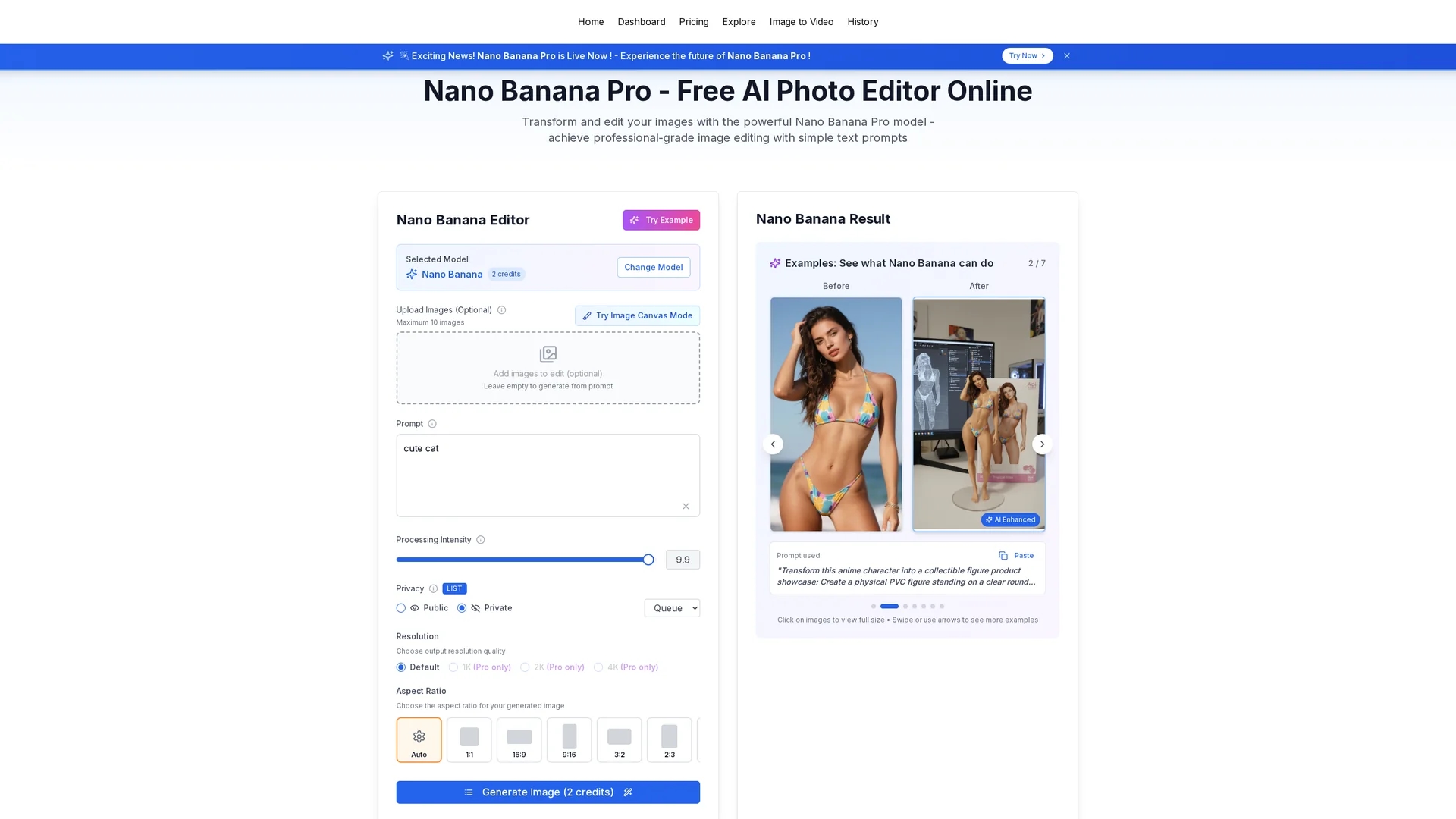
Key Features
Background Remover
Removes image backgrounds instantly with one click.
Magic Eraser
Eliminates unwanted objects from photos seamlessly.
Photo Enhancer
Automatically improves image quality and appearance.
Face Completion
Reconstructs and enhances facial features with photorealistic accuracy.
Get Started
Share & Save
Share on Social Media
Why Choose AI Photo Editor
Fast Processing:
Generates professional-quality images in under one second.One-Click Tools:
Simplifies editing with instant background removal and magic eraser.Enterprise Security:
Certified SOC 2, GDPR, and ISO 27001 compliance for data protection.
Pricing
AI Photo Editor offers a freemium pricing model with a Free plan and paid plans: Starter at $5/month, Pro at $9/month, and Enterprise at $100/year. Discounts apply for annual billing. Visit the pricing page for details.
About AI Photo Editor
AI Photo Editor provides one-click AI-powered image editing tools like background remover and photo enhancer for fast, professional results suitable for all skill levels.
What AI Photo Editor Does
AI Photo Editor automates image editing by providing one-click solutions for background removal, magic erasing unwanted elements, and enhancing photo quality. This reduces manual editing time and improves workflow efficiency.
It uses advanced AI algorithms including face completion technology to reconstruct and enhance facial features with photorealistic accuracy. The tool supports natural language prompts and delivers results in under a second, making it accessible for all skill levels.
Common use cases include e-commerce product image preparation, social media profile enhancements, and marketing material refinement. Its enterprise-grade security makes it suitable for professional teams and commercial projects.
Pros & Cons
User-Friendly
Easy interface suitable for beginners and professionals.
No Credit Card Required
Start editing immediately without registration or payment.
Credit Limits
Free plan has usage restrictions requiring paid plans for more credits.
Web-Based Only
Currently available only on web; mobile app coming soon.
Frequently Asked Questions
It provides one-click background removal, magic eraser, photo enhancement, and face completion technology.
Plans include Free, Starter ($5/mo), Pro ($9/mo), and Enterprise ($100/year) with annual billing discounts.
No credit card is needed to start; users can begin editing immediately on the free plan.
Yes, all paid plans include commercial licenses and unrestricted usage rights.
It is certified with SOC 2, GDPR, and ISO 27001 for enterprise-grade data protection.
Similar Tools You Might Like
Discover more AI-powered tools that complement your workflow



List Your AI Tool & Reach Thousands of Users
Join 500+ AI innovators already thriving on our platform. Get visibility, feedback, and boost your conversions.
Expand Your Audience
Connect with over 50,000 AI enthusiasts actively looking for tools like yours.
Boost Your Authority
Get verified reviews and ratings to build credibility in the AI marketplace.
Drive Conversions
Our premium placements and targeted audience deliver quality leads and sign-ups.