
AI Perfect Assistant
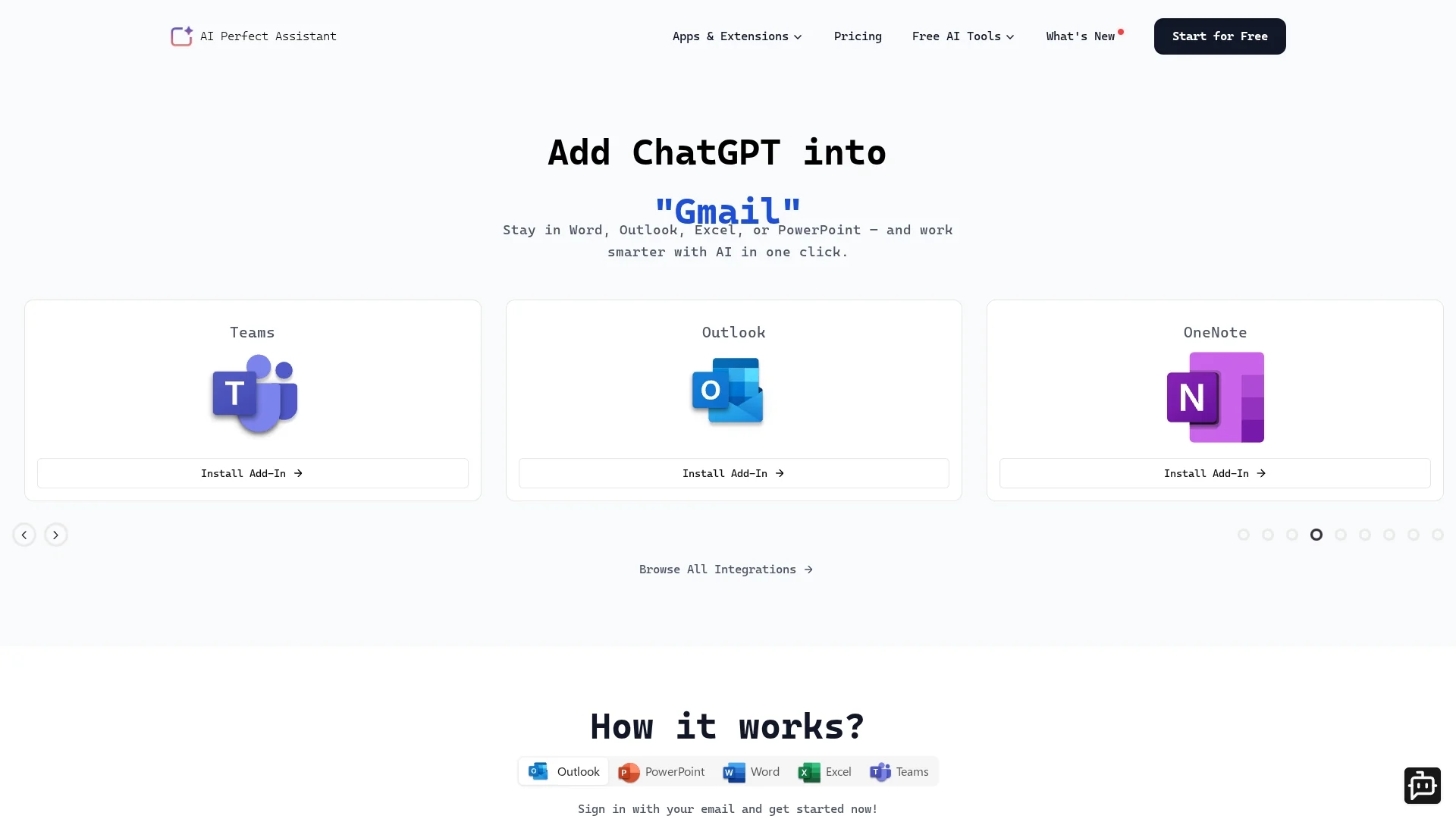
AI Perfect Assistant integrates with Microsoft Office 365 to automate tasks like generating slides, replying to emails, and enhancing documents using AI.
Disclaimer: Visionary Hub is not affiliated with, endorsed by, or the operator of this tool. All trademarks, logos, and content are the property of their respective owners. Full disclaimer available here
Key Features
Slide Generation
Automatically creates PowerPoint slides from outlines or text.
Email Automation
Generates and summarizes replies in Outlook and Teams.
Document Enhancement
Improves writing and grammar in Microsoft Word documents.
Data Handling
Creates formulas and normalizes data within Excel spreadsheets.
Get Started
Share & Save
Share on Social Media
Why Choose AI Perfect Assistant
Office Integration:
Works natively inside Microsoft Office 365 apps for seamless workflow.Multiple AI Tools:
Includes over 40 AI-powered features for diverse business tasks.Productivity Boost:
Automates repetitive tasks to save time and improve efficiency.
Pricing
AI Perfect Assistant offers a freemium pricing model with a free plan and paid subscriptions. Premium plans start at $5 per user per month, with annual options available. For detailed pricing, visit the official pricing page.
About AI Perfect Assistant
AI Perfect Assistant integrates with Microsoft Office 365 to automate tasks like generating slides, replying to emails, and enhancing documents using AI.
What AI Perfect Assistant Does
AI Perfect Assistant integrates directly into Microsoft Office 365 apps to automate routine business tasks, helping users save time and increase productivity. It generates PowerPoint slides, crafts documents in Word, replies to emails and messages in Outlook and Teams, and normalizes data in Excel.
The tool offers features such as email summarization, grammar correction, translation, formula creation, and tone customization. It uses advanced AI models including ChatGPT to provide contextual and accurate content generation within familiar Office environments.
Ideal for industries relying heavily on Microsoft Office, it supports business professionals, marketers, project managers, and data analysts in streamlining communication, reporting, and presentation workflows.
Pros & Cons
Full Office Suite Support
Supports Word, Excel, PowerPoint, Outlook, and Teams natively.
Wide Feature Set
Offers over 40 AI tools covering various business needs.
Limited Free Plan
Free tier has daily token limits and restricted AI model access.
No Refund Policy
Refunds are not offered due to hosting and support costs.
Frequently Asked Questions
Install the add-in for your Microsoft Office app and sign in with your work or school account.
Plans include a free tier and paid Premium and Pro subscriptions with monthly and annual billing.
Payments can be made via credit/debit cards and PayPal.
Yes, subscriptions can be canceled anytime through the payment portal.
Professional support is available for paid plans but not for the free tier.
Similar Tools You Might Like
Discover more AI-powered tools that complement your workflow

List Your AI Tool & Reach Thousands of Users
Join 500+ AI innovators already thriving on our platform. Get visibility, feedback, and boost your conversions.
Expand Your Audience
Connect with over 50,000 AI enthusiasts actively looking for tools like yours.
Boost Your Authority
Get verified reviews and ratings to build credibility in the AI marketplace.
Drive Conversions
Our premium placements and targeted audience deliver quality leads and sign-ups.