
AI Localizer
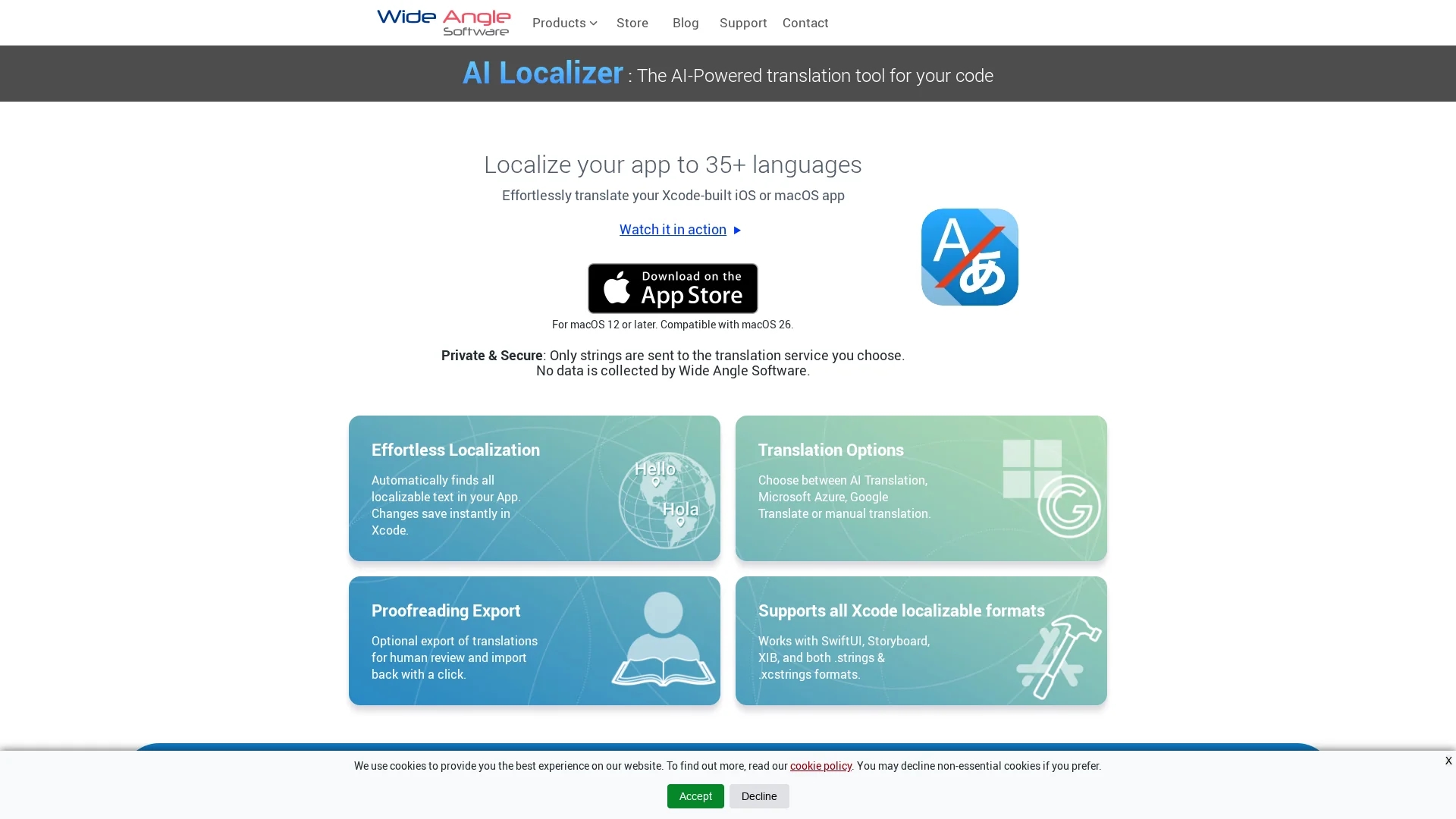
AI Localizer streamlines localization of iOS and macOS apps by supporting 35+ languages, integrating with Xcode, and offering AI, manual, and third-party translation options.
Disclaimer: Visionary Hub is not affiliated with, endorsed by, or the operator of this tool. All trademarks, logos, and content are the property of their respective owners. Full disclaimer available here
Key Features
Automatic Text Detection
Finds all localizable strings in your Xcode project automatically.
CSV Export
Exports translations for human proofreading and easy import of edits.
Format Compatibility
Supports SwiftUI, Storyboard, XIB, .strings, and .xcstrings formats.
Translation Service Options
Configurable to use AI, Microsoft Azure, Google Translate, or manual input.
Get Started
Share & Save
Share on Social Media
Why Choose AI Localizer
Xcode Integration:
Seamlessly works within Xcode, saving translations directly to your project.Multiple Languages:
Supports localization in over 35 languages for broad market reach.Flexible Translation:
Offers AI, Microsoft Azure, Google Translate, and manual translation options.
Pricing
For current pricing details, visit the official AI Localizer page on Wide Angle Software's website.
About AI Localizer
AI Localizer streamlines localization of iOS and macOS apps by supporting 35+ languages, integrating with Xcode, and offering AI, manual, and third-party translation options.
What AI Localizer Does
AI Localizer automates the localization process for iOS and macOS apps by detecting all localizable text within Xcode projects and translating it into multiple languages. This helps developers reach a broader audience efficiently.
The tool integrates with Xcode and supports translation options such as AI translation, Microsoft Azure, Google Translate, and manual editing. It saves translation changes instantly back to the project and supports formats like SwiftUI, Storyboard, XIB, and .strings files.
AI Localizer is suitable for software developers and localization specialists working on apps for diverse markets, enabling streamlined workflows and improved translation quality through export and import of CSV files for proofreading.
Pros & Cons
Workflow Efficiency
Instantly saves translations back to Xcode, streamlining development.
Translation Quality
Allows manual edits and proofreading via CSV export for accuracy.
Platform Limitation
Only supports macOS 12 or later and Xcode projects.
No Public Pricing
Pricing details are not openly available on the homepage.
Frequently Asked Questions
It supports localization for iOS and macOS applications built with Xcode.
Users can choose AI translation, Microsoft Azure, Google Translate, or manual input.
Yes, translations can be exported to CSV for human review and re-imported.
It supports SwiftUI, Storyboard, XIB, .strings, and .xcstrings formats.
Pricing details are available on the official Wide Angle Software website.
Similar Tools You Might Like
Discover more AI-powered tools that complement your workflow
List Your AI Tool & Reach Thousands of Users
Join 500+ AI innovators already thriving on our platform. Get visibility, feedback, and boost your conversions.
Expand Your Audience
Connect with over 50,000 AI enthusiasts actively looking for tools like yours.
Boost Your Authority
Get verified reviews and ratings to build credibility in the AI marketplace.
Drive Conversions
Our premium placements and targeted audience deliver quality leads and sign-ups.