AI Infographic Generator
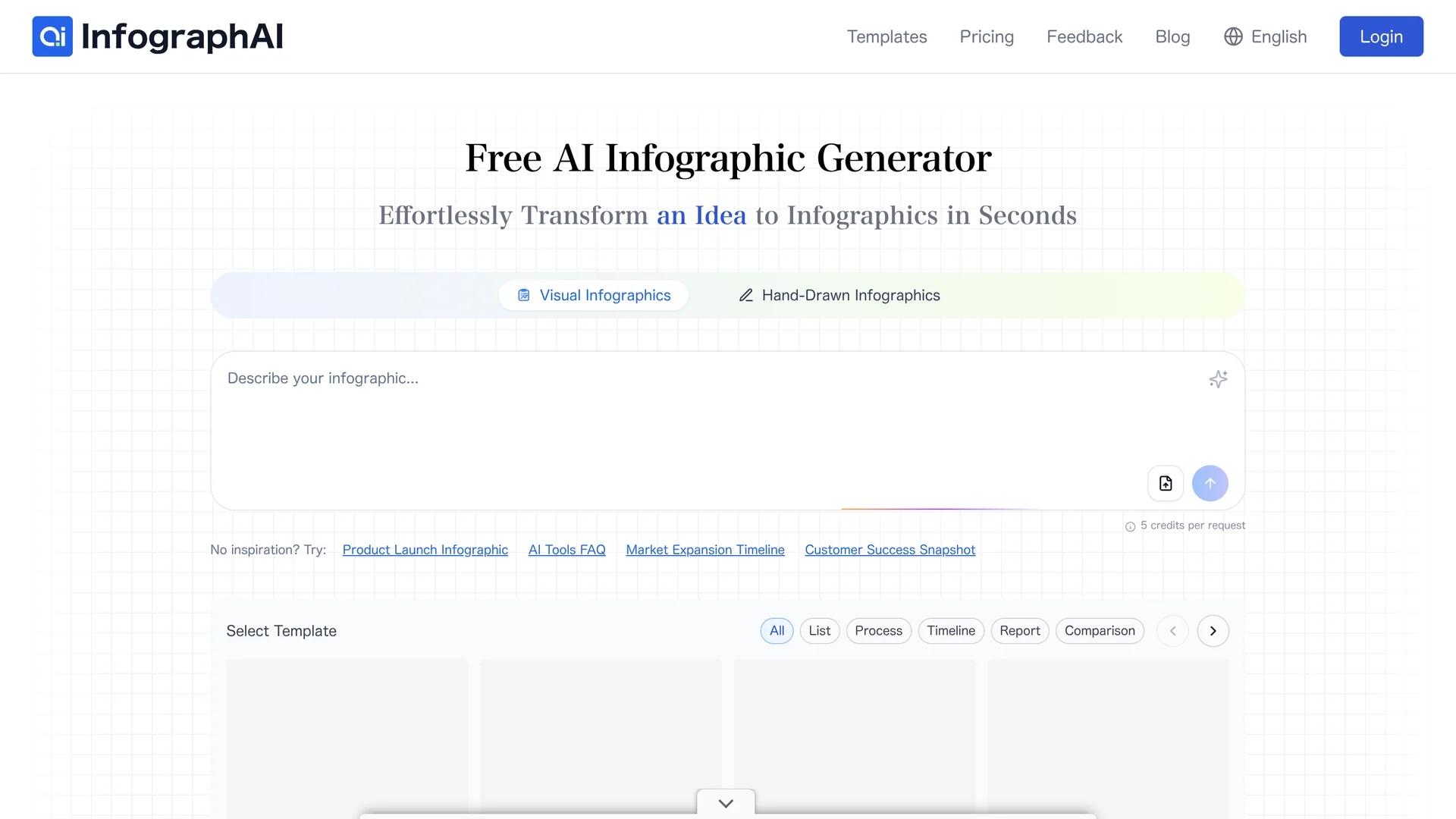
InfographAI transforms text, URLs, PDFs, Word docs, and spreadsheets into AI-generated infographics with customizable templates, automatic key point extraction, and export options for PNG and PDF.
Disclaimer: Visionary Hub is not affiliated with, endorsed by, or the operator of this tool. All trademarks, logos, and content are the property of their respective owners. Full disclaimer available here
Key Features
Content Conversion
Transforms text, URLs, PDFs, Word docs, and spreadsheets into infographics.
Drag-and-Drop Editor
Enables easy customization of colors, fonts, icons, and layouts.
AI Layout Optimization
Automatically suggests layouts and places charts for visual clarity.
Export Options
Exports infographics as PNG images or PDF files for reports and sharing.
Get Started
Share & Save
Share on Social Media
Why Choose AI Infographic Generator
AI Automation:
Automatically extracts key points and designs infographics with minimal user input.Custom Templates:
Offers a vast library of editable infographic templates for various industries.Real-Time Sync:
Synchronizes data from spreadsheets and reports to keep visuals up to date.
Pricing
InfographAI offers a free plan with basic features. Paid subscription plans unlock premium templates and additional generation credits. Visit the pricing page on the official site for detailed plan options and pricing.
About AI Infographic Generator
InfographAI transforms text, URLs, PDFs, Word docs, and spreadsheets into AI-generated infographics with customizable templates, automatic key point extraction, and export options for PNG and PDF.
What AI Infographic Generator Does
InfographAI transforms diverse content formats such as text, blog posts, PDFs, Word documents, and spreadsheets into visually engaging infographics. This automation saves users time and enhances content presentation for reports, marketing, and social media.
The tool features AI-driven extraction of key points and automatic placement of charts and visual elements. Users can customize infographics with a drag-and-drop editor, adjust colors, fonts, and layouts, and synchronize data in real time from spreadsheets and reports.
Industries benefiting from InfographAI include marketing, education, finance, HR, and research, where clear data visualization and concise content summaries improve communication and decision-making.
Pros & Cons
Ease of Use
No design skills required due to AI automation and intuitive editor.
Versatile Input
Supports multiple content types including blogs, documents, and spreadsheets.
Pricing Details
Specific pricing plans are not fully detailed on the homepage.
Developer Info
Limited publicly available information about the developer company.
Frequently Asked Questions
It converts text, blog URLs, PDFs, Word documents, and spreadsheets into infographics.
Yes, there is a free plan with basic features and paid subscriptions for premium templates.
Yes, it syncs data in real time from spreadsheets and reports for accurate visuals.
Yes, users can customize colors, fonts, icons, and layouts using a drag-and-drop editor.
Yes, users can sign up or log in via the login page on the official website.
Similar Tools You Might Like
Discover more AI-powered tools that complement your workflow
List Your AI Tool & Reach Thousands of Users
Join 500+ AI innovators already thriving on our platform. Get visibility, feedback, and boost your conversions.
Expand Your Audience
Connect with over 50,000 AI enthusiasts actively looking for tools like yours.
Boost Your Authority
Get verified reviews and ratings to build credibility in the AI marketplace.
Drive Conversions
Our premium placements and targeted audience deliver quality leads and sign-ups.