
AI Image Editor-
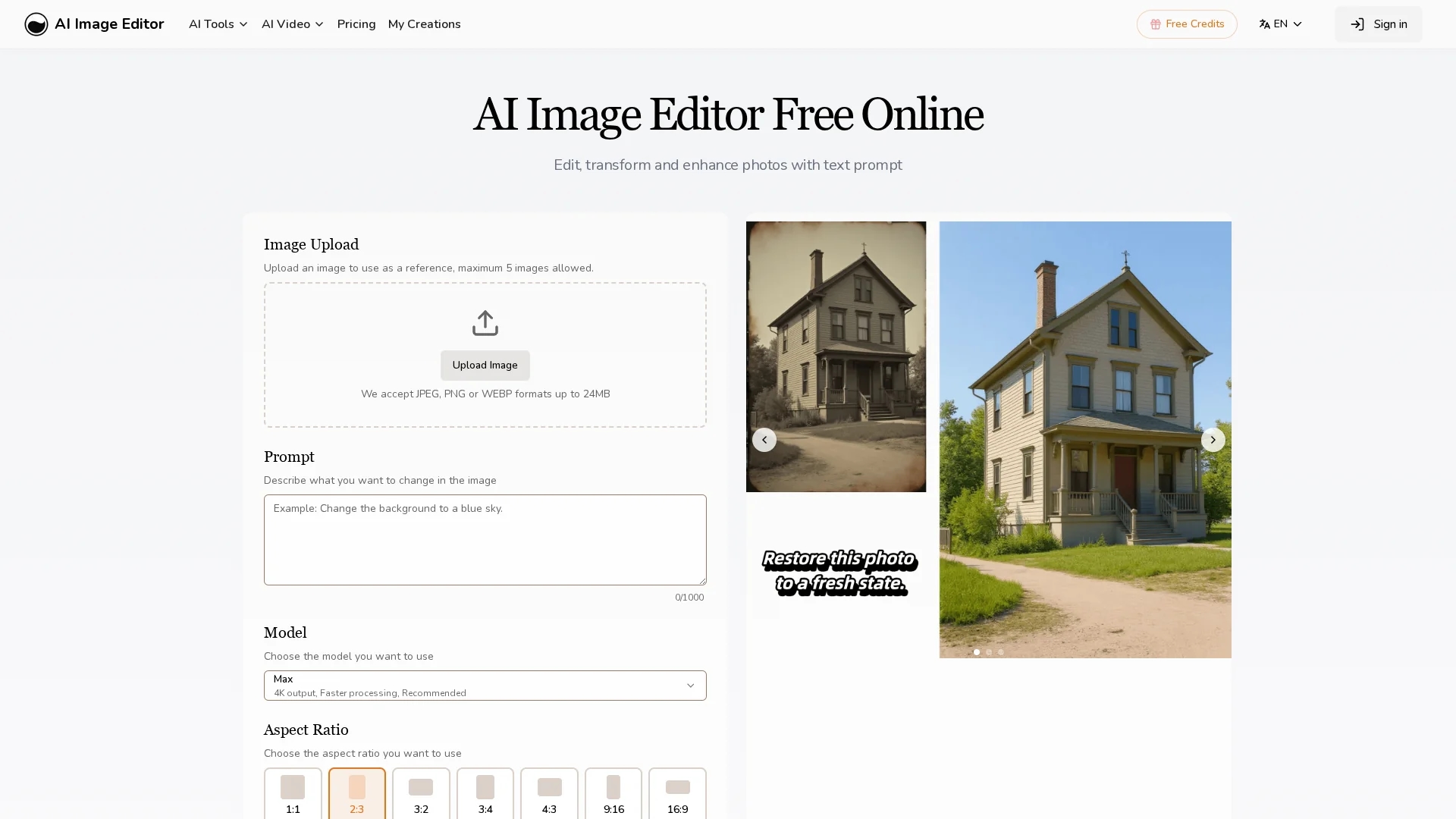
AI Image Editor is an online photo editing tool offering pixel-level precision, multi-format support, text editing, artistic style transfers, and rapid generation of image variations for creative workflows.
Disclaimer: Visionary Hub is not affiliated with, endorsed by, or the operator of this tool. All trademarks, logos, and content are the property of their respective owners. Full disclaimer available here
Key Features
Multi-format Support
Accepts JPEG, PNG, GIF, and WEBP formats for versatile image editing.
Large Image Uploads
Supports images up to 4096 x 4096 pixels for high-resolution editing.
Integrated Text Editing
Adds captions and branding text seamlessly without complex layering.
Precision Region Control
Allows selective editing of specific image areas with exact adjustments.
Get Started
Share & Save
Share on Social Media
Why Choose AI Image Editor-
Pixel Precision:
Enables targeted edits with pixel-level accuracy for detailed image modifications.Style Transfer:
Applies artistic styles from reference images while preserving key composition.Multiple Variations:
Generates several image versions rapidly for efficient prototyping and selection.
Pricing
AI Image Editor offers a free trial. Paid plans include Hobby ($7.99/month), Basic ($15.99/month), and Pro ($31.99/month). Annual billing options and pricing details are available on the official pricing page.
About AI Image Editor-
AI Image Editor is an online photo editing tool offering pixel-level precision, multi-format support, text editing, artistic style transfers, and rapid generation of image variations for creative workflows.
What AI Image Editor- Does
AI Image Editor allows users to upload images and perform detailed edits with pixel-level accuracy, enhancing photos and applying artistic transformations. It supports various formats and large image sizes for high-quality results.
Key features include targeted region editing, integrated text addition for captions and branding, and style transfer that applies artistic effects from reference images while preserving composition. Users can generate multiple edited image variations quickly for efficient selection.
This tool is ideal for professionals in marketing, design, and content creation who need fast, precise image editing and creative flexibility for social media, branding, and advertising projects.
Pros & Cons
User Control
Offers detailed control over edits and transformations for tailored results.
Efficient Workflow
Quickly generates multiple image variations to streamline creative processes.
File Size Limit
Maximum upload size of 20MB may restrict very large image files.
Paid Features
Full commercial rights and higher usage limits require paid subscription.
Frequently Asked Questions
It supports JPEG, PNG, GIF, and WEBP formats up to 20MB and 4096 x 4096 pixels.
Yes, a free trial is available before upgrading to paid plans.
Yes, the tool includes integrated text editing for captions and branding.
Most edits complete within seconds; complex changes may take up to a minute.
Paid subscribers receive full commercial usage rights for transformed images.
Similar Tools You Might Like
Discover more AI-powered tools that complement your workflow
List Your AI Tool & Reach Thousands of Users
Join 500+ AI innovators already thriving on our platform. Get visibility, feedback, and boost your conversions.
Expand Your Audience
Connect with over 50,000 AI enthusiasts actively looking for tools like yours.
Boost Your Authority
Get verified reviews and ratings to build credibility in the AI marketplace.
Drive Conversions
Our premium placements and targeted audience deliver quality leads and sign-ups.