
AI Image Editor
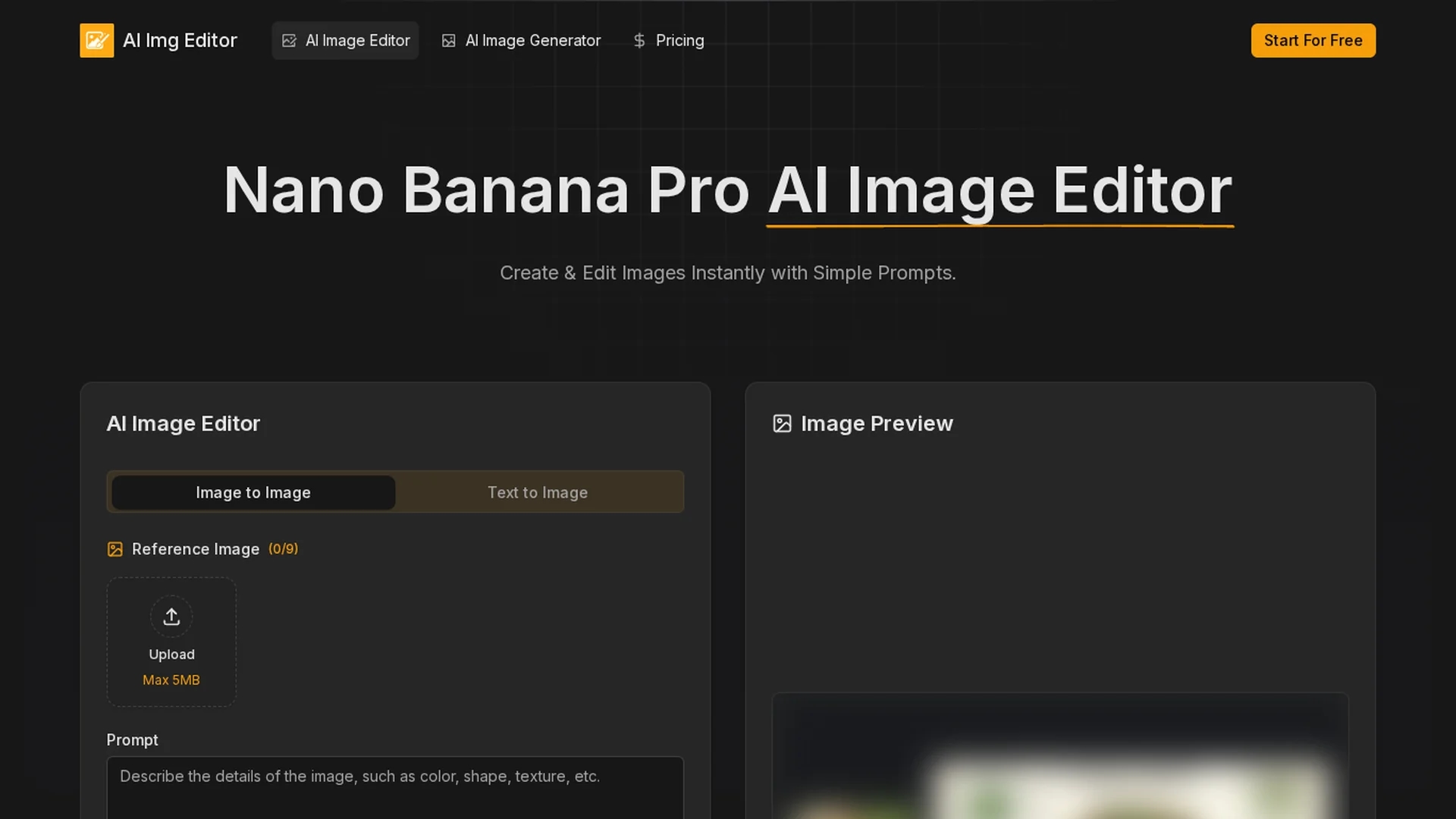
AI Image Editor.ai offers professional AI-powered image creation with precise text rendering, multi-image blending, and batch processing for efficient, high-quality visual content.
Disclaimer: Visionary Hub is not affiliated with, endorsed by, or the operator of this tool. All trademarks, logos, and content are the property of their respective owners. Full disclaimer available here
Key Features
Gemini 3 Pro
Advanced AI technology powering precise text and image editing.
Conversational Refinement
Allows iterative image improvements via natural language dialogue.
Aspect Ratio Support
Supports nine aspect ratios for versatile platform-ready visuals.
Professional Editing Suite
Includes lighting, object removal, and color grading tools.
Get Started
Share & Save
Share on Social Media
Why Choose AI Image Editor
High Text Accuracy:
Delivers 94% accurate text rendering for clear, professional visuals.Multi-Image Blending:
Blends up to 14 reference images maintaining style and character consistency.Batch Processing:
Enables efficient editing of large image sets with API integration.
Pricing
AI Image Editor offers a freemium pricing model with a free tier featuring limitations. Paid plans include Basic at $9.90/month, Pro at $19.90/month, and Max at $39.90/month. Pricing is subject to change; verify on the official pricing page.
About AI Image Editor
AI Image Editor.ai offers professional AI-powered image creation with precise text rendering, multi-image blending, and batch processing for efficient, high-quality visual content.
What AI Image Editor Does
AI Image Editor.ai provides advanced AI-driven image creation and editing capabilities, enabling users to generate and refine images with high precision and efficiency. It supports text rendering with 94% accuracy and blends multiple reference images seamlessly.
The tool features conversational refinement workflows allowing incremental adjustments through dialogue, supports nine aspect ratios, and offers batch processing and API access for large-scale operations. It produces production-ready images with professional-grade quality, including lighting transformations and object removal.
Ideal for marketing professionals, e-commerce teams, designers, and content creators, it streamlines workflows and reduces reliance on expensive photography or manual editing.
Pros & Cons
User-Friendly Interface
Intuitive design simplifies complex image editing tasks.
High-Quality Output
Produces photorealistic images with clean topology and textures.
Credit-Based Usage
Image generation consumes credits, which may limit free use.
Pricing Transparency
Pricing details are subject to change; users must verify current plans.
Frequently Asked Questions
It is an AI-powered image editor offering advanced features like multi-image blending and text rendering.
It offers a freemium model with Basic, Pro, and Max paid plans ranging from $9.90 to $39.90 per month.
Yes, it produces production-ready images suitable for commercial use.
Yes, it supports batch processing and API access for large-scale workflows.
The tool achieves 94% accuracy in rendering legible text in multiple languages.
Similar Tools You Might Like
Discover more AI-powered tools that complement your workflow
List Your AI Tool & Reach Thousands of Users
Join 500+ AI innovators already thriving on our platform. Get visibility, feedback, and boost your conversions.
Expand Your Audience
Connect with over 50,000 AI enthusiasts actively looking for tools like yours.
Boost Your Authority
Get verified reviews and ratings to build credibility in the AI marketplace.
Drive Conversions
Our premium placements and targeted audience deliver quality leads and sign-ups.