
AI Finder
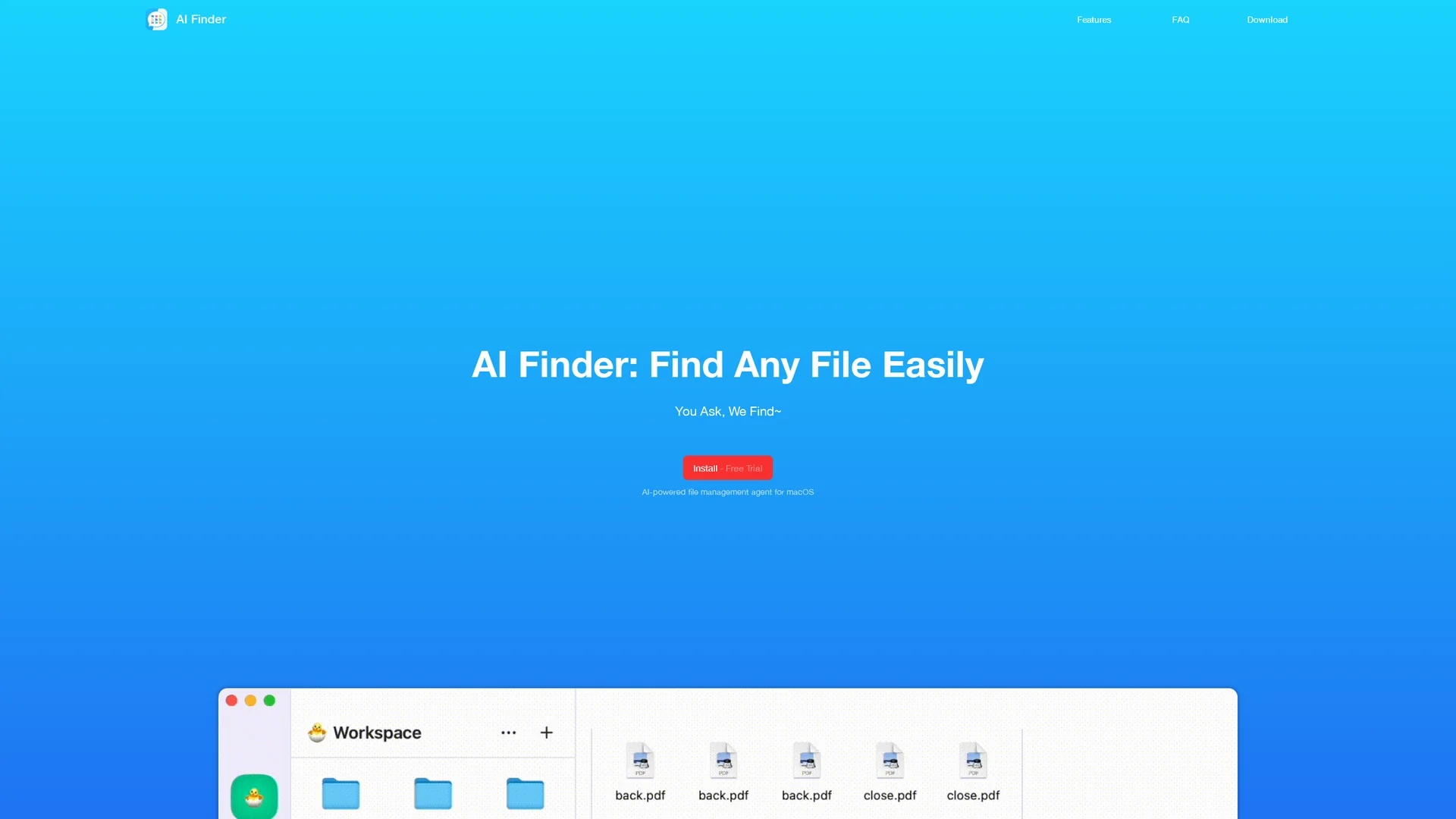
AI Finder uses natural language queries powered by OpenAI's GPT to efficiently locate files by keywords, content, tags, and more within a secure MacOS environment.
Disclaimer: Visionary Hub is not affiliated with, endorsed by, or the operator of this tool. All trademarks, logos, and content are the property of their respective owners. Full disclaimer available here
Key Features
Natural Language Queries
Allows intuitive file searching using everyday language.
Advanced Search Filters
Supports search by keywords, content, time, duplicates, sentences, and tags.
GPT Integration
Uses OpenAI's GPT to interpret queries and enhance search accuracy.
Sandboxed Security
Ensures file system access is limited to user-defined workspaces for privacy.
Get Started
Share & Save
Share on Social Media
Why Choose AI Finder
Natural Language:
Search files using simple, plain language queries without complex syntax.AI Assistance:
Leverages OpenAI's GPT to understand and process search requests intelligently.Privacy Focus:
Operates in a sandboxed environment ensuring local file analysis and data security.
Pricing
AI Finder offers a free trial via the App Store. The .dmg version requires an OpenAI key and is available under a perpetual license with a 30-day refund policy. For detailed pricing, visit the official site or App Store page.
About AI Finder
AI Finder uses natural language queries powered by OpenAI's GPT to efficiently locate files by keywords, content, tags, and more within a secure MacOS environment.
What AI Finder Does
AI Finder lets users search files and folders on MacOS using plain language queries, eliminating the need to remember file names or locations. It boosts productivity by simplifying file retrieval.
The tool supports searching by keywords, file content, creation or modification dates, duplicate detection, sentence matching, and tags. It integrates OpenAI's GPT to understand user queries and provide intelligent search results within user-defined workspaces.
Ideal for researchers, administrators, and content creators, AI Finder helps organize digital workspaces, locate important documents quickly, and manage storage by identifying duplicates.
Pros & Cons
User-Friendly
Simplifies complex file searches with natural language input.
Secure
Processes files locally without uploading data to the cloud.
MacOS Only
Available exclusively for MacOS users, limiting cross-platform use.
OpenAI Key Required
The .dmg version needs an OpenAI key for full functionality.
Frequently Asked Questions
AI Finder is a MacOS tool that uses AI to search files via natural language queries.
No, it operates in a sandbox and searches only within user-created workspaces.
No, all file analysis is performed locally on your device for privacy.
AI Finder is available exclusively for MacOS devices.
Yes, a free trial is available via the App Store and a 30-day refund policy applies to the .dmg version.
Similar Tools You Might Like
Discover more AI-powered tools that complement your workflow
List Your AI Tool & Reach Thousands of Users
Join 500+ AI innovators already thriving on our platform. Get visibility, feedback, and boost your conversions.
Expand Your Audience
Connect with over 50,000 AI enthusiasts actively looking for tools like yours.
Boost Your Authority
Get verified reviews and ratings to build credibility in the AI marketplace.
Drive Conversions
Our premium placements and targeted audience deliver quality leads and sign-ups.