
AI Canvas
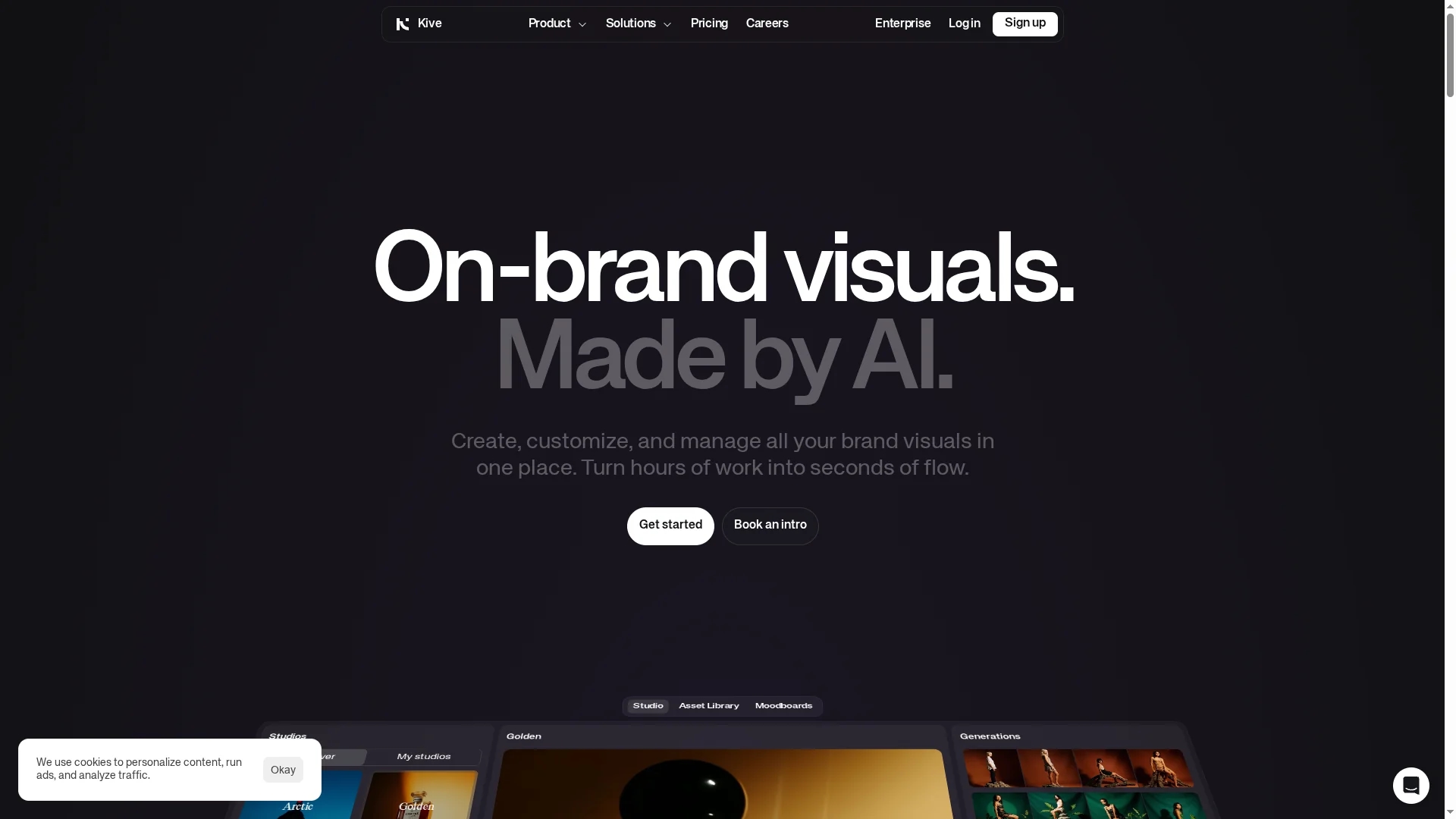
Kive AI Canva enables collaborative image creation with preset styles, text addition, element removal, and image extension, plus storyboard generation with detailed descriptions.
Disclaimer: Visionary Hub is not affiliated with, endorsed by, or the operator of this tool. All trademarks, logos, and content are the property of their respective owners. Full disclaimer available here
Key Features
Preset Styles
Offers multiple artistic styles for image creation.
Text Addition
Enables adding customizable text to images.
Element Removal
Removes unwanted objects from images seamlessly.
Image Extension
Extends images beyond original borders for larger canvases.
Get Started
Share & Save
Share on Social Media
Why Choose AI Canvas
Collaboration:
Supports team-based image creation and editing in real time.Versatile Editing:
Allows text addition, element removal, and image extension.Storyboard Tool:
Generates detailed storyboards with text descriptions and shots.
Pricing
For current prices, visit the official page at https://kive.ai/canvas.
About AI Canvas
Kive AI Canva enables collaborative image creation with preset styles, text addition, element removal, and image extension, plus storyboard generation with detailed descriptions.
What AI Canvas Does
Kive AI Canva enables teams to collaboratively create and edit images using a variety of preset artistic styles. Users can add text, remove unwanted elements, and extend images seamlessly beyond their original borders.
The tool supports storyboard generation by producing detailed text descriptions and shot sequences, aiding video production planning. Its features streamline creative workflows for social media graphics, marketing materials, and product design.
This AI tool is useful across industries such as marketing, filmmaking, graphic design, and content creation, enhancing visual storytelling and design efficiency.
Pros & Cons
Collaborative
Facilitates teamwork on image projects effectively.
Multi-Function
Combines image editing with storyboard generation.
Limited Pricing Info
No detailed pricing available on the homepage.
Developer Unknown
No clear developer or company information provided.
Frequently Asked Questions
It offers collaborative image creation, preset styles, text addition, element removal, image extension, and storyboard generation.
Pricing details are not provided on the homepage; visit the official site for current plans.
Yes, the tool supports collaboration for team-based image creation.
Yes, it generates storyboards with detailed text descriptions and shot sequences.
The developer information is not specified on the homepage.
Similar Tools You Might Like
Discover more AI-powered tools that complement your workflow
List Your AI Tool & Reach Thousands of Users
Join 500+ AI innovators already thriving on our platform. Get visibility, feedback, and boost your conversions.
Expand Your Audience
Connect with over 50,000 AI enthusiasts actively looking for tools like yours.
Boost Your Authority
Get verified reviews and ratings to build credibility in the AI marketplace.
Drive Conversions
Our premium placements and targeted audience deliver quality leads and sign-ups.