
3D House Planner
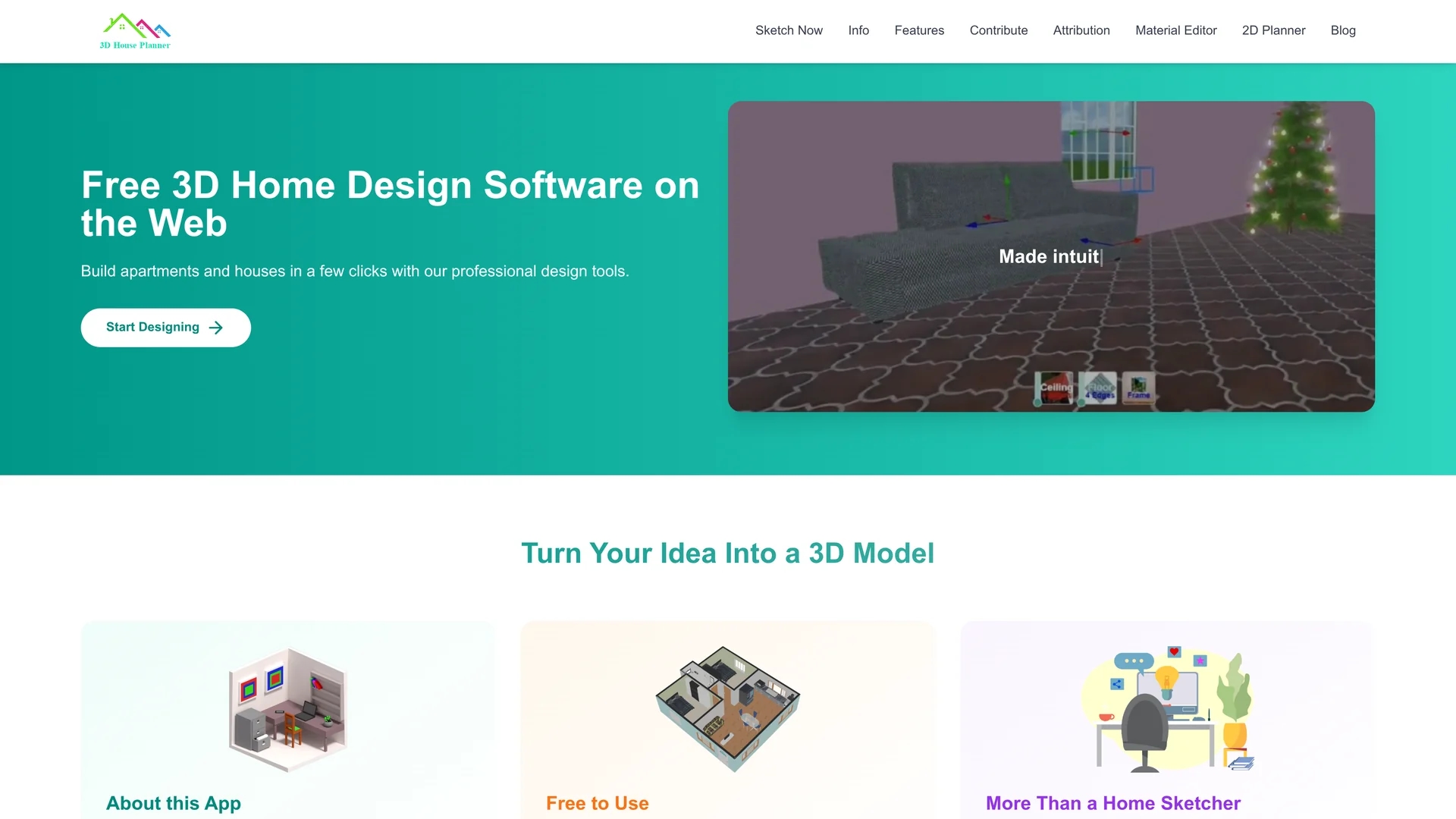
3D House Planner is a free web-based tool for creating detailed 3D home designs with intuitive controls and support for popular 3D formats and realistic textures.
Disclaimer: Visionary Hub is not affiliated with, endorsed by, or the operator of this tool. All trademarks, logos, and content are the property of their respective owners. Full disclaimer available here
Key Features
3D Model Support
Import and export GLB, GLTF, and OBJ formats for flexible workflow integration.
AI Floor Plan Conversion
Convert floor plan images into detailed 3D models with a single click.
PBR Textures
Apply physically based rendering materials for realistic visual effects.
Snapshot & Recording
Save project states locally with snapshot and recording capabilities.
Get Started
Share & Save
Share on Social Media
Why Choose 3D House Planner
Free Access:
Use the full toolset without any cost or registration requirements.Intuitive Design:
Create complex home layouts easily with simple, user-friendly controls.Privacy Focused:
No login or cloud storage ensures all designs remain private on user devices.
Pricing
3D House Planner is completely free to use with no registration required. Donations are accepted to support ongoing development.
About 3D House Planner
3D House Planner is a free web-based tool for creating detailed 3D home designs with intuitive controls and support for popular 3D formats and realistic textures.
What 3D House Planner Does
3D House Planner lets users design detailed 3D home layouts, including walls, floors, roofs, and frames, using simple clicks and intuitive controls. It benefits users by converting 2D floor plan images into accurate 3D models automatically.
The tool supports importing and exporting 3D models in GLB, GLTF, and OBJ formats, and provides a large library of PBR-standard textures and materials for realistic rendering. Users can save snapshots and recordings of their projects locally for secure management.
It is useful for professionals like architects, interior designers, and real estate agents to create immersive visualizations and collaborate on home design projects without installation or cloud storage.
Pros & Cons
No Installation
Fully web-based, accessible through any modern browser without setup.
High Customization
Extensive texture library and object catalog for personalized designs.
No Cloud Storage
Projects must be saved locally; no built-in cloud backup available.
Limited Collaboration
Lacks real-time multi-user editing features for team collaboration.
Frequently Asked Questions
Yes, it is completely free with no registration required.
It supports importing and exporting GLB, GLTF, and OBJ file formats.
Yes, you can upload floor plan images and convert them into 3D models automatically.
No login or account creation is required to use 3D House Planner.
No, projects are saved locally; the app does not provide cloud storage.
Similar Tools You Might Like
Discover more AI-powered tools that complement your workflow

List Your AI Tool & Reach Thousands of Users
Join 500+ AI innovators already thriving on our platform. Get visibility, feedback, and boost your conversions.
Expand Your Audience
Connect with over 50,000 AI enthusiasts actively looking for tools like yours.
Boost Your Authority
Get verified reviews and ratings to build credibility in the AI marketplace.
Drive Conversions
Our premium placements and targeted audience deliver quality leads and sign-ups.